
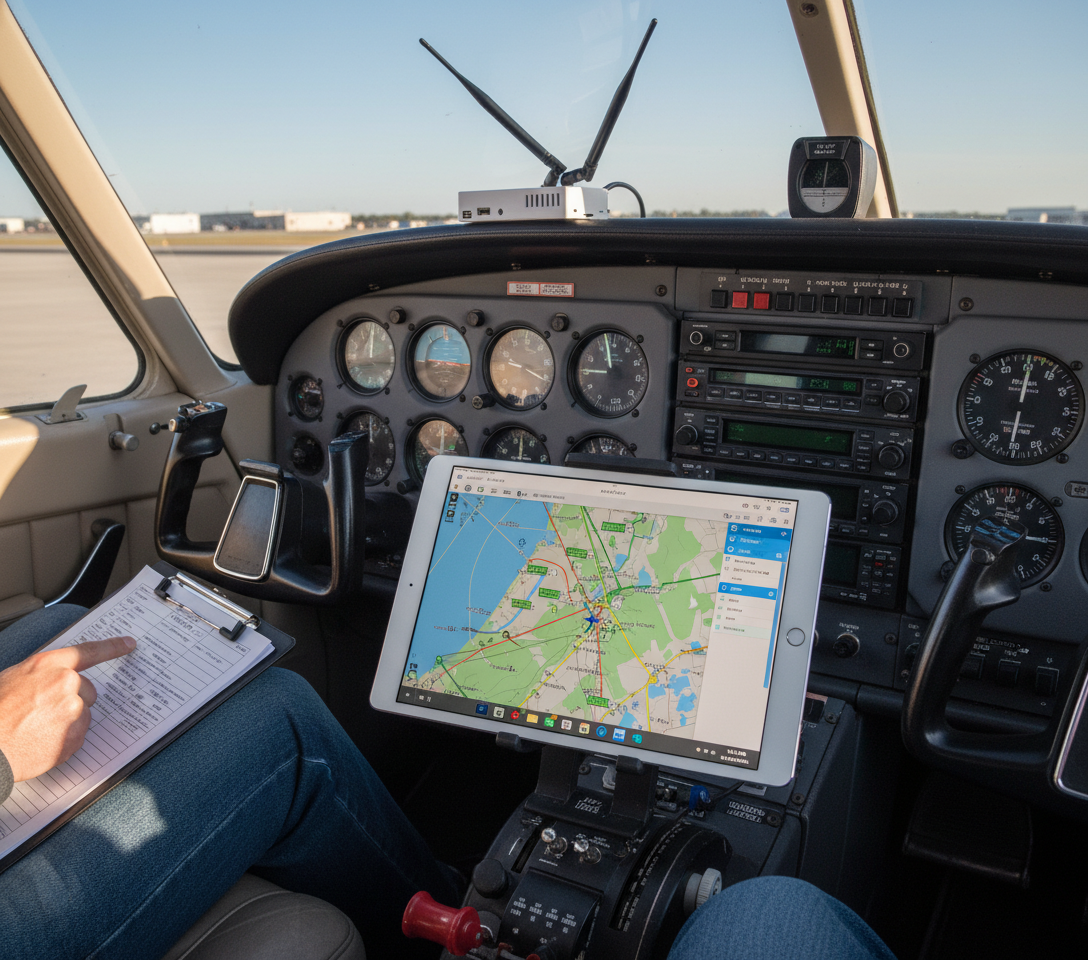
Stratux works with Garmin Pilot. Traffic, weather, and GPS — all the data a GDL 39 provides — streamed to Garmin Pilot over WiFi at a fraction of the cost. This guide walks through the complete setup so you’re flying with full situational awareness on your first flight.
What Stratux Gives Garmin Pilot
- ADS-B traffic: All equipped aircraft on 978 MHz (UAT) and 1090 MHz ES
- FIS-B weather: NEXRAD radar, METARs, TAFs, AIRMETs, SIGMETs, TFRs, PIREPs
- GPS position: Higher-accuracy position data from Stratux’s onboard u-blox GPS
- AHRS (if equipped): Pitch, roll, yaw for synthetic vision
A Garmin GDL 39 provides the same dataset. A GDL 39 retails for $599–$799 depending on variant. A Crew Dog Electronics Stratux unit covers both use cases for significantly less.
Step 1: Boot Stratux and Connect WiFi
Power on Stratux. Wait a full 90 seconds — the SDR radios and GPS need time to initialize. On your iPad: Settings → WiFi → connect to the Stratux network.
Default credentials:
- SSID: stratux
- Password: stratux1090
Verify by opening 192.168.10.1 in Safari. You should see the Stratux dashboard — GPS satellite count, SDR status, connected devices. If this loads, you’re connected correctly.
Step 2: Connect Garmin Pilot to Stratux
Open Garmin Pilot. Navigate to Settings → Connected Devices. Garmin Pilot will scan for compatible devices — Stratux should appear within 30 seconds. Tap to connect.
You’ll see status indicators for GPS, Traffic, Weather, and AHRS. All should show green when Stratux is transmitting normally.
If Stratux doesn’t appear: confirm iPad is still on Stratux WiFi, enable Local Network access for Garmin Pilot in iOS Settings → Privacy → Local Network, and force-quit/reopen the app.
Step 3: Verify Data in Garmin Pilot
Traffic
ADS-B traffic targets appear as aircraft symbols with relative altitude labels. Coverage: approximately 30nm and ±3,500ft altitude differential. Refresh rate is roughly once per second for nearby targets.
Weather
Enable NEXRAD in Garmin Pilot’s weather layer. ADS-B NEXRAD updates every 5 minutes — this is ground station uplink, not streaming radar. Coverage is excellent across the continental US; expect gaps in remote areas.
GPS
With Stratux connected, Garmin Pilot prefers the Stratux GPS over the iPad’s built-in GPS. The Stratux u-blox module is generally more accurate and faster to acquire cold starts.
Step 4: Enable Synthetic Vision (AHRS Units)
If your Stratux has an AHRS module: Maps → Layer Settings → Synthetic Vision. The map renders terrain in 3D perspective that tilts with your aircraft’s actual bank angle. This is what GDL 39 3D buyers pay the premium for.
Garmin Pilot Tips
Screen lock issue
Garmin Pilot occasionally drops Stratux connection when the iPad screen locks. Set Auto-Lock to Never during flight: Settings → Display & Brightness → Auto-Lock → Never.
Traffic alert thresholds
Adjust alert thresholds in Settings to match your flying — tighter for pattern work, wider for cruise. Defaults are conservative.
Device priority
If you fly with multiple connected devices, set Stratux as primary for GPS and weather in Garmin Pilot’s device priority settings to avoid conflicts.
Compatibility Notes
Garmin Pilot and Stratux have worked reliably since firmware 1.4. On firmware 1.6+, the GDL 39 emulation protocol is more complete, improving AHRS data transmission. Keep your Stratux firmware current — updates are available through the web interface at 192.168.10.1.
Bottom Line
Five minutes of setup gives you everything a GDL 39 delivers in Garmin Pilot. Traffic, weather, GPS, and synthetic vision from open-source hardware at a fraction of the commercial price. If you need a unit, browse the Crew Dog Electronics catalog — units ship ready to pair, no assembly required.