
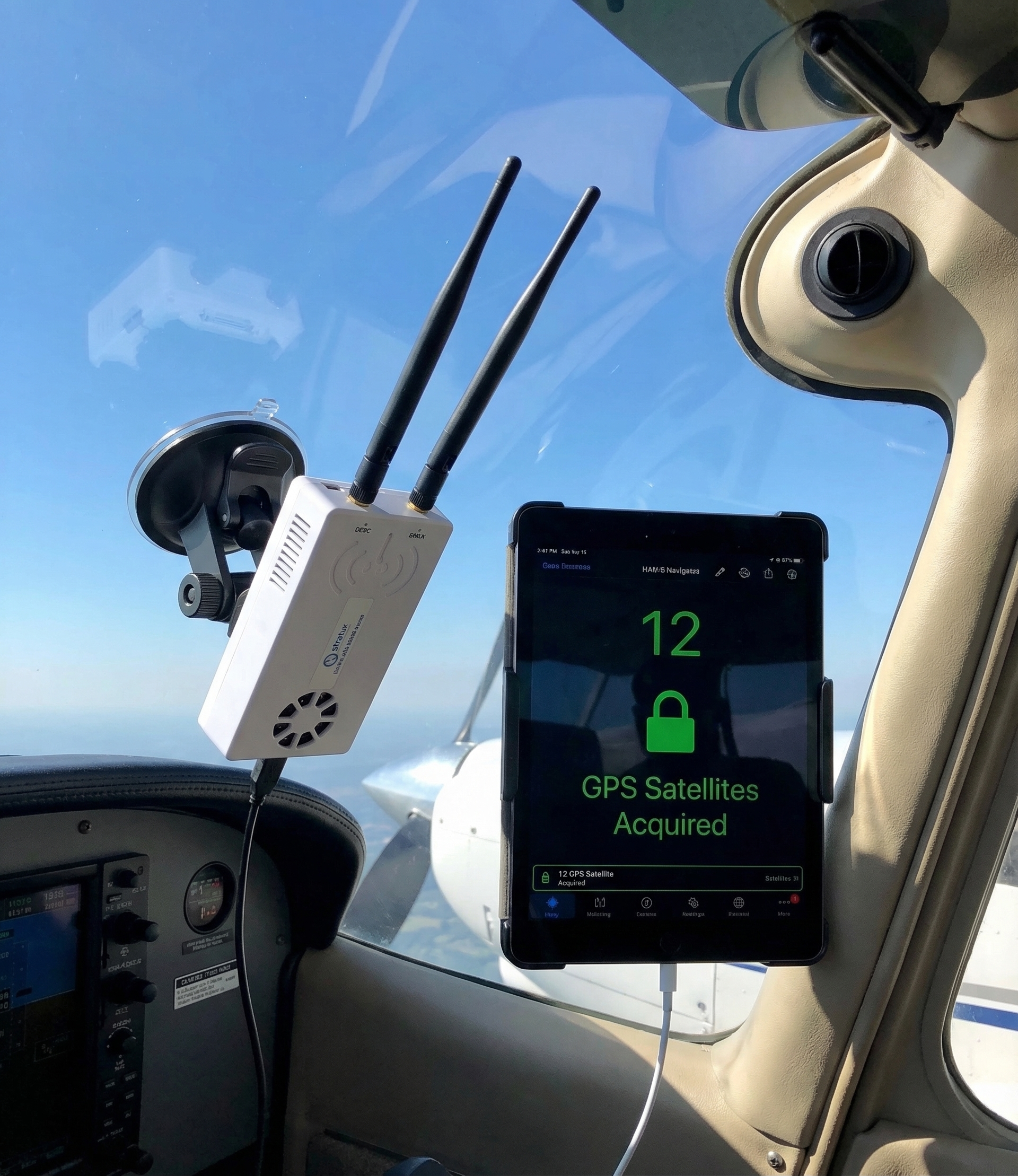
Stratux GPS should acquire a full fix within 2–5 minutes under open sky. If yours is taking 10+ minutes, or never locks indoors, or drops fix frequently in flight — something is wrong. This guide covers the common causes and fixes, in order of how often each occurs.
Understanding GPS Lock Types
The Stratux web interface (192.168.10.1) shows GPS status including number of satellites tracked and whether you have a 2D or 3D fix. What you need:
- 3D fix: At least 4 satellites, gives latitude/longitude/altitude — what you want for flight
- 2D fix: 3 satellites, gives position only — limited usefulness
- No fix: Fewer than 3 usable satellites — Stratux has no position data to share
“Satellites in view” is different from “satellites used.” A GPS may see 8 satellites but use only 5 because the others are low on the horizon or blocked. Check both numbers on the status page.
Fix 1: Get Outside or Near a Window
GPS signals don’t penetrate buildings well. If you’re testing Stratux indoors and getting no lock, that’s normal. Move near a window, or better, go outside. Modern GPS receivers can acquire indoors near windows, but it takes longer and the fix quality is lower.
For preflight setup: power Stratux on at the aircraft, not in the hangar. By the time you complete your preflight walk-around, it should have a solid fix.
Fix 2: Allow Full Cold Start Time
After power-off, the GPS module loses its ephemeris data (satellite position predictions) if it’s been off for more than a few hours. Without ephemeris, it must reacquire from scratch — a cold start. Cold starts take 2–12 minutes depending on sky visibility.
A warm start (powered off briefly, ephemeris still valid in memory) takes 30–60 seconds. A hot start (never powered off or powered off for less than an hour) takes under 10 seconds.
If you’re testing Stratux in a new location after shipping or storage, budget 5+ minutes for cold start. This isn’t a defect.
Fix 3: GPS Antenna Placement
The GPS receiver in Stratux needs to “see” the sky. If the unit is mounted face-down, placed in a bag under other equipment, or mounted near large metal surfaces that reflect or block signals, lock time increases significantly.
Best placement: flat, face-up, with the GPS receiver chip pointing skyward and no large objects above it. Glareshield mounting is excellent. Under the seat is poor.
Some builds add an external GPS antenna with an SMA connector for flexible positioning. If your Stratux supports an external antenna and placement is causing issues, an external antenna on the window or dash resolves it.
Fix 4: Check GPS Module is Recognized
Open the Stratux web interface at 192.168.10.1. On the main status page, you should see a GPS section showing satellite count. If it shows nothing, or if the GPS section doesn’t appear at all, the GPS module may not be recognized by the system.
Possible causes:
- GPS module plugged into wrong USB port (on multi-port Pi builds)
- GPS driver not installed (check Stratux firmware version — GPS support requires 1.4+)
- USB-to-serial adapter for GPS has failed
- GPS module itself has failed
Diagnosis: SSH into the Pi (if you have access) and run ls /dev/ttyUSB*. Your GPS should appear as a ttyUSB device. If it doesn’t show up, the OS doesn’t see the hardware.
Fix 5: Interference from SDR Dongles
RTL-SDR dongles can emit RF noise that interferes with GPS reception, especially on 1.5 GHz where GPS operates. This is more common with cheap, unshielded SDR dongles run at high gain settings.
Test: disable one or both SDR radios in Stratux settings and see if GPS locks faster. If it does, you have an interference problem. Fixes:
- Add ferrite chokes to USB cables between Pi and SDR dongles
- Reduce SDR gain settings (Stratux web interface → Settings → SDR Gain)
- Physical separation: route USB cables to place SDR dongles as far from the GPS module as practical
- Upgrade to a shielded GPS module with a metal ground plane
Fix 6: u-blox GPS Configuration Reset
The u-blox GPS modules used in most Stratux builds can have their configuration corrupted if power is cut during a configuration write. A corrupted configuration can cause the GPS to operate in a degraded mode — locking slowly or not maintaining fix.
Fix: power cycle the GPS module (power off Stratux completely, wait 30 seconds, restart). If the problem persists, a factory reset of the u-blox module using u-center (u-blox’s free configuration tool) may be necessary.
Fix 7: Failed GPS Hardware
GPS modules are generally very reliable, but they do fail — especially after mechanical shock or moisture exposure. If you’ve worked through fixes 1–6 and still have no GPS, the module may be defective.
u-blox GPS breakout boards are inexpensive — $10–20 on Amazon or AliExpress. Replacing the GPS module is straightforward: disconnect the old one, plug in the new one, reboot. No firmware changes required.
If you have a Crew Dog Electronics Stratux unit, contact us — we can diagnose and replace the GPS module if it’s failed.
Setting Realistic Expectations
- Cold start outdoors: 2–5 minutes typical
- Cold start indoors: 5–15 minutes, or no lock
- Warm start: 30–60 seconds
- Hot start: under 10 seconds
If your Stratux is within these ranges, GPS is working normally. If it’s well outside these ranges under open sky, work through the fixes above.