
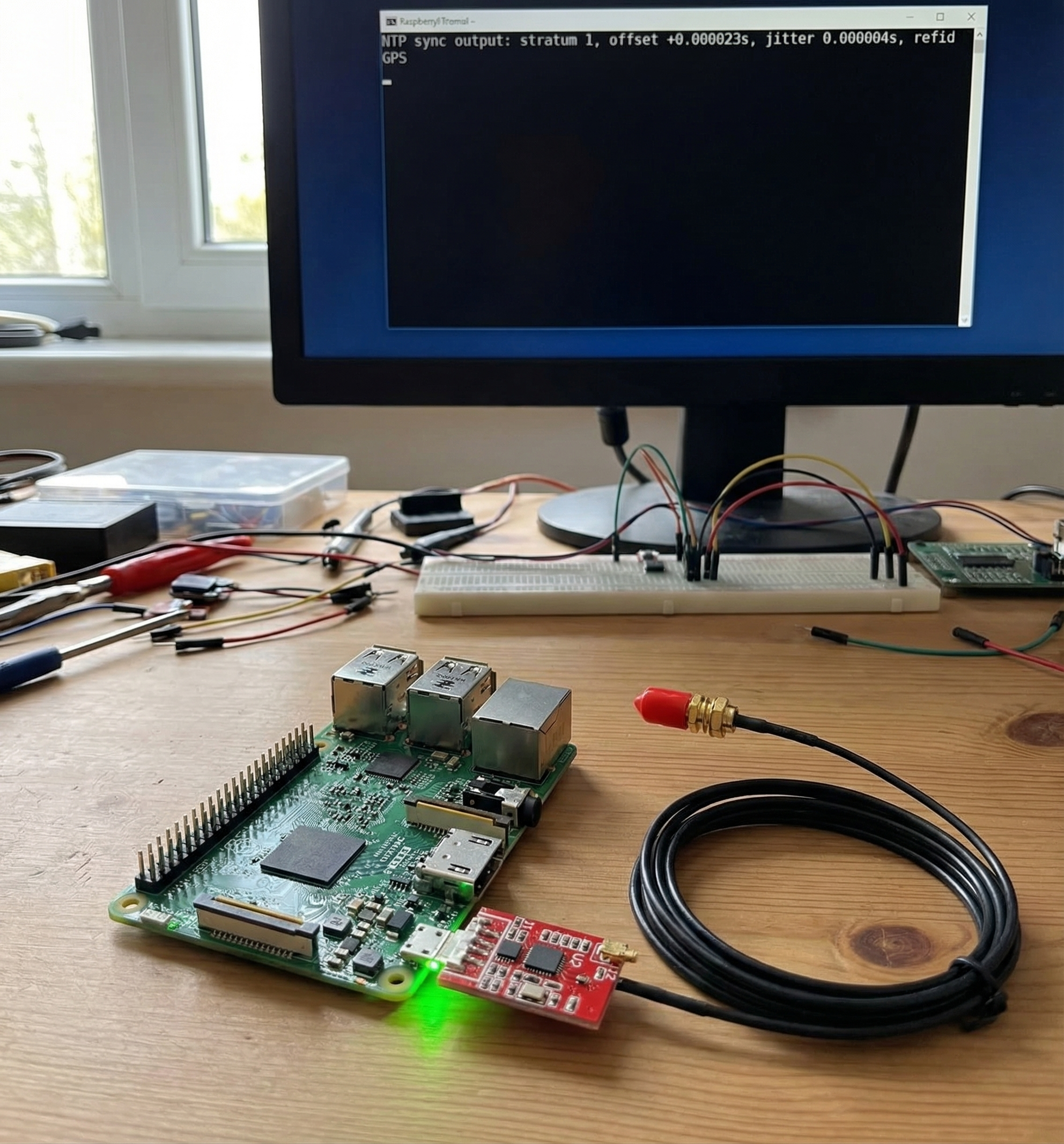
Your Raspberry Pi has no idea what time it is without an internet connection. The onboard clock drifts. If you’re running a homelab, doing ham radio APRS or FT8, or just want a reliable time source off the grid, you need real GPS time — not internet NTP.
The stack: a VK-162 USB GPS dongle feeds raw timing data to gpsd, which hands it off to chrony, which runs as a local Stratum 1 NTP server (adequate accuracy for LAN use — for sub-microsecond, you’d need PPS hardware). Every device on your network gets single-digit millisecond accuracy from GPS satellites. No internet required.
Yes, your $4 billion GPS constellation is now your Pi’s alarm clock. Setup takes about 10 minutes.
What You Need
- Raspberry Pi — any model with USB (3B, 3B+, 4, Zero 2W)
- VK-162 USB GPS dongle — u-blox chipset, plug-and-play on Linux, no drivers. Also available at Crew Dog Electronics.
- Raspberry Pi OS (Lite or Desktop — Debian-based)
- Sky view for the GPS: a window, or a USB extension to get the dongle closer to glass
Step 1: Install gpsd
gpsd reads raw NMEA data from your GPS and makes it available to other applications via shared memory.
sudo apt update
sudo apt install gpsd gpsd-clients -y
Plug in the VK-162 and find its device node:
ls /dev/ttyACM* /dev/ttyUSB* 2>/dev/nullVK-162 typically appears as /dev/ttyACM0 (CDC-ACM chipset) or /dev/ttyUSB0 (CP2102 variant). Note which one you see — use that in the config below.
Configure gpsd:
sudo nano /etc/default/gpsdSTART_DAEMON="true"
GPSD_OPTIONS="-n"
DEVICES="/dev/ttyACM0"
USBAUTO="true"Replace /dev/ttyACM0 with whatever appeared in your ls output. The -n flag tells gpsd to open the device immediately rather than waiting for a client — essential for chrony to get timing data at boot.
sudo systemctl enable gpsd
sudo systemctl start gpsd
Move the Pi near a window and verify:
cgps -sYou should see satellite data within 1–5 minutes. First fix after a cold start can take a few minutes depending on sky view. Once you see a valid latitude/longitude, gpsd is working.
Step 2: Install and Configure chrony
sudo apt install chrony -ysudo nano /etc/chrony/chrony.confAdd these lines at the top, before any pool entries. Then comment out or remove the default pool lines if you want GPS-only time (or keep them as internet fallback if you have connectivity):
# GPS via gpsd (NMEA — single-digit millisecond accuracy)
refclock SHM 0 refid GPS precision 1e-1 offset 0.9999 delay 0.2

# makestep: allow large clock steps on first 3 updates (handles stale Pi clock)
makestep 1 3

# Allow LAN clients to sync from this server
allow 192.168.0.0/24

# Comment out or remove these if using GPS-only (no internet):
# pool 0.debian.pool.ntp.org iburst
# pool 1.debian.pool.ntp.org iburst
About the offset value: 0.9999 is a temporary starting value that prevents chrony from immediately rejecting the GPS as a falseticker. After running for 10–15 minutes with a GPS fix, run:
chronyc sourcestatsLook at the Offset column for the GPS source. That’s your real measured offset — update the offset value in chrony.conf to match, then restart chrony. Typical USB GPS offset is 0.05–0.4 seconds.
sudo systemctl restart chronyStep 3: Verify the Time Source
chronyc sources -vOnce GPS has a fix and chrony has synced, you’ll see an asterisk next to the GPS source:
MS Name/IP address    Stratum Poll Reach LastRx Last sample
=============================================================
#* GPS                      0   4   377    11  +12ms[+11ms] +/- 95ms
The # means local reference, * means selected as primary. After offset calibration you’ll typically see single-digit milliseconds — vastly better than a drifting Pi clock with no reference at all.
chronyc trackingLook for Reference ID : GPS. That’s your Stratum 1 NTP server.
Step 4: Point LAN Clients at the Pi
Linux (chrony):
sudo nano /etc/chrony/chrony.conf
# Add:
server 192.168.0.X iburst prefer
Windows:
w32tm /config /manualpeerlist:"192.168.0.X" /syncfromflags:manual /reliable:YES /update
net stop w32time && net start w32time
w32tm /resync
macOS: The GUI no longer supports custom NTP servers easily. Use Terminal:
sudo sntp -sS 192.168.0.XCommon Issues
cgps shows no data / no fix
The VK-162 needs a clear sky view. Move it to a window, or run a USB extension cable to get the dongle closer to glass. Cold start (first fix after moving locations) takes 2–5 minutes.
GPS appears in sources but no asterisk
Chrony is conservative about promoting a new source. Give it 10–15 minutes after first GPS fix. If it still won’t select GPS, confirm cgps -s shows a valid fix and that gpsd is running (systemctl status gpsd).
gpsd not starting after reboot
USBAUTO="true" handles USB enumeration timing. If gpsd still starts before the device appears, add a ExecStartPre=/bin/sleep 3 line to the gpsd systemd unit override.
Ham Radio Use Cases
GPS time sync earns its keep in digital modes that depend on precise timing:
- FT8 / WSJT-X: Requires system clock within ±1 second (±0.5s recommended for reliable decoding). A drifting Pi clock breaks FT8 off-grid. GPS fixes this permanently.
- APRS with Direwolf: Accurate position timestamps and beacon timing. See our VK-162 APRS setup guide for the full Direwolf stack.
- WSPR: Transmission windows are 2-minute aligned — GPS keeps you on the correct window without internet dependency.
The Hardware
The VK-162 USB GPS uses a u-blox 7 chipset — well-supported by gpsd, plug-and-play on any Debian-based Linux, no driver installation needed. Plug it in, /dev/ttyACM0 or /dev/ttyUSB0 appears, done.
A note on accuracy: USB GPS over NMEA gives you single-digit millisecond accuracy after offset calibration. That’s more than adequate for NTP, FT8, APRS, and general homelab time sync. If you need sub-microsecond accuracy (financial systems, precision test equipment), you’d need a GPS module with a PPS output wired to a GPIO pin — a different project and a different class of hardware.
Summary
- Install gpsd, configure
/etc/default/gpsdwith your device path and-nflag - Install chrony, add
refclock SHM 0withmakestep 1 3and yourallowsubnet; calibrate the offset after first run - Verify with
cgps -s(GPS fix) andchronyc sources(GPS selected with asterisk) - Point LAN clients to the Pi’s IP — your $15 GPS dongle is now a Stratum 1 NTP server