What ADS-B Weather Actually Shows Pilots (NEXRAD, METARs, PIREPs)
ADS-B weather is free, it’s in the cockpit, and most GA pilots still don’t fully understand what it’s showing them. Not all ADS-B weather is the same, not all of it updates at the same rate, and some of it can get you into trouble if you misread the latency. Here’s a clear breakdown of what you’re actually looking at.
How ADS-B Weather Works
The FAA’s ADS-B network broadcasts weather data on 978 MHz (UAT) as part of the FIS-B (Flight Information Services-Broadcast) data bundle. Ground stations throughout the US uplink weather products into the broadcast stream. Any ADS-B In receiver — including Stratux — captures this and makes it available to EFB apps like ForeFlight®, Garmin Pilot, and WingX.
The critical point: this is a broadcast, not a two-way link. You receive what’s being broadcast in your area. Your aircraft doesn’t request data, and the system doesn’t know you’re there. Coverage depends on being within range of ADS-B ground stations — generally below 18,000 feet across most of the continental US and Canada (CIFIB towers).
NEXRAD Radar
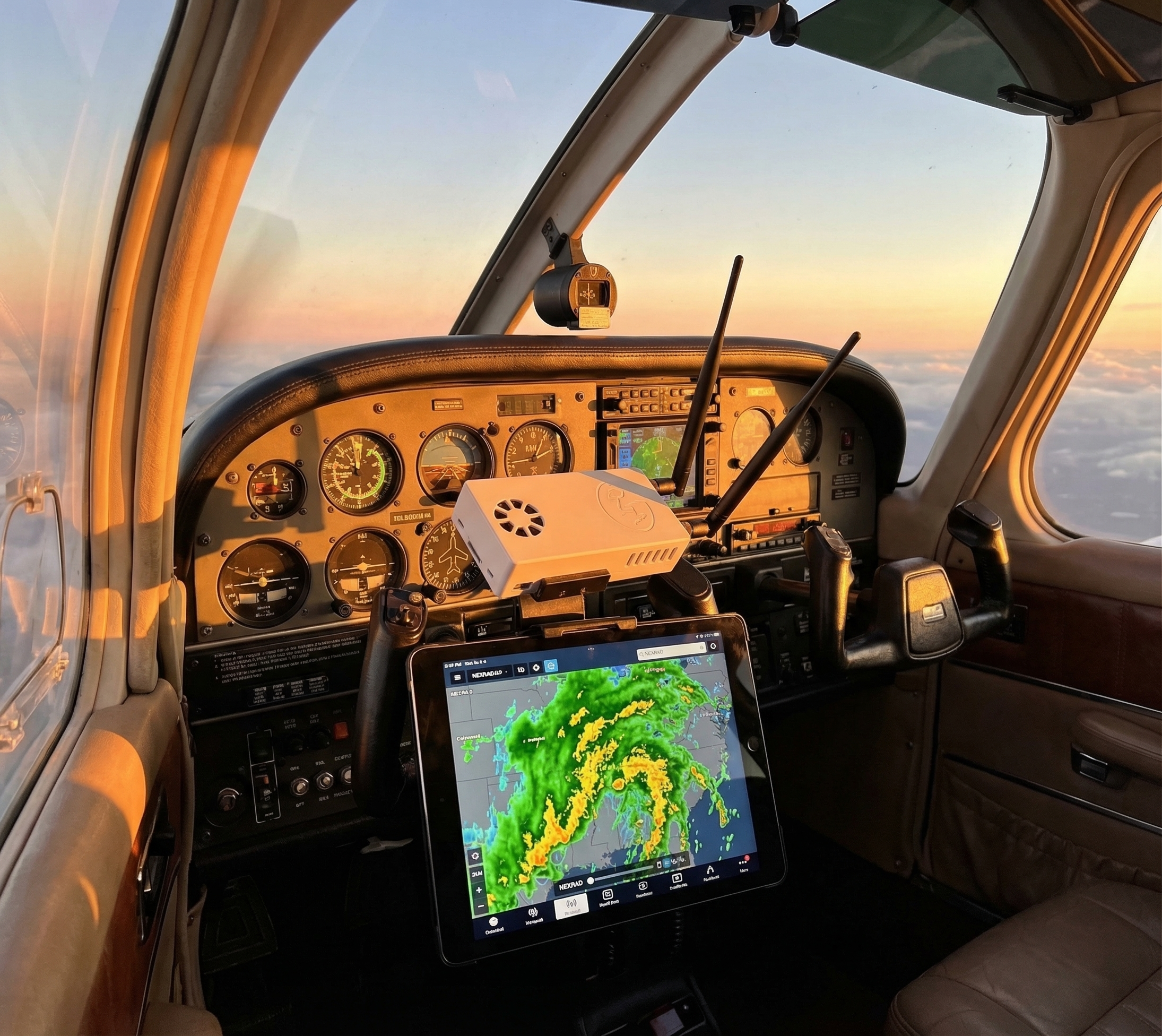
The most-used FIS-B product. ADS-B NEXRAD shows precipitation intensity as the familiar green/yellow/red radar mosaic. What pilots often miss:
Update rate: every 5 minutes
ADS-B NEXRAD updates every 5 minutes. The image you’re looking at could be up to 5 minutes old. A fast-moving convective line moves roughly 1 mile per minute. By the time you see updated radar, that cell has moved 5 miles. Always treat ADS-B radar as historical data, not real-time. Use it for strategic decisions (routing, go/no-go), not tactical last-second maneuvering.
Composite vs. tilt
ADS-B NEXRAD is composite reflectivity — it shows the maximum return across all radar tilt angles. This is conservative (it shows the worst of the storm) but it means you can’t see storm structure the way you can with SiriusXM weather’s multi-tilt data. A cell that looks solid red on ADS-B composite might have a low-level weak spot — or it might not. Don’t try to thread the needle based on composite reflectivity alone.
Latency labeling
ForeFlight and Garmin Pilot show a timestamp on the radar image. Glance at it before making weather decisions. If it says “12 minutes ago,” the data is stale beyond the normal 5-minute cycle, which suggests a reception gap. Factor that in.
METARs and TAFs
FIS-B broadcasts METARs (current observations) and TAFs (terminal forecasts) for airports within your region. These update every time the actual weather observation updates — typically hourly for routine METARs, more frequently for SPECIs (special observations when conditions change rapidly).
What you can do with in-cockpit METARs that you can’t do with pre-flight briefing METARs: see current conditions at your destination while still enroute. An airport that was 3,000 broken at departure might be OVC 800 by arrival. In-cockpit METARs give you that real-time picture.
TAFs are longer-range forecasts (typically 24 hours for most airports, 30 hours for high-traffic airports). They’re useful for planning fuel stops and alternates during longer flights.
AIRMETs and SIGMETs
FIS-B broadcasts AIRMETs (Airmen’s Meteorological Information) and SIGMETs (Significant Meteorological Information) as text and graphical products.
AIRMETs cover:
- Sierra (IFR conditions, mountain obscuration)
- Tango (turbulence, strong surface winds)
- Zulu (icing, freezing level)
SIGMETs are more severe: convective activity, volcanic ash, tropical cyclones. Pay attention to these — they’re not routine. If you’re flying through an active SIGMET area, you should have a plan.
Both products display as graphical overlays in ForeFlight and Garmin Pilot, making it easy to see affected airspace on the map.
PIREPs (Pilot Reports)
PIREPs are real-world observations from other pilots currently in the system. They’re one of the most valuable FIS-B products because they reflect actual in-flight conditions, not modeled or forecast data.
What to look for:
- Turbulence reports: Light, moderate, severe, extreme — with altitude and aircraft type
- Icing reports: Trace, light, moderate, severe — with altitude and temperature
- Sky cover: What other pilots saw on approach or departure
Limitation: PIREPs are only as good as what other pilots report. Sparse traffic areas have sparse PIREPs. A clean PIREP board doesn’t mean smooth air — it might mean nobody’s flying that route today.
TFRs (Temporary Flight Restrictions)
FIS-B broadcasts active TFRs. Your EFB displays them as shaded airspace. This is one of the most practically useful FIS-B products — seeing a TFR appear on your moving map while enroute lets you divert before becoming an inadvertent violation. Check TFRs during preflight AND monitor them in flight, especially near major events or presidential movements.
What ADS-B Weather Is Not
It’s not real-time streaming radar. SiriusXM satellite weather is closer to real-time (about 1-minute updates), has better coverage in mountainous and remote areas, and costs $50+/month. ADS-B weather is free but has the 5-minute NEXRAD latency and ground-station coverage limitations.
It’s not a replacement for a thorough preflight briefing. The FAA requires a weather briefing before IFR flight for a reason. ADS-B weather is an enroute tool, not a substitute for flight service or ATIS/D-ATIS.
Getting ADS-B Weather in the Cockpit
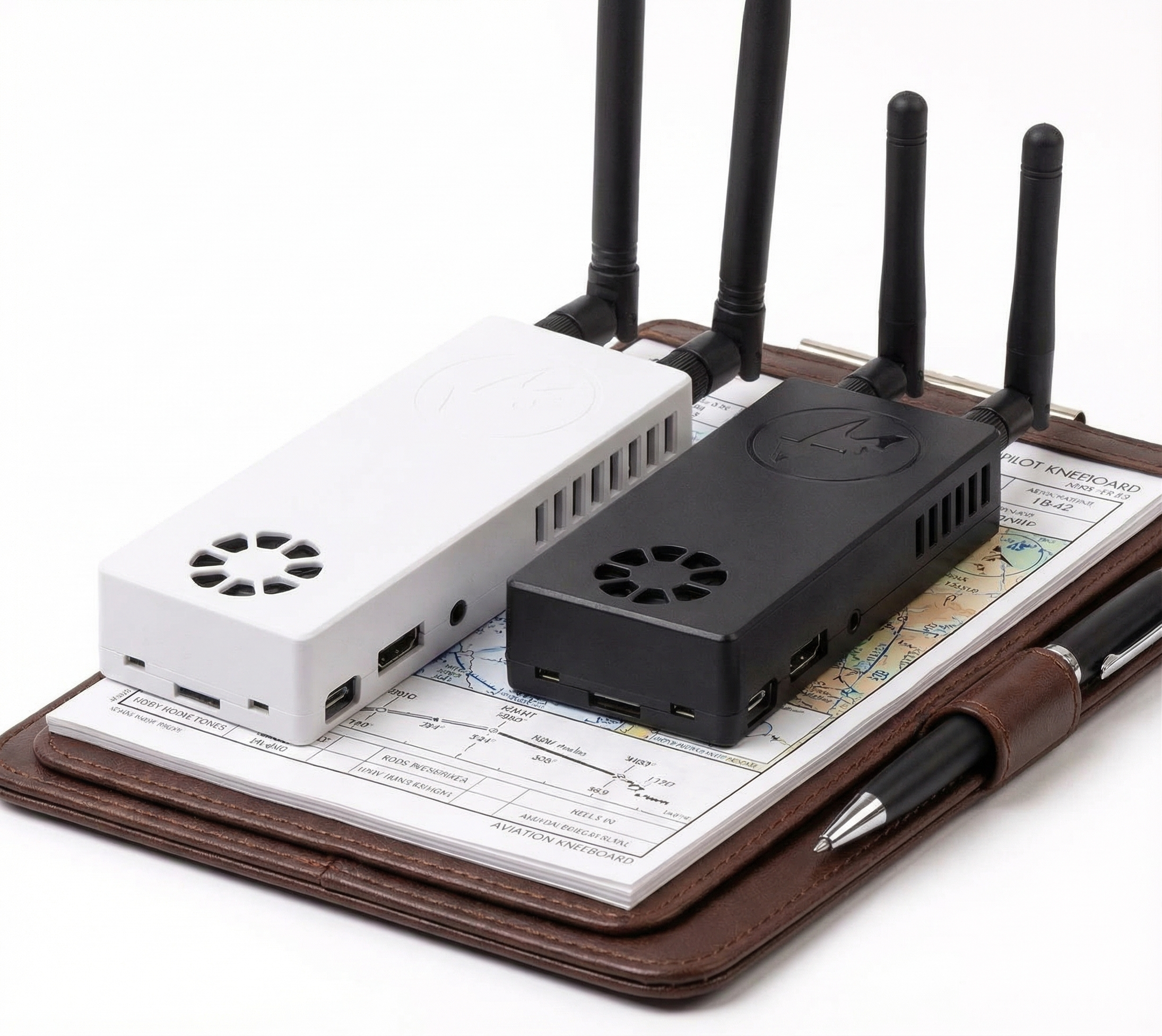
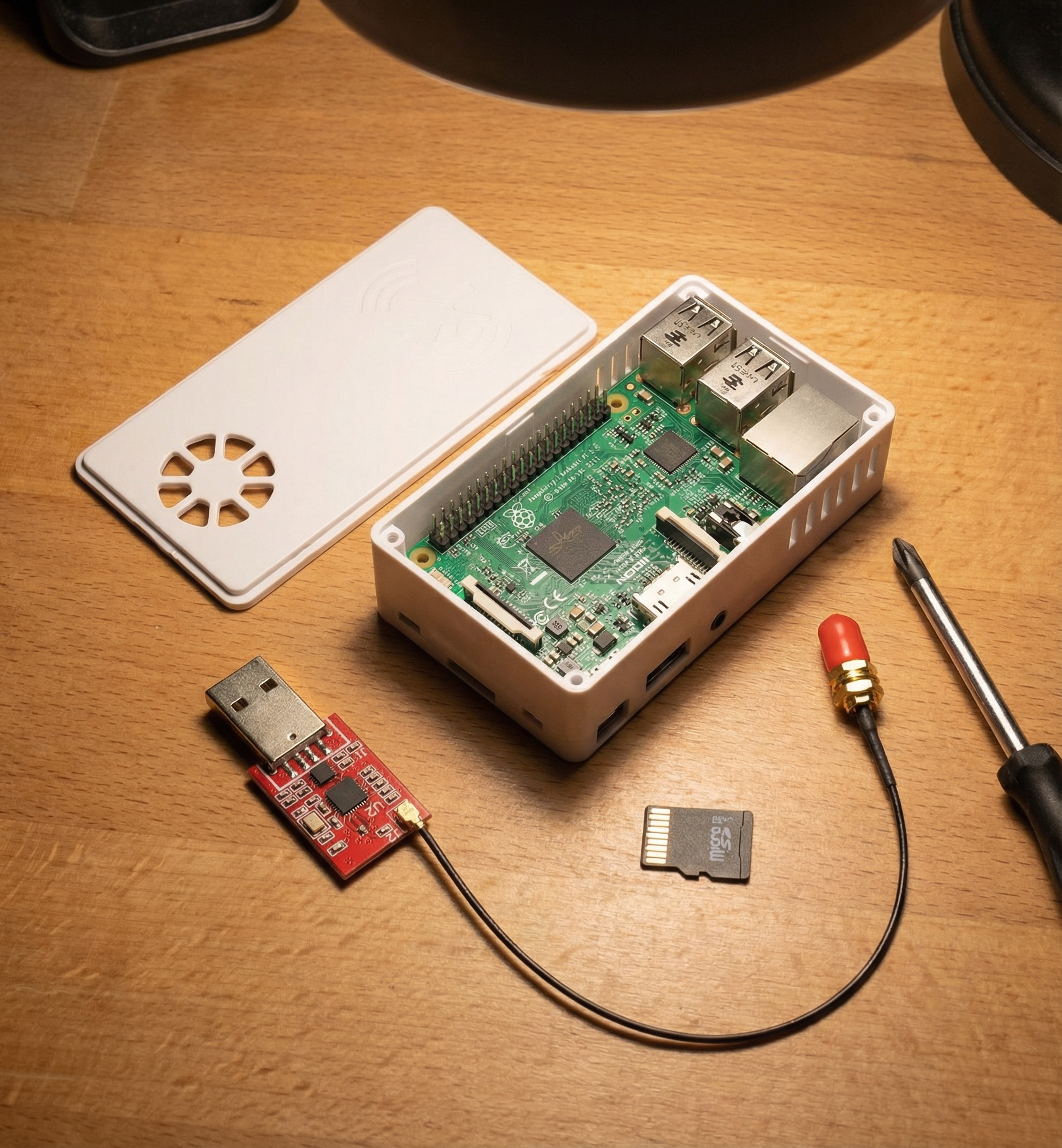
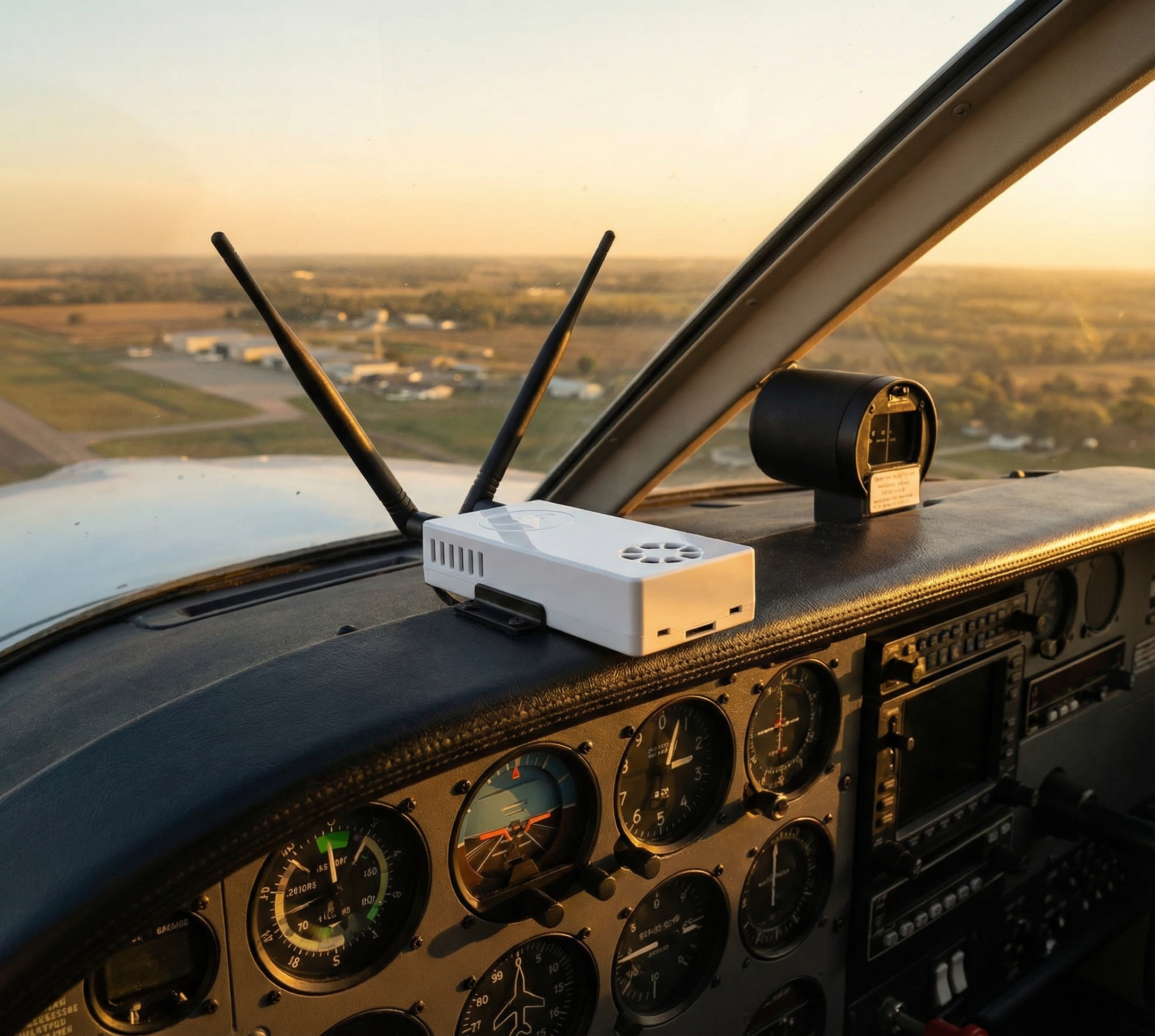
You need an ADS-B In receiver. Stratux is the open-source option — it receives both 978 MHz UAT (where FIS-B data lives) and 1090 MHz ES (traffic), then sends everything to your iPad over WiFi. The Stratux receiver from Crew Dog Electronics handles both bands and pairs with any major EFB app.
Bottom Line
- ADS-B NEXRAD: 5-minute update rate — strategic tool, not tactical
- METARs/TAFs: real-time observations — use them for destination updates enroute
- PIREPs: real pilot reports — the best turbulence and icing data you’ll get
- AIRMETs/SIGMETs: don’t ignore these — they’re issued for a reason
- TFRs: check them, then check them again while airborne