
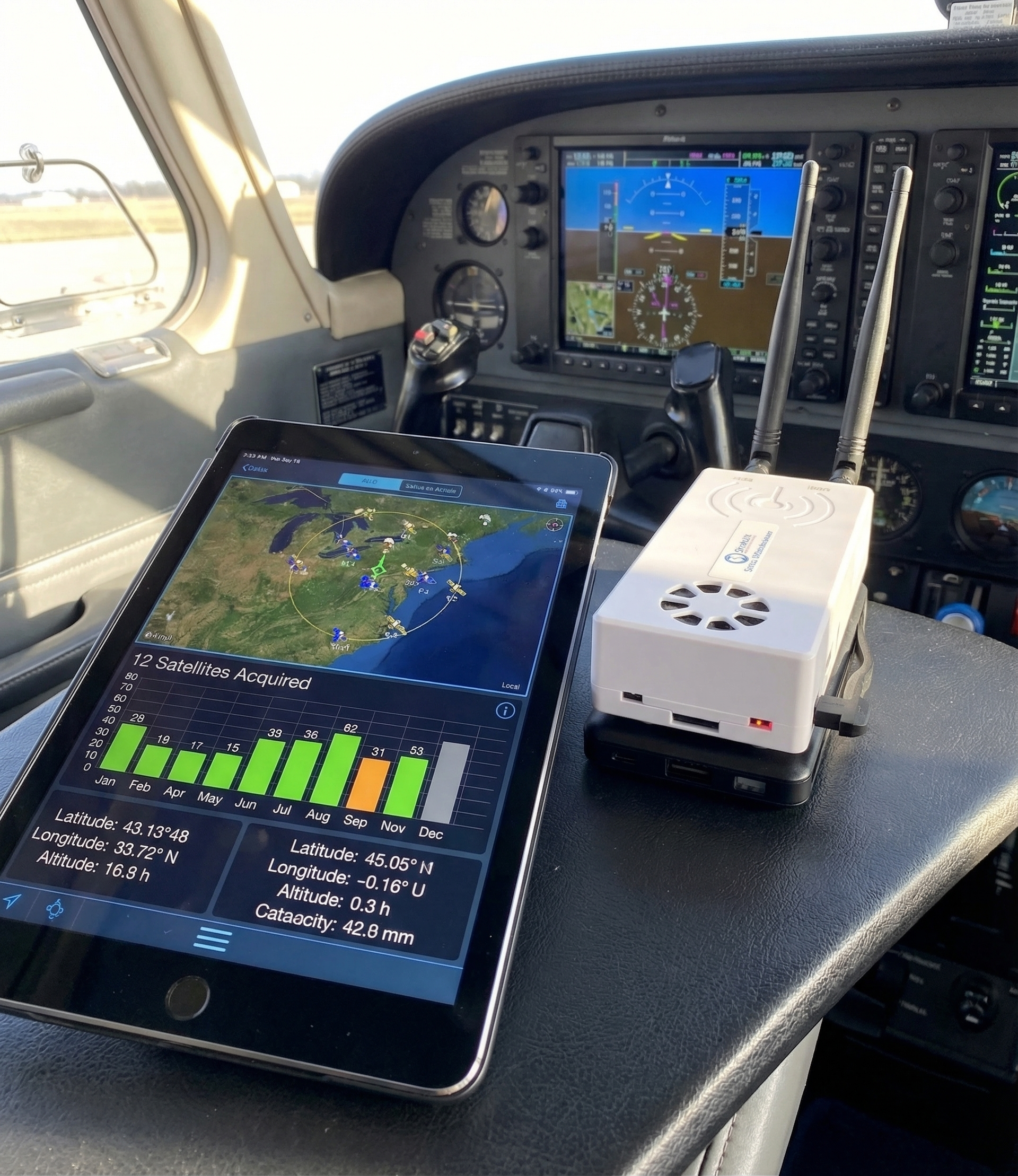
Problem 1: iPad Keeps Disconnecting from Stratux Wi-Fi
This is the most common complaint, and it has a completely fixable cause.
Root Cause A — Screen Dimming and Auto-Lock
When your iPad screen dims or auto-locks, iOS aggressively manages Wi-Fi connections to save battery. If Stratux Wi-Fi isn’t actively transferring data when the screen goes dark, iOS can drop the connection.
Fix: During flight, disable auto-lock. Go to Settings → Display & Brightness → Auto-Lock → Never. This is a pre-flight habit, not a hardware issue.
Root Cause B — 2.4 GHz Interference
Crowded airports, FBOs, and some cockpit setups have RF noise on 2.4 GHz. Stratux broadcasts on 2.4 GHz by default.
Fix: Make sure your iPad is only connected to the Stratux network — not simultaneously trying to reconnect to a nearby airport or FBO Wi-Fi. Forget any competing networks before flight. On some setups, repositioning Stratux closer to the iPad makes a measurable difference in connection stability.
Root Cause C — USB Power Issue Causing Intermittent Reboot
If Stratux is rebooting mid-flight, your iPad will lose the connection and reconnect each time. You might not notice the reboot if you’re heads-down.
Fix: Check your power supply. The Raspberry Pi 4 can draw up to 3 amps at peak. Cheap USB cables and underpowered battery banks cause undervoltage events that restart the Pi silently. Use a quality cable and a battery bank rated at 3A output or higher.
Problem 2: GPS Won’t Lock
If Stratux is showing “No GPS Fix” or it takes more than 5 minutes to lock, these are the usual suspects.
Root Cause A — The GPS Module Can’t See the Sky
USB GPS dongles (including the VK-162) need a clear view of the sky to acquire satellites. Inside a metal-roofed cockpit or under an instrument panel, you might only have a partial sky view.
Fix: Position the GPS module near a window — even touching the windscreen works. If you’re getting intermittent locks only in certain seat positions, that’s your diagnostic. For a permanent solution, a remote-mount antenna with an SMA extension cable lets you position the antenna puck on the glareshield where it has a full sky view.
Root Cause B — Cold Start After Long Storage
After weeks without use, the GPS module has lost its last-known satellite positions. First lock after a long break can take 3–5 minutes.
Fix: Power on Stratux while you’re still in the pattern, not in the run-up area. Let it acquire satellites during preflight — by the time you’re taxiing, it’ll have a fix.
Root Cause C — gpsd Not Running on the Stratux
Occasionally the GPS daemon on Stratux doesn’t start correctly after boot.
Fix: Open the Stratux web interface (go to 192.168.10.1 in your browser while connected to Stratux Wi-Fi). Check the GPS status indicator. If it shows “No GPS” even after several minutes outside with sky view, do a soft-reboot via the web UI and let it restart fully.
Problem 3: Not Seeing ADS-B Traffic
Before assuming something’s broken, it’s worth understanding what “no traffic” can mean.
Root Cause A — You’re Outside UAT Tower Coverage
Stratux receives two ADS-B frequencies: 1090 MHz (ES, aircraft-to-aircraft worldwide) and 978 MHz (UAT, US only, requires FAA towers). UAT weather and ground-based traffic rebroadcast only work within range of a tower.
Fix: If you’re flying VFR cross-country and you lose FIS-B weather and UAT traffic, you may have simply left a tower’s footprint. This is normal. 1090 ES traffic from aircraft transponders will still display — those are direct aircraft-to-aircraft, no towers needed.
Root Cause B — Traffic Layer Not Enabled in Your EFB
Every EFB has its own layer controls. Traffic doesn’t show up by default on all of them.
Fix: In ForeFlight®: tap Maps → Layers → Traffic and make sure it’s toggled on. In Garmin Pilot: check the map settings for the traffic overlay. If you can see the Stratux in your EFB’s “Devices” or “Connected” section but traffic isn’t showing, it’s almost always a display layer setting.
Root Cause C — SDR Dongle Not Seated Correctly
The software-defined radio dongle that receives ADS-B signals has a USB connection that can come loose during turbulence or from handling.
Fix: Open the Stratux web interface and check the ES and UAT receive counts. If both are zero and you know you’re in range of traffic, power Stratux down, reseat both SDR dongles, and restart. A quick tug-and-reseat fixes this 90% of the time.
Problem 4: Stratux Shows GPS Fix But No Traffic in ForeFlight
This one trips up a lot of pilots. The connection looks established, but ForeFlight® only shows attitude (synthetic vision) — not traffic or weather.
Root cause: ForeFlight® connected in AHRS-only mode. Some GDL 90 devices have a handshake sequence — ForeFlight® can connect to Stratux and receive AHRS data before the traffic stream fully initializes.
Fix: Check the Stratux web UI. Look at the ES and UAT receive counts — they should be incrementing if there are aircraft in your area. If counts are climbing but ForeFlight® still shows no traffic, close and reopen the ForeFlight® app while staying connected to Stratux Wi-Fi. This forces it to re-initialize the full GDL 90 data stream.
Problem 5: Stratux Works, Then Stops Mid-Flight
Root Cause A — Heat
The Raspberry Pi 4 will throttle and eventually restart if it gets too hot. In direct sunlight on a glareshield, it can hit thermal limits in under 30 minutes.
Fix: Keep Stratux out of direct sun. Under a seat, on a console, or anywhere with airflow and shade works. If your aircraft runs hot in the cabin, a small USB fan aimed at the Stratux vents can help. The case is designed for airflow — don’t block it.
Root Cause B — Power Supply Under Load
Cold weather, long flights, and power-hungry USB accessories can push your battery bank to its limits.
Fix: Check the Stratux web interface for any undervoltage warnings. If you’re seeing intermittent restarts on longer flights, upgrade to a higher-capacity battery bank and verify your USB cable is rated for 3A.
When Nothing Works
If you’ve worked through all of this and something’s still broken, you’re not out of options.
The Stratux community is active and well-documented. The GitHub issues page has solutions for edge cases that would take hours to find elsewhere. The Discord community has pilots and builders who’ve seen most failure modes.
And because every component in Stratux is replaceable, a hardware failure is never a total loss. SDR dongles, GPS modules, Raspberry Pi boards, and cases are all available separately. If the GPS fails, you replace the GPS — not the whole unit.
Replacement parts and accessories are available at our Amazon store if you need them.
Still stuck? Leave a comment below. We read everything and answer the ones we can.