
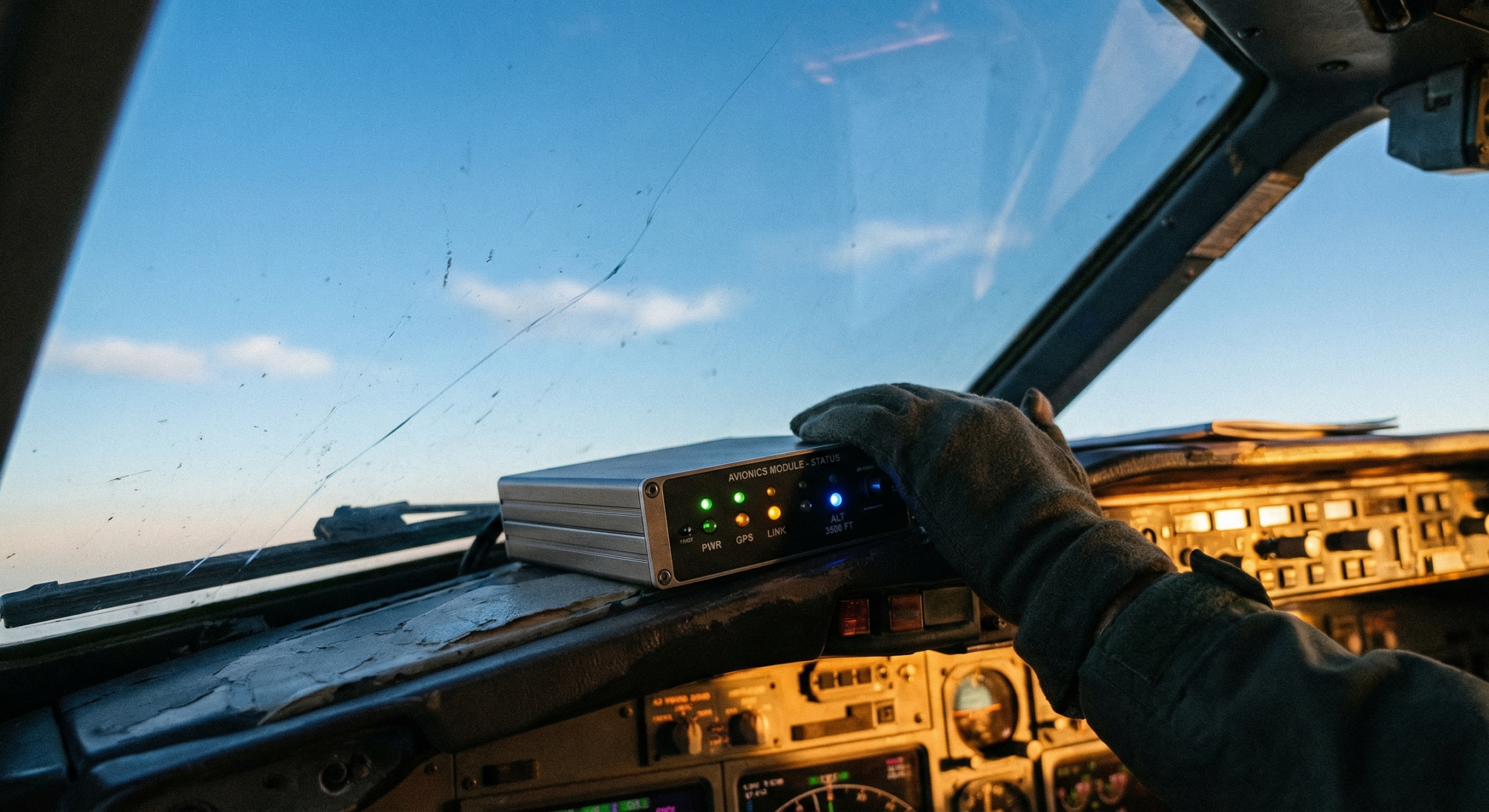
You power it on. A light blinks. Then another. Then… nothing connects. Sound familiar?
The Stratux LED indicators are not decoration — they’re a real-time status readout baked into every unit. Once you know what each one means, you can diagnose most issues before you ever open a browser tab or touch a settings page. This guide walks you through the full LED layout, a healthy boot sequence, and the most common problem states pilots run into.
The LED Layout — What Each Light Represents
Depending on which version of the Stratux you have, you’ll see either four or five LEDs along the side or top of the case. Each one maps to a specific subsystem:
- GPS — Satellite lock status via the VK-162 WAAS-enabled receiver
- UAT (978 MHz) — The CC1310 radio listening for traffic and weather on the UAT frequency (used widely in the US)
- 1090ES — The RTL-SDR radio listening for Mode S/ADS-B Out transponder squawks from commercial and GA traffic
- WiFi — Whether the Stratux hotspot is up and handing out IP addresses
- System / Heartbeat — Overall health of the underlying Raspberry Pi OS (some builds show this as a slow pulse)
The lights aren’t labeled on the case itself — that’s a common point of confusion. The order above matches the standard Stratux LED sequence from top to bottom (or left to right, depending on case orientation). Once you’ve seen a normal boot a few times, the pattern becomes second nature.
Normal Boot Sequence — What a Healthy Startup Looks Like
A clean Stratux boot takes roughly 60–90 seconds from the moment you apply power. Here’s what you should see, step by step:
- All LEDs briefly illuminate — This is the power-on self-test. Lasts about a second. All lights coming on together is a good sign; it means the Pi is alive and the software is loading.
- Lights go dark, then begin sequencing — The OS is booting. You’ll see individual LEDs flicker as each subsystem initializes. This is normal. Don’t panic if things look chaotic for the first 30 seconds.
- WiFi LED goes solid — The Stratux hotspot is up. At this point you can connect your iPad or tablet to the “Stratux” network and open ForeFlight® (or your EFB of choice).
- UAT and 1090ES LEDs go solid — Both radios are listening. The CC1310 and RTL-SDR are running and scanning their respective frequencies.
- GPS LED blinks, then goes solid — The VK-162 is searching for satellites. Outdoors with a clear sky view, expect a solid lock within 60–90 seconds. Indoors or in a hangar, this can take longer — or not happen at all.
At the end of a healthy boot, you should have three or four solid LEDs and a stable WiFi network. That’s your green light to connect your EFB and start receiving traffic.
Common Problem States
GPS LED Is Red or Not Lit — No Satellite Lock
This is the most common “something’s wrong” call we hear — and nine times out of ten, nothing is wrong. The VK-162 needs a clear view of the sky. If you’re sitting in a metal hangar, inside your house, or even under a wing, you may not get a lock. Take the unit outside, set it on the glareshield or dash, and give it 60–90 seconds.
First-time lock after a long power-off can take a few minutes as the receiver rebuilds its almanac. Subsequent boots in the same location are usually much faster. If you’ve been outdoors with clear sky view for more than five minutes and still have no GPS, check your USB cable — a marginal connection to the GPS receiver is a real failure mode.
WiFi LED Is Dark — Hotspot Didn’t Start
No WiFi LED means your iPad has nothing to connect to. A few things can cause this:
- Power issue — The Stratux requires a minimum 2-amp power source. A 1-amp USB charger (the kind that comes with phones) causes instability and is a common culprit for partial boots. The WiFi subsystem often fails to initialize when the Pi is undervoltaged. Use a 2A or better USB supply.
- SD card corruption — Rare, but if the unit was powered off mid-write, the filesystem can get into a bad state. A reflash of the Stratux image fixes this.
- Hotspot config issue — If you’ve previously customized the WiFi settings via the Stratux web interface and something got misconfigured, a factory reset is the fastest path back to normal.
All Lights Solid, But No Traffic in ForeFlight®
This one surprises new users, but it’s completely normal. The Stratux is passive — it only displays traffic that’s actively broadcasting ADS-B Out. If you’re on the ground at a quiet airport with no nearby transponder-equipped aircraft, the traffic display will be empty. That’s not a malfunction. That’s the system working exactly as designed.
FIS-B weather, on the other hand, streams continuously from ground stations. If you’re not seeing weather either, check that you’re within range of a UAT ground station and that ForeFlight® is connected to the Stratux (look for the GPS/ADS-B indicator in the app’s status bar).
No Lights at All — The Unit Stays Dark
Dead unit on plug-in almost always means one thing: power. Check your USB cable first — not all USB cables carry full current, especially the thin charging-only cables that don’t have data wires. Then check your power source. A 1-amp charger may not even trigger a boot attempt on some builds. Swap to a known-good 2A supply and a quality cable before assuming the unit itself is the problem.
If you’ve confirmed good power and the unit is still dark, check the SD card — make sure it’s seated fully. A card that’s slightly dislodged won’t boot.
Quick-Fix Checklist: Power, Patience, Position
Before you go down a troubleshooting rabbit hole, run through these three:
- Power — Are you using a 2-amp (or better) USB supply? Is the cable a data-capable cable, not a charge-only cable?
- Patience — Did you give the unit 90 full seconds to complete its boot? GPS lock takes time, especially on first use.
- Position — Is the GPS antenna (the VK-162 dongle) in a location with a clear view of the sky? Metal roofs, dashboards, and seat cushions block satellite signal.
These three cover the majority of “my Stratux isn’t working” calls. If you’ve checked all three and something’s still off, it’s time to dig deeper.
When to Go Deeper
If the checklist above doesn’t resolve the issue, our full troubleshooting guide covers SD card reflashing, hotspot configuration reset, USB power measurement, and SDR diagnostics. Check it here on the blog, or reach out — the Stratux community is active and someone’s almost certainly seen your exact issue before.
Get Your Stratux
If you’re still shopping and want a unit that gives you clear status feedback, reliable WAAS GPS, dual-band ADS-B reception, and a community that’s been flying with it for years — we’ve got you covered.
Get your Stratux ADS-B Receiver →
Have a weird LED behavior we didn’t cover? Drop it in the comments — we read everything.