
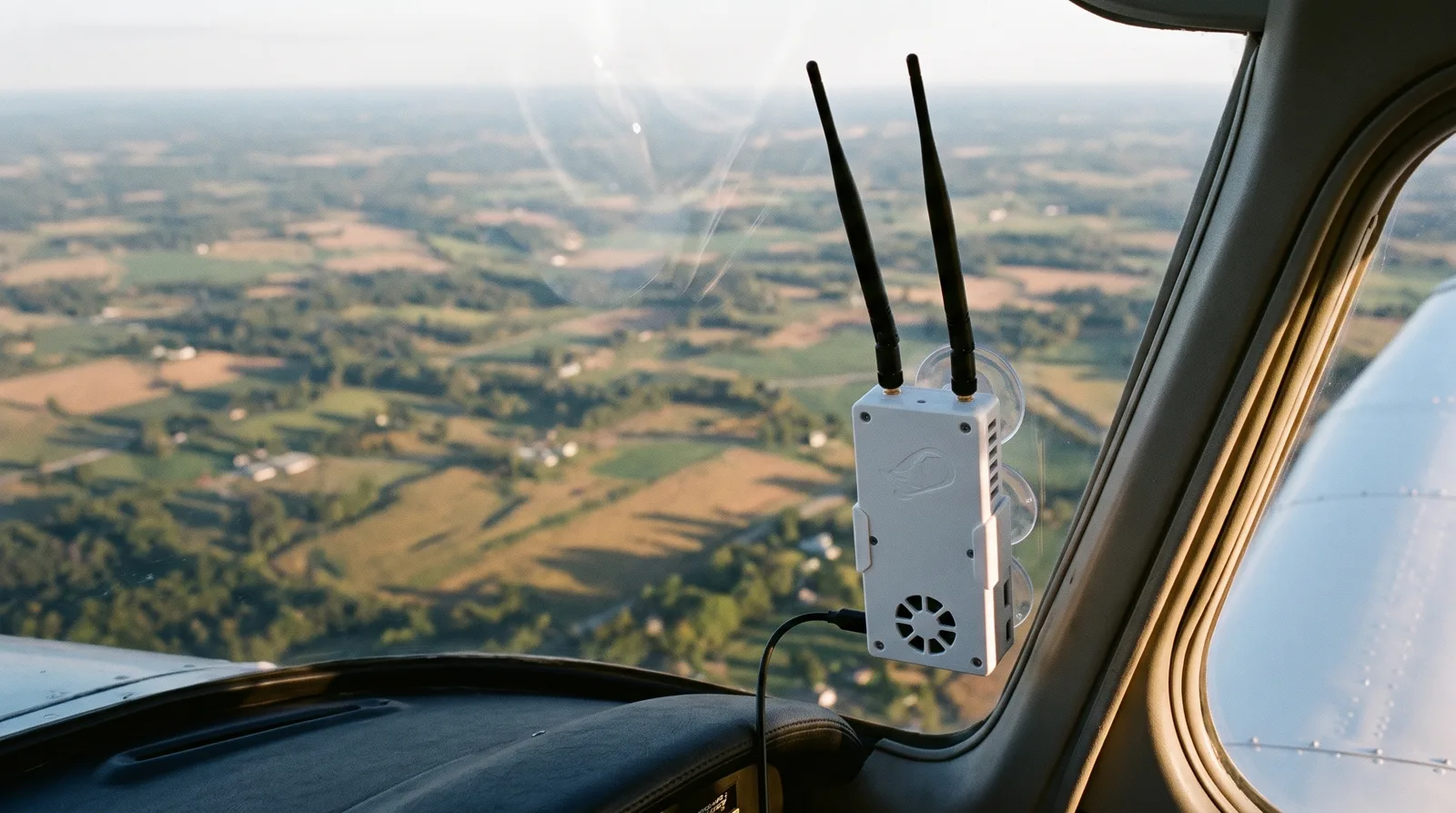
Solid red and solid green means the Stratux is running normally. Red shows the voltage and green shows the software. A blinking red light means low voltage, and a fast-blinking green light means a system error. Check the power first.
What the two status lights tell you
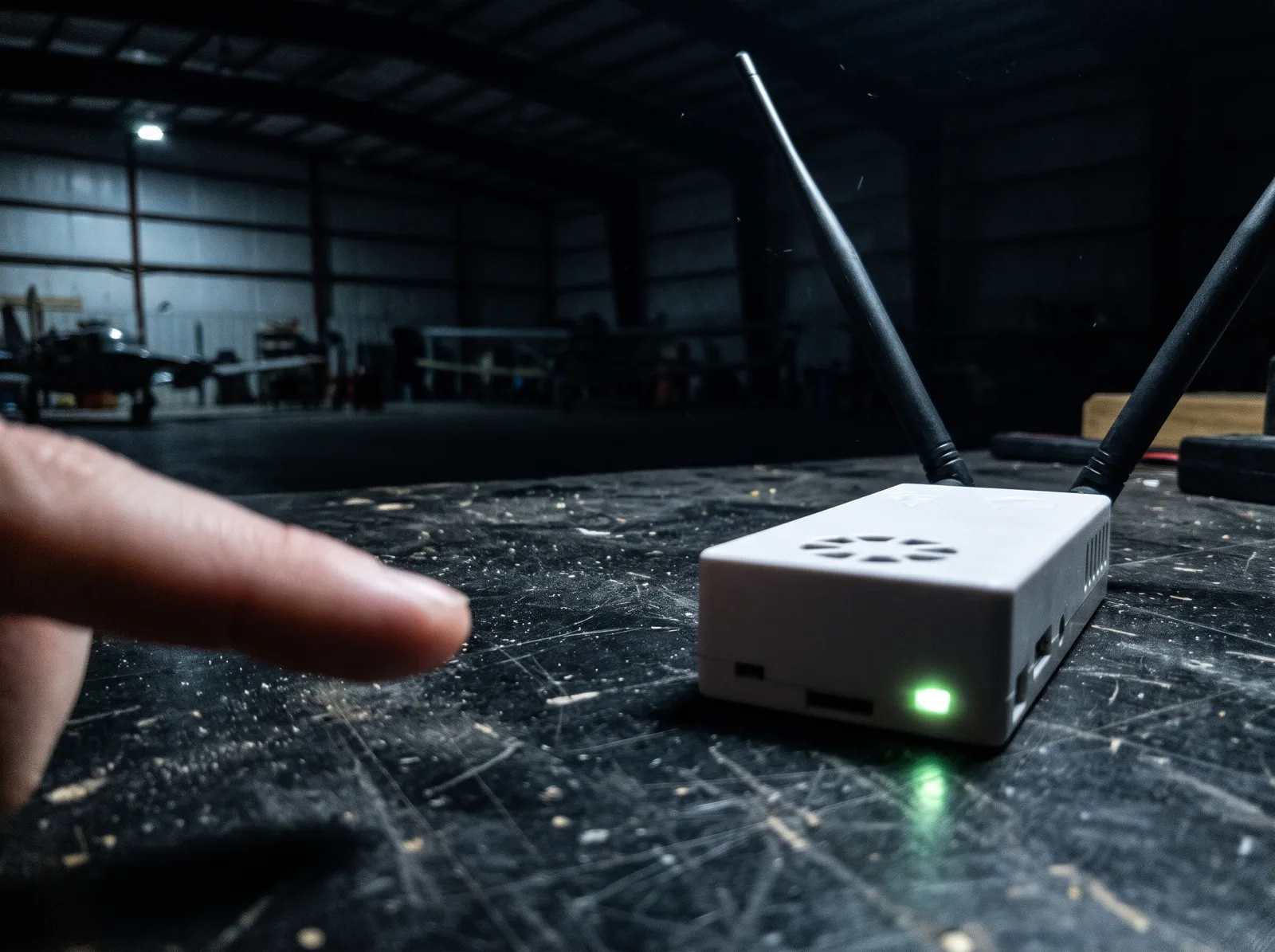
The Stratux has two status lights at the front edge of the case. The red light is the Pi’s power LED, and it reflects the voltage. The green light is software, and it reflects Stratux’s status. The table below comes from the Stratux project’s power and status light guide on 2026-11-02.
Each light and its fix
| What you see | What it means | What to do |
|---|---|---|
| Green solid, red solid | Normal | Connect your tablet. |
| Red blinking or off | Low voltage | Use a 2 A or better power source and try another cable. |
| Green blinking fast | System error | Check the Status page for the error. If it stays, reflash the card. |
| Red on, green never lights | Software or microSD problem | Reflash the card. |
| No lights at all | No power | Try another supply and cable. If still dark, the Pi may have failed. |
A few green flashes at boot are normal, so don’t worry. The green light goes solid about 15 to 30 seconds after power-on.
Power comes first
Stratux needs at least 2 amps. Phone chargers rated at 1 A, long thin cables and some aircraft USB ports can’t keep up. The result looks like a software fault: reboots, dropped Wi-Fi, or a blinking red light.
Check the power before you reflash anything. The guide lists a 2 A supply and a good cable as the first step for a blinking red light.
After cheap power cables, the SD card is the next most common failure. Reflash a new one and see if that’s the fix. A bad Pi board is the least likely cause.
Wait two minutes before you worry about Wi-Fi
The Stratux Wi-Fi network can take up to two full minutes to appear after power-on, because the unit is still booting. If it doesn’t show up after that:
- Turn your tablet’s Wi-Fi off and back on.
- Check the light against the table above.
- If the light is blinking red, fix the power first.
Heat can look like a fault
The fan speeds up to hold the CPU near 50 °C. In a hot cockpit, keep the side vents clear and keep the case out of direct sun where you can. A Raspberry Pi 4 runs hotter and draws more power than the standard Pi 3B or 3B+, so it needs the same care.
A green light is not the whole story
Solid red and solid green means the unit has power and is running normally. It doesn’t tell you that traffic or weather is arriving. If the light is green and your EFB shows no traffic, read the no-1090 traffic guide instead.
FAQ
What do solid red and green lights mean on Stratux?
Normal operation. Connect your tablet to the Stratux Wi-Fi and open your EFB app.
Can I use a 1 A phone charger?
Not reliably. Stratux needs at least 2 amps. A 1 A charger causes reboots and dropped Wi-Fi that look like a software problem.
A red light is on, but the green light never comes on. What does it mean?
The software didn’t start. That’s usually a microSD card problem. Reflash the card with the update guide.
My Stratux Wi-Fi network doesn’t show up. What now?
Wait two full minutes after power-on, toggle your tablet’s Wi-Fi, and check the light. If the light is blinking red, fix the power first.
Next step
Check the light against the table. If it still shows a fault after a 2 A supply, a new cable and a reflashed card, follow the won’t-boot guide. Still stuck? Email us.