
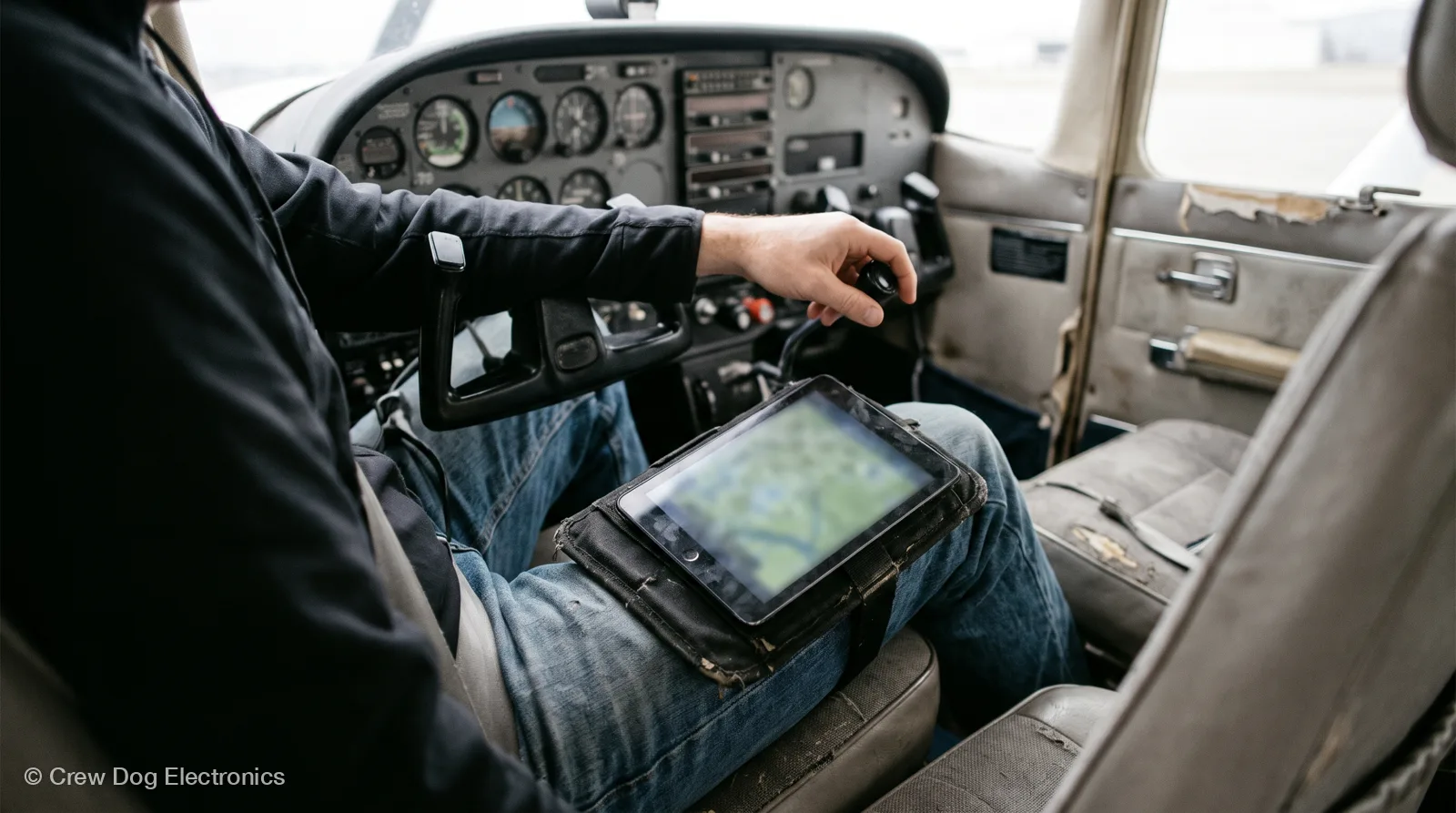
For ForeFlight, the iPad mini is the pick most pilots land on. ForeFlight’s own buying guide names a cellular iPad mini as its top recommendation. The model matters less than four things, though: GPS, heat, storage and screen brightness. Get those right and any iPad ForeFlight still supports will do the job. We don’t sell iPads, so I’ve got no horse in that race. We do sell the box that feeds one, and I’ll get to that at the end.
Which iPads ForeFlight supports right now
ForeFlight Mobile runs only on Apple devices. On iOS 26, ForeFlight’s support page lists these iPads (ForeFlight support, updated Nov 7, 2026):
- iPad mini 5 and newer
- iPad (8th generation) and newer
- iPad Air 3 and newer
- iPad Pro (3rd generation) and newer
Shopping used? ForeFlight’s guide says to skip the iPad 6th generation and older, the Air 2 and older, the mini 4 and older, and the 2nd-generation iPad Pro. It also flags the iPad 7th generation as likely to lose support soon (ForeFlight iPad buying guide, Jan 2026). Once an iPad ages out, it can’t install new ForeFlight versions.
Why pilots like the iPad mini for aviation
It fits. A mini goes on a kneeboard or a yoke mount and leaves room for your hands and a chart. The current mini has an 8.5-inch screen and the cellular model weighs 0.58 lb (Apple iPad mini specs).
ForeFlight surveyed more than 60 of its employees, all pilots. 80% said they’d pick some kind of iPad mini (ForeFlight buying guide). The bigger iPads look great, but the guide’s author says they only worked for him with a dedicated panel mount. He flies a mini in a Cessna 182.
| Model (current, per Apple) | Screen | Max brightness | Built-in GPS |
|---|---|---|---|
| iPad mini (A20 Pro) | 8.5 in OLED | 600 nits | Wi-Fi + Cellular only |
| iPad 11-inch (A16) | 11 in | 500 nits | Wi-Fi + Cellular only |
| iPad Air 11-inch (M4) | 11 in | 500 nits | Wi-Fi + Cellular only |
| iPad Pro 11-inch (M5) | 11 in OLED | 1,000 nits | Wi-Fi + Cellular only |
Source: Apple tech specs pages for iPad mini, iPad, iPad Air and iPad Pro, read Nov 10, 2026. Brightness is Apple’s standard figure (SDR where Apple specifies it).
Still in training? ForeFlight’s guide recommends the mini for students too. It’s the easier one to manage in a small cockpit.
GPS: only cellular iPads have it
This is the one that trips people up. “No GPS fix” is one of the three problems that come up most in our support tickets. Apple lists GPS/GNSS only on the Wi-Fi + Cellular models. Wi-Fi-only iPads have no built-in GPS receiver (ForeFlight support). ForeFlight says a Wi-Fi-only iPad needs an external GPS to show your position on the map (ForeFlight support).
You don’t need a data plan to use the cellular iPad’s GPS (ForeFlight buying guide). The chip works on its own.
That leaves two good ways to go:
- Cellular iPad. GPS built in, no extra box for position. A data plan is optional.
- Wi-Fi-only iPad plus an ADS-B receiver. The receiver supplies GPS position over Wi-Fi, along with traffic and weather.
Plenty of pilots buy cellular anyway and still fly a receiver. Then you’ve got two GPS sources if one quits.
Heat: the iPad will shut itself down
Apple rates iPads for 32° to 95°F ambient (Apple specs). A cockpit on a summer ramp blows past that. When an iPad gets too hot, Apple says the display can dim or go black and charging can slow or stop (Apple support). That’s the iPad protecting itself, and it’ll pick the hottest day to do it.
What helps:
- Keep it out of direct sun. Shade it or mount it away from the windscreen.
- Don’t leave it in the airplane on the ramp. Apple says parked-car temperatures can exceed its storage range, and a closed cockpit isn’t any different.
- Charging adds heat. If it’s already warm, charge before the flight.
Our Stratux has a fan for the same reason. It adjusts its speed to hold the processor near 50°C.
Storage: 128 GB is plenty for flying
ForeFlight’s guide recommends at least 128 GB. All U.S. charts, airport diagrams, procedures and documents take about 15.5 GB. Downloading only the states east of the Mississippi takes about 5 GB (ForeFlight buying guide).
Going bigger only matters if the iPad also holds your photos, movies and everything else.
Screen brightness and size
Brighter is easier to read in a sunny cockpit. The iPad Pro is the brightest of the current lineup at 1,000 nits. The mini is next at 600. The standard iPad and Air are 500 nits.
Size is personal. Before you buy, sit in your airplane with a cardboard cutout or a friend’s iPad. Can you still see the panel and reach the throttle?
How a receiver turns a Wi-Fi iPad into a full EFB
A portable ADS-B In receiver makes its own Wi-Fi network. Your iPad joins it, and ForeFlight reads GPS position, traffic and weather from it (Stratux sends the standard GDL90 format at 192.168.10.1). No cellular service or internet needed in the air.
Here’s what a Wi-Fi-only iPad plus a receiver gets you:
- GPS position for the moving map
- Traffic from aircraft broadcasting ADS-B Out
- Free FIS-B weather once you’re in range of a ground station
- Attitude for synthetic vision, if the receiver has an AHRS
We assemble and test every Stratux before it ships. Each one has dual-band receivers (978 and 1090 MHz), WAAS GPS and an AHRS board. The Internal GPS model is $439.99 with the battery, suction mount and strap (price on Nov 10, 2026). It’s compatible with ForeFlight® and most other EFBs. If you’re comparing receivers, our ADS-B receiver buyer’s guide covers what to look for.
Already have one? Here’s the ForeFlight setup guide. If the iPad drops the connection or won’t take a GPS fix, start with our iPad troubleshooting guide.
FAQ
Do I need a cellular iPad for ForeFlight?
No. A Wi-Fi-only iPad works if it gets GPS from somewhere else, like an ADS-B receiver or a panel system. ForeFlight says you need an external GPS on a Wi-Fi-only iPad to see your position.
Does the cellular iPad’s GPS need a data plan?
No. ForeFlight’s buying guide says the GPS works without one. A plan is handy for weather briefings and filing away from Wi-Fi.
Is the iPad mini good for aviation?
Yes, for most cockpits. It fits a kneeboard or yoke mount, and 80% of the ForeFlight staff pilots they surveyed would pick a mini. If you have a panel mount and the room, a bigger screen shows more of a plate at once.
What iPad mini should I get for flying?
Any mini ForeFlight still supports. On iOS 26 that’s the mini 5 and newer. ForeFlight’s guide picked a 256 GB cellular mini (6th generation) as of January 2026. Newer means more years of app updates, and cellular adds a built-in GPS.
Will an older iPad still work?
Check ForeFlight’s support list first. On iOS 26 it starts at the iPad mini 5, iPad 8th generation, Air 3 and Pro 3rd generation. The iPad 7th generation stops at iPadOS 18, and ForeFlight still lists it for the current version there. It just has less runway left. Anything older can’t install new ForeFlight versions.
Next step
Check your iPad model against ForeFlight’s supported list before you buy. If you go Wi-Fi only, plan on a receiver for GPS. Which iPad are you flying now?