
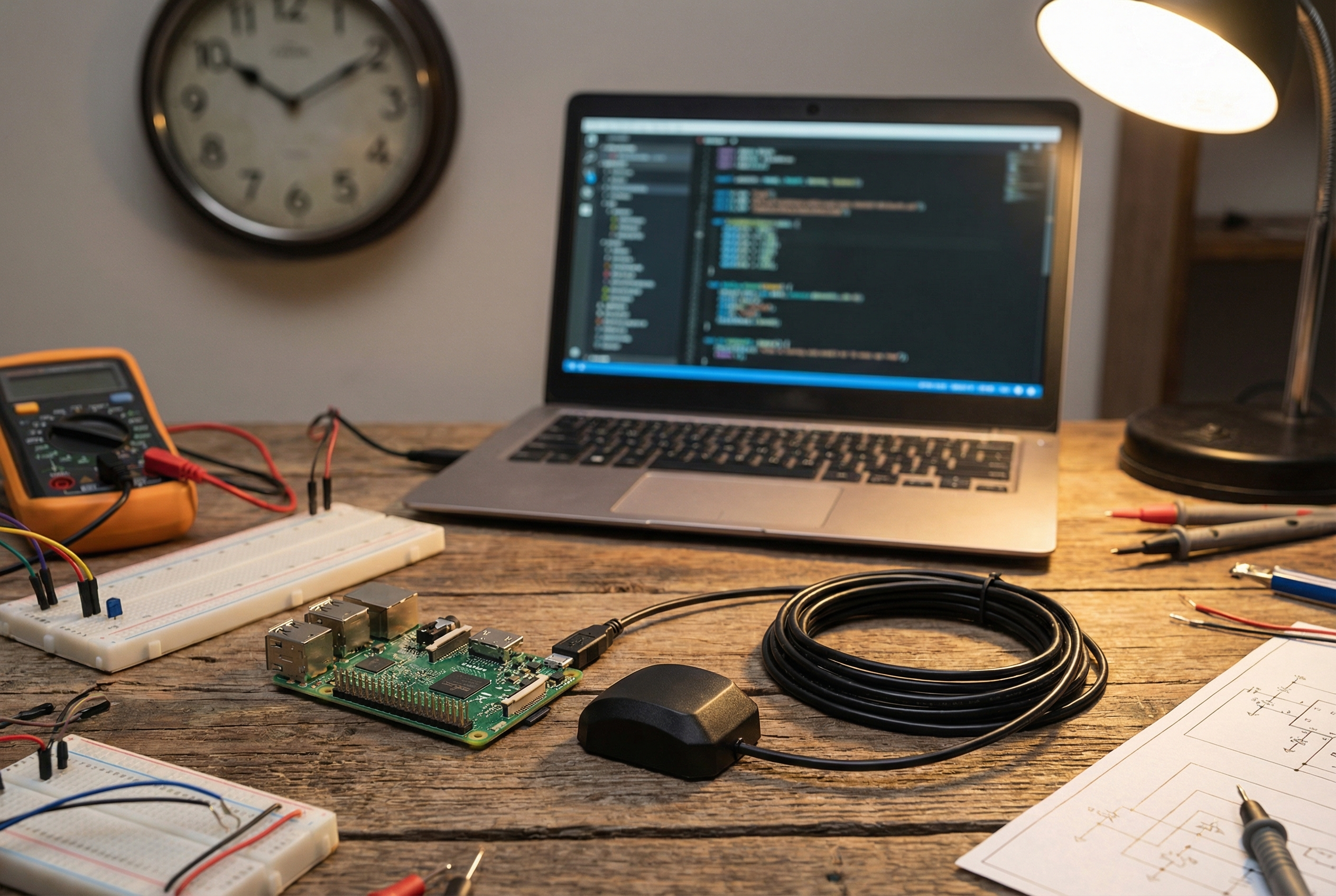
Build a Stratum 1 NTP
Server for Under $20
Your home lab’s time is lying to you. Here’s how to fix that with
a $15 GPS dongle and a Raspberry Pi.
Every device on your network is syncing time from somewhere. Usually
it’s your router, which is syncing from some pool.ntp.org server, which
itself is three or four hops removed from an actual atomic clock. By the
time that timestamp reaches your endpoints, it’s carrying accumulated
drift, network jitter, and whatever latency the upstream pool is having
today.
For most home use, this is fine. For Raspberry Pi clusters, ham radio
digital modes, logging infrastructure, or anything where precise
timestamping matters, it’s noise.
A Stratum 1 NTP server solves this permanently: GPS satellites carry
atomic-clock-derived time. A GPS receiver with a pulse-per-second (PPS)
signal gives you sub-microsecond accuracy. Your entire network syncs
directly from that, with no upstream dependency, no internet
requirement, no pool latency.
Here’s how to build one for under $20.
What You Need
Hardware: – Raspberry Pi (any model — Pi Zero W, Pi
3, Pi 4 all work) – VK-162
USB GPS dongle — ~$15 on Amazon – microSD card (8GB+ with Raspberry
Pi OS Lite) – Power supply
That’s it. No HAT, no additional hardware, no
soldering. The VK-162 connects over USB and presents as a standard
serial device. Most builds stop here.
Optional for higher accuracy: – GPIO PPS signal
(requires a GPS module with PPS output — the VK-162 doesn’t have an
exposed PPS pin, so this guide uses USB serial for ~1ms accuracy rather
than sub-microsecond. For precision timing applications, see note
below.)
Note: The VK-162 uses a u-blox chipset over USB, which gives you
good accuracy for a homelab NTP server (millisecond-range). If you need
sub-microsecond PPS accuracy for lab instrumentation or network timing,
you’ll want a GPIO-connected GPS module with a PPS output. For home
networks, logging, ham radio, and most homelab use cases, the VK-162
over USB is more than adequate.
Step 1: Flash and
Boot Raspberry Pi OS Lite
Use Raspberry Pi Imager to flash Raspberry Pi OS Lite (64-bit).
Enable SSH during the flash process. No desktop needed — this will run
headless.
Boot, SSH in, update:
sudo apt update && sudo apt upgrade -yStep 2: Install gpsd
gpsd is the standard GPS daemon for Linux. It handles
talking to the GPS device and exposes a clean socket that other
applications (including chrony) can read.
sudo apt install -y gpsd gpsd-clientsPlug in your VK-162. It will appear as a serial device — usually
/dev/ttyACM0:
ls /dev/ttyACM*Test that GPS data is coming through:
sudo gpsd /dev/ttyACM0 -F /var/run/gpsd.sock
cgps -s
You should see satellite count, position, and time data after GPS
acquires a fix (put the dongle near a window — it needs sky view). First
fix can take 1-2 minutes cold, faster with a clear view.
If cgps shows data, gpsd is working. Stop it for
now:
sudo killall gpsdStep 3: Configure gpsd
Edit the default configuration:
sudo nano /etc/default/gpsdSTART_DAEMON="true"
GPSD_OPTIONS="-n"
DEVICES="/dev/ttyACM0"
USBAUTO="true"
GPSD_SOCKET="/var/run/gpsd.sock"Enable and start the service:
sudo systemctl enable gpsd
sudo systemctl start gpsd
Step 4: Install and
Configure Chrony
chrony is a modern NTP implementation that handles GPS
sources well. Replace whatever NTP daemon your system is running:
sudo apt install -y chronyEdit the chrony configuration:
sudo nano /etc/chrony/chrony.confAdd these lines (keep any existing pool lines as fallback, or remove
them if you want GPS-only):
# GPS via gpsd
refclock SHM 0 refid GPS precision 1e-1 offset 0.9999 delay 0.2
refclock SHM 2 refid PPS precision 1e-9

# Fallback pools (optional — remove if you want air-gapped operation)
pool 2.debian.pool.ntp.org iburst

# Allow your local network to sync from this server
allow 192.168.0.0/24

# Serve time even if not synced (useful during GPS acquisition)
local stratum 1
Restart chrony:
sudo systemctl restart chronyStep 5: Verify It’s Working
Check chrony sources:
chronyc sources -vYou should see GPS listed as a source. It will show as ?
initially while acquiring. After GPS lock, it becomes *
(selected) or + (acceptable). This takes a few minutes.
MS Name/IP address         Stratum Poll Reach LastRx Last sample
===============================================================================
#* GPS                           0   4   377    11   -142ns[  +30ns] +/-  953us
That * means chrony is using your GPS as its primary
time source. Your NTP server is now Stratum 1.
Check what your server is now reporting to clients:
chronyc trackingLook for Stratum : 1. That’s it — you’re done.
Step 6: Point Your Network At
It
On your router or other devices, set the NTP server to your Pi’s IP
address. For home networks, updating the router’s NTP setting pushes
accurate time to every device automatically.
For Linux hosts you want to point directly:
# /etc/chrony/chrony.conf or /etc/ntp.conf
server 192.168.1.x iburst
Accuracy Expectations
With the VK-162 over USB serial, you can expect accuracy in the 1-10
millisecond range — more than sufficient for:
- Home lab infrastructure
- Ham radio digital modes (FT8, WSJT-X, APRS)
- Logging and telemetry timestamps
- Network monitoring and analysis
- General sysadmin time sync
For applications requiring microsecond or sub-microsecond accuracy
(telecom infrastructure, financial trading systems, scientific
instrumentation), you’ll want a GPS module with a hardware PPS output
connected to a GPIO pin. That’s a different, more complex build.
Why the VK-162
It’s not the cheapest USB GPS dongle. It’s the one that actually
works without fighting with drivers.
The VK-162 uses a u-blox chipset and presents as a standard CDC-ACM
serial device — no proprietary drivers, no vendor software required.
It’s plug-and-play on Raspberry Pi OS, Ubuntu, Fedora, FreeBSD, and most
Linux distributions. gpsd recognizes it immediately.
Cheap dongles with SiRF or MediaTek chipsets often require specific
baud rates, initialization strings, or kernel modules that cause
headaches. The u-blox chipset is the industry standard for a reason.
Troubleshooting
GPS not appearing as /dev/ttyACM0: Try
/dev/ttyUSB0. Check dmesg | grep -i usb after
plugging in.
cgps shows no fix: Put the antenna near a window.
The VK-162 can acquire indoors near glass but struggles in basements or
metal-enclosed spaces.
Chrony showing GPS as ? after 10+
minutes: Check that gpsd is running
(systemctl status gpsd) and that the socket path matches
your chrony config.
Chrony ignoring GPS source: The SHM offset value
(0.9999) may need tuning for your hardware. Start with a
larger allowed offset in chrony.conf: maxdistance 1.0.
What You’ve Built
A GPS-disciplined NTP server that: – Syncs directly from satellite
time signals – Needs no internet connection to operate – Serves your
entire local network as Stratum 1 – Costs less than one month of most
cloud monitoring services – Runs on hardware you probably already
have
Time is infrastructure. It should be reliable, local, and yours.