Posted on Leave a comment

Is Stratux Still Active? The Truth About Open-Source ADS-B in 2026

We saw the Reddit thread. We’re answering it directly.


A few weeks ago, someone posted to r/flying asking whether Stratux was “still a thing.” The responses were a mix of genuine curiosity and outdated misinformation: “I think the project is dead,” “the company shut down,” “nobody updates it anymore.”

We understand the confusion. But it’s wrong. Let me explain how Stratux actually works — and why the model that confuses people is the exact reason you can trust it.


First: What Is “Stratux,” Exactly?

Stratux isn’t a company. It’s an open-source software project — like Linux, like VLC, like the firmware running on millions of routers worldwide.

The Stratux software was created in 2015 by Christopher Young, a general aviation pilot who looked at $899 ADS-B receivers and decided to build something better for $113. He published the code to GitHub under an open-source license and let the aviation community run with it.

That community has been running with it ever since.

The GitHub repository is here: github.com/b3nn0/stratux. Check the commit history. Check the release dates. It’s maintained, active, and improving.

The Discord has thousands of members. Pilots, engineers, flight instructors, paraglider pilots, wildfire mappers. Real people flying with Stratux hardware right now.


Why Does It Look Like It “Went Quiet”?

Fair question. Here’s the nuance that trips people up:

Open-source projects don’t have quarterly press releases. They don’t issue “we’re still here!” blog posts. They just… keep building. When the firmware is stable, there’s less noise, not more. Quieter isn’t dying — it’s done shipping the noisy beta phase.

Compare that to commercial receivers, which issue press releases every time they push an app update. The noise-to-value ratio is inverted. More announcements. Same hardware you can’t open.

When a commercial company goes quiet, it often means the product is being sunset. When an open-source project goes quiet, it usually means the software is solid and the contributors are busy flying.


What’s Actually Been Updated Recently?

  • Stratux software updates: Active maintenance, bug fixes, compatibility improvements with current EFBs
  • ForeFlight integration: Still supported, still works, still the setup we recommend for most GA pilots
  • Community builds: Pilots are still building and sharing setups on Discord
  • New hardware compatibility: The ecosystem keeps expanding — new GPS modules, new cases, new AHRS options

The hardware we sell at Crew Dog Electronics runs current Stratux firmware. When there’s an update worth pushing, we push it. That’s not a quarterly press release — it’s just how it works.


Open Source Is a Feature, Not a Liability

Here’s the part that should actually make you feel better about Stratux, not worse:

With a proprietary receiver, you are entirely dependent on one company. If they raise prices, you pay. If they discontinue the product, you’re stuck. If they decide to add a subscription fee, you’re held hostage. If they go out of business — which several ADS-B companies have — your receiver is a paperweight.

With Stratux, you’re not dependent on anyone. The software is public. The hardware is commodity. If Crew Dog Electronics disappeared tomorrow (we won’t, but hypothetically), you could keep your receiver running indefinitely. Someone in the community would keep the firmware alive. Someone would sell compatible parts.

That’s not a theoretical advantage. It’s the reason we built this business around Stratux in the first place.


“But What About Customer Support?”

This is a legitimate question, and we’ll answer it honestly.

Open-source means the software has community support — forums, Discord, GitHub issues. It does not mean you’re guaranteed a 1-800 number with a 2-minute hold time.

What it does mean:

  • Thousands of people have solved your problem before. The Discord search function is better than most corporate knowledge bases.
  • Bugs get fixed publicly. You can see the fix happening in real time, not wait for a vague “software update” from a black box.
  • We’re here. Crew Dog Electronics provides hardware support for our units. You’re not on your own.

What you should know going in: if your Sentry stops working, you call Sentry. If your Stratux stops working, you have a community, a Discord, GitHub issues, and us. Different model. For a lot of pilots, it’s better.


The Bottom Line

Stratux is not dead. It is not dying. It is not a “legacy project.”

It is a mature, stable, community-supported open-source project that has been improving aviation safety for ten years. The pilots who built it in 2015 are still flying with it. So are pilots who built one last month.

If you saw that Reddit thread and had doubts — we get it. We’d rather you ask the question than make a purchase decision based on misinformation.

Stratux is still here. So are we.

Shop Stratux receivers at Crew Dog Electronics →

Or build your own with components from the Stratux Store →

Posted on Leave a comment

Your Transponder Shouldn’t Be an Invoice Generator

There’s a battle playing out in Congress right now that every GA pilot should know about. It’s about ADS-B — and it’s about something the FAA promised you wouldn’t happen.


You probably remember the 2020 ADS-B Out mandate. The pitch was simple: equip your aircraft with an ADS-B Out transponder, broadcast your position to the network, and everyone — ATC, nearby aircraft, ground stations — gets better situational awareness. Safer skies. Better traffic separation.

GA pilots spent over $500 million complying with that mandate. Not happily, but willingly — because the promise made sense. Your broadcast data would be used for air traffic safety and airspace efficiency. Full stop.

Nobody said anything about it being used to mail you a bill.


What’s Actually Happening

Here’s how it works: when you land at certain airports, third-party vendors capture your ADS-B Out broadcast, match your tail number against the FAA aircraft registry, and automatically send an invoice to the registered owner. You land, you don’t talk to anyone, you don’t sign anything — but a bill appears in your mailbox.

The airports contract out this billing to companies that have built a business around this exact workflow. ADS-B data goes in, fee invoices come out.

AOPA has been fighting this for a while, and recently escalated: the organization is calling on members to flood Congress with support for the Pilot and Aircraft Privacy Act (PAPA), introduced by Sen. Ted Budd (R-NC) and Rep. Bob Onder (R-MO). The bill would prohibit using ADS-B data as the mechanism to trigger airport fee invoices.

To be clear about what PAPA does and doesn’t do: airports could still charge fees. They could still use ADS-B data for traffic counts and operational efficiency. What would stop is the specific practice of using an aircraft’s ADS-B broadcast as an automated billing trigger. If an airport wants to charge you a fee, they need to do it through normal means — not through a surveillance system you were legally mandated to install.


Why This Matters Beyond the Billing

The immediate issue is obvious: pilots didn’t sign up to fund a nationwide surveillance billing system when they spent $500M+ complying with the mandate. But there’s a deeper principle at stake.

When you broadcast ADS-B Out, you’re participating in a public safety infrastructure. Your aircraft’s position goes to ATC, to other pilots, to ground stations. That’s the deal. The whole system works because everyone contributes to the shared picture, and everyone benefits from the shared picture.

The moment that broadcast data becomes a commercial data product used to track and bill individual pilots, the nature of that deal changes. You’re no longer a contributor to a safety network — you’re a data source being monetized without your consent.

Sound familiar? It’s the same argument the right-to-repair movement makes about software-locked hardware. When you’re required to participate in a system, you shouldn’t lose rights over what that system does with your data.


Where ADS-B In Fits

This is a good moment to think clearly about the two sides of ADS-B.

ADS-B Out is what you broadcast. It’s mandatory, it’s regulatory, and right now there’s a fight about who gets to do what with that data.

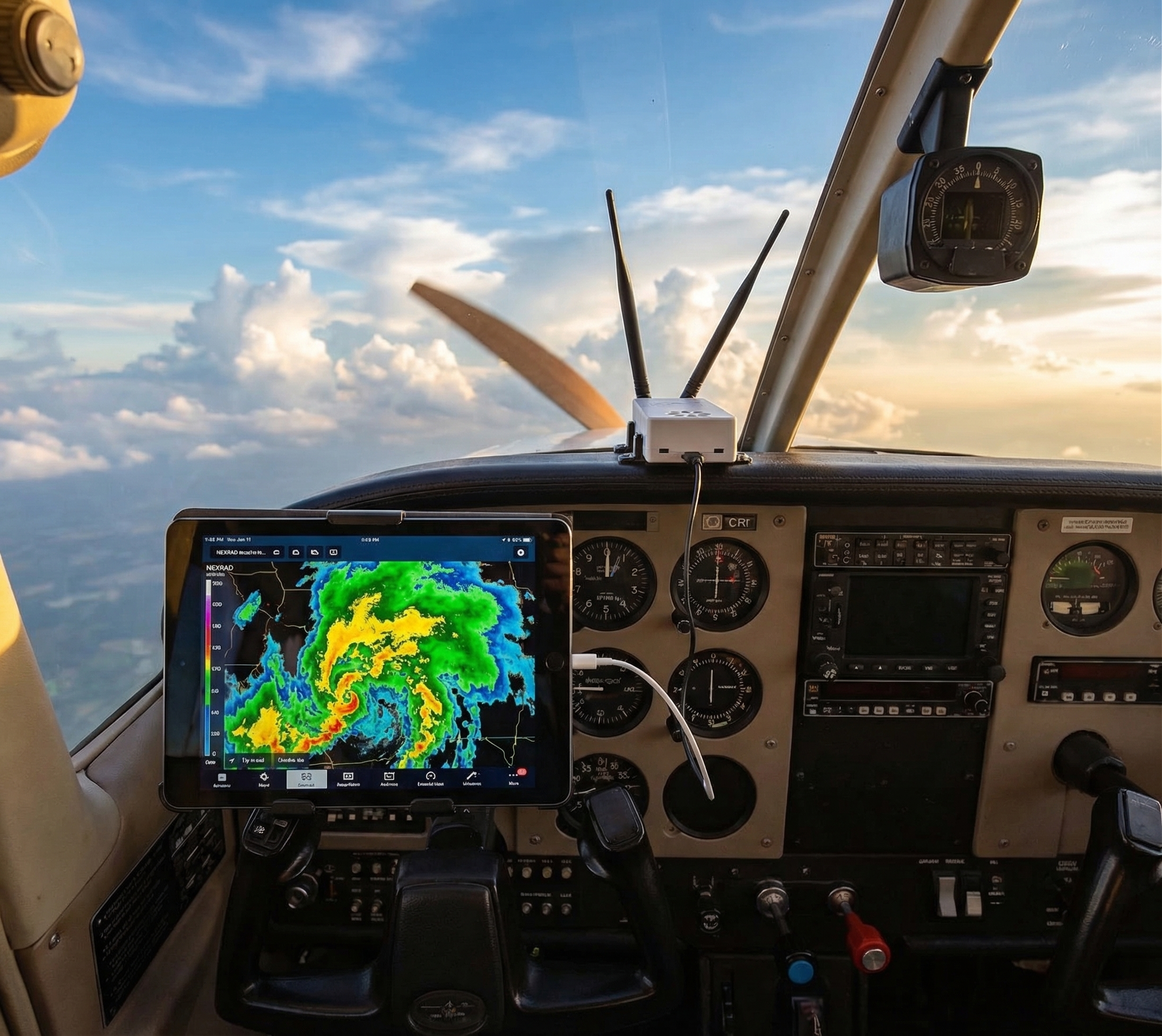
ADS-B In is what you receive. Free weather and traffic data — NEXRAD, METARs, TAFs, TFRs, live traffic positions — broadcast continuously from FAA ground stations to anyone with a receiver. No subscription. No invoice. No third party standing in the middle.

ADS-B In is the part of the equation pilots most often miss. The FAA built out the ground station network, the data is public, and it’s broadcast for free to any equipped aircraft. The same infrastructure that someone wants to use to bill you is also giving away real-time weather and traffic data to anyone with a receiver in their cockpit.

A Stratux receiver gives you access to all of that. One-time cost. No monthly fee. No one monitors which airports you land at.

We’re a little opinionated about the data-should-be-for-pilots part.


What You Can Do

If you agree that ADS-B data shouldn’t be repurposed into a fee-collection mechanism, AOPA has made it easy to act. They’ve set up a direct link to help members contact their elected representatives: aopa.quorum.us/campaign/155573.

The PAPA bill has bipartisan support and a clear, limited scope. It doesn’t dismantle airport fees. It just stops one specific use of surveillance data that pilots didn’t consent to when they complied with the 2020 mandate.


The Bottom Line

The ADS-B Out mandate was sold as a safety tool. GA pilots spent half a billion dollars making it happen. Using that data to auto-generate fee invoices isn’t what anyone agreed to.

We believe in open data — ADS-B In data belongs to pilots because they built the network that generates it. That same principle applies to ADS-B Out: your broadcast shouldn’t be someone else’s revenue stream.

Support the PAPA bill. And if you’re not already getting the full benefit of ADS-B In on your flights, here’s how to start →


Read the AOPA call to action →

Set up ADS-B In for your cockpit →

Posted on Leave a comment

ADS-B In vs. Out: What the Mandate Debate Means for GA Pilots

If you’ve been reading aviation news lately, you’ve seen a lot of talk about ADS-B requirements. Here’s what’s actually being debated — and what it means for pilots who fly GA.

The January collision near DCA was a tragedy. Sixty-seven people died. And in the months since, Congress has been asking hard questions about why modern safety technology wasn’t doing what it’s supposed to do.

One of those questions keeps coming up: ADS-B.

If you fly GA, you’ve probably heard a lot of noise about ADS-B mandates lately. Some of it applies to you. A lot of it doesn’t. Let’s break it down clearly — because the “ADS-B” being debated in congressional hearings is a different piece than the ADS-B that makes your cockpit safer every flight.

Two Systems. One Name. Total Confusion.

When most people say “ADS-B,” they’re actually talking about two separate, complementary systems:

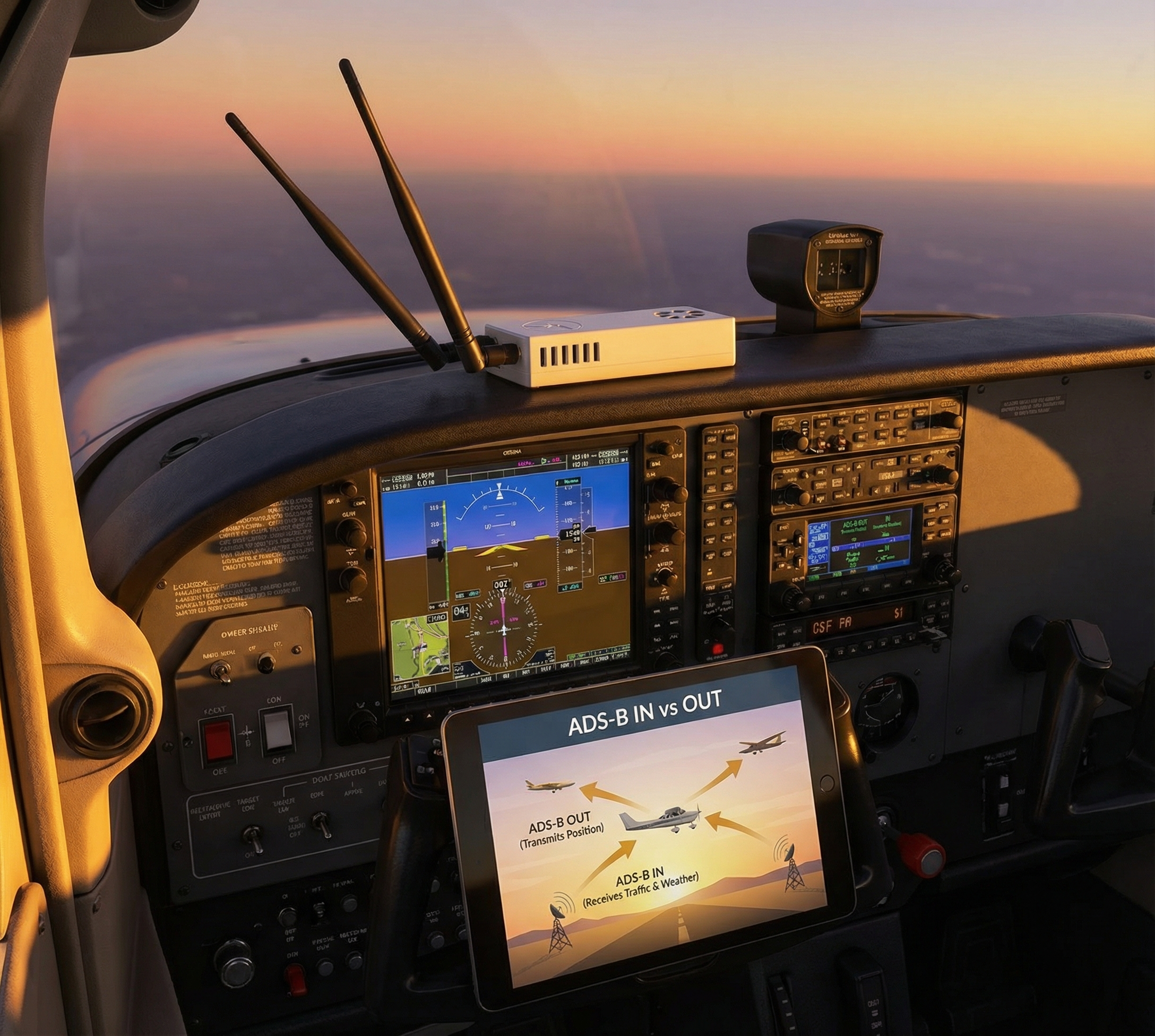
ADS-B Out — The transmitter. Your aircraft broadcasts its position, altitude, speed, and identification to ground stations and other aircraft every second. Think of it as your aircraft saying “I’m here” to everyone around you.

ADS-B In — The receiver. Your cockpit equipment listens for what everyone else is broadcasting. Other aircraft positions, weather data from ground stations, PIREP uplinks. Think of it as your aircraft listening to the full picture around you.

You can have Out without In. You can have In without Out. Most of the post-DCA debate is about Out. Most of what makes Stratux valuable is In.

If you’re new to ADS-B entirely, here’s a primer on what ADS-B actually does and why the FAA mandated it.

What the Mandate Already Requires

Here’s something that gets lost in the news coverage: for most GA operations, the ADS-B Out mandate has been law since January 1, 2020.

FAA rule 14 CFR § 91.225 requires ADS-B Out equipment in:

  • Class A airspace (above 18,000 ft)
  • Class B airspace (major airports, like ATL, LAX, ORD)
  • Class C airspace (medium airports with approach control)
  • Class E airspace above 10,000 ft MSL (except below 2,500 AGL)
  • Within 30 nm of Class B airports (the “Mode C veil”)
  • Above the ceiling of Class B or Class C from the surface

If you fly a modern aircraft into most controlled airspace, you’re already compliant — or you already needed to be.

What’s being debated now is not a new mandate for GA. The current congressional focus is on military exemptions — specifically, whether military aircraft operating near civilian airspace should be required to use ADS-B Out the same way civilian aircraft are. The Black Hawk helicopter involved in the DCA collision was operating under a military exemption. That’s the gap that families and legislators are pushing to close.

What GA Pilots Should Actually Pay Attention To

The DCA collision is driving a broader ADS-B conversation, and that’s not a bad thing. But for GA pilots specifically, the question worth asking isn’t “do I need to comply with a new mandate?” — it’s “am I getting as much out of ADS-B as I could be?”

Here’s what most GA pilots still don’t know: ADS-B Out was only half the deal.

When the FAA mandated ADS-B Out in 2020, the promise was that pilots who also equipped with ADS-B In would gain something genuinely valuable: free, real-time traffic and weather data in the cockpit. No subscription. No data plan. No satellite fees. Just the FIS-B (weather) and TIS-B (traffic) data that FAA ground stations broadcast continuously.

That data is still out there. FAA ground stations are still broadcasting it. And every flight you take without an ADS-B In receiver is a flight where you’re missing free information you paid for (through avgas taxes and landing fees) to build.

ADS-B In: The Piece You’re Missing

Here’s what an ADS-B In receiver gives you in the cockpit:

Traffic (TIS-B): Positions of other ADS-B Out-equipped aircraft around you, updated every second. No ATC radio required. No radar transponder interrogation. Just a live picture of who’s around you.

Weather (FIS-B): METARs, TAFs, winds aloft, AIRMETs, SIGMETs, TFRs, and NEXRAD radar — all broadcast free from FAA ground stations. This is the data that used to require a $50/month XM Weather subscription.

AHRS (Attitude Heading Reference System): Some receivers also include synthetic attitude data — a valuable ~$20 backup when you want additional situational awareness.

The catch: none of this shows up on your iPad or EFB without a receiver in your cockpit pulling it in.

The Affordable Path to Full Situational Awareness

For a long time, “equip with ADS-B In” meant buying a $500–900 sealed receiver that you couldn’t repair, update yourself, or understand at a component level.

That changed in 2015 when the open-source community built a better option.

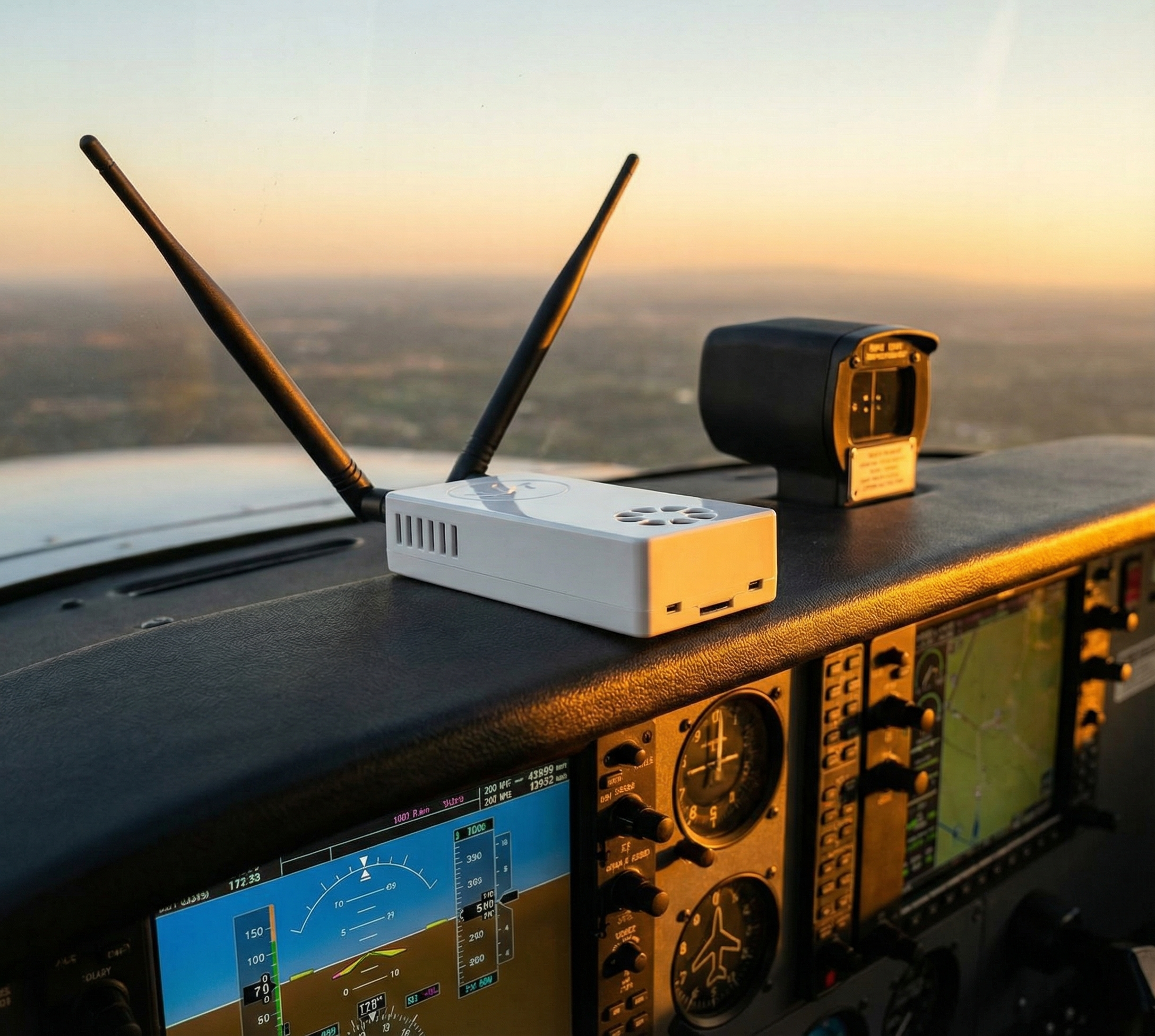
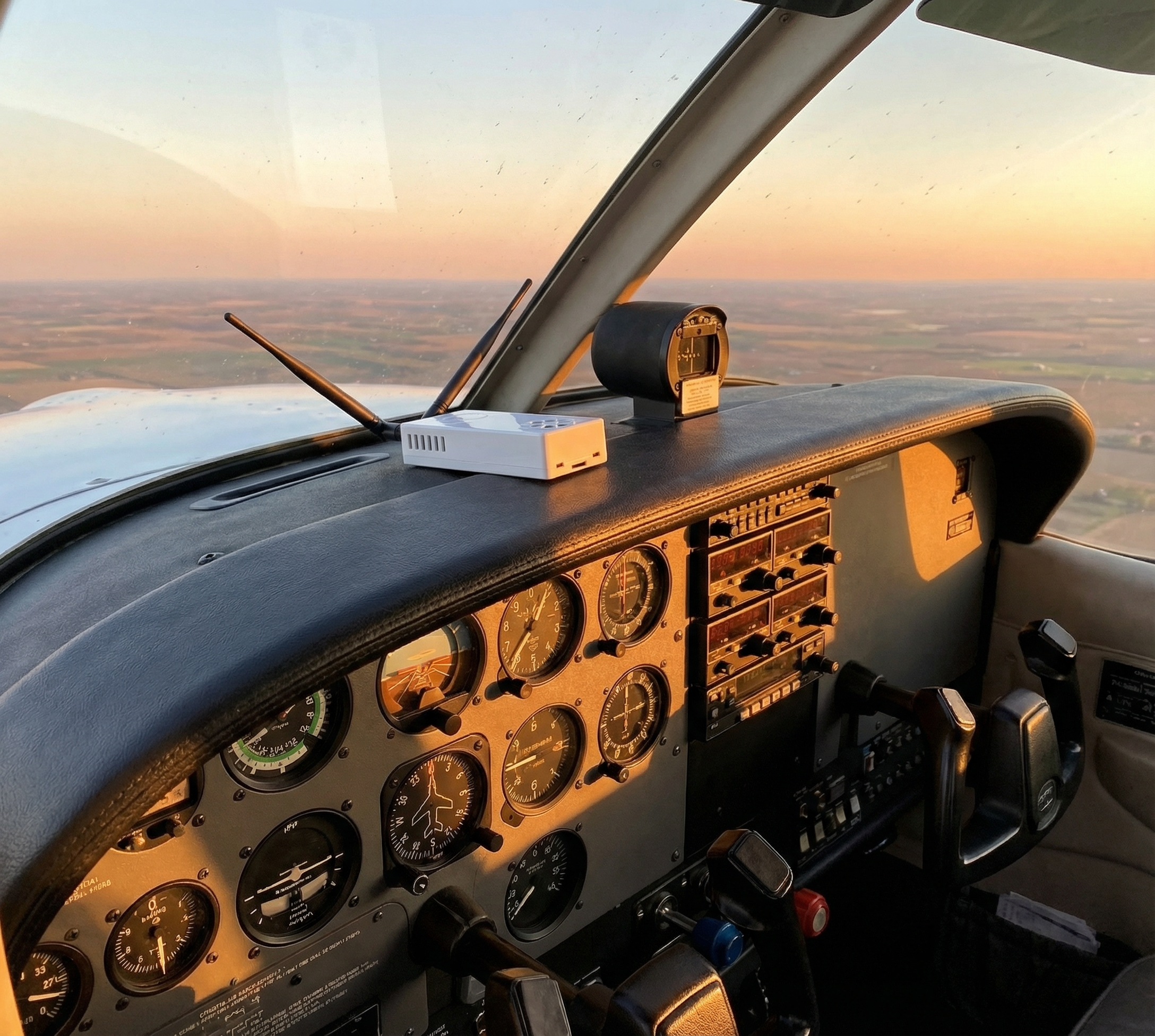
Stratux is an open-source ADS-B In receiver that runs on commodity hardware. The software is maintained by a community of pilots and engineers who actually use it. The hardware is repairable — every component is replaceable if something fails. And the cost is a fraction of proprietary alternatives.

This is the same philosophy as the Framework Laptop — build it so you can fix it instead of replace it. When your GPS module fails, you replace the $15 module, not the whole unit.

Crew Dog Electronics builds Stratux receivers that are ready to fly out of the box — no kit assembly required, no Raspberry Pi wrangling. Connect it to your iPad running ForeFlight® (or another compatible EFB), and you have live traffic and weather in the cockpit for a one-time cost. No subscription. No renewal. No vendor holding your safety data hostage.

It works in the US and Canada (Canadian CIFIB towers broadcast the same FIS-B data). Setup with ForeFlight takes about 5 minutes.

The Point

The DCA collision was a tragedy, and the congressional response to close military ADS-B loopholes is appropriate. But for GA pilots watching that news coverage: your compliance question was answered in 2020.

The better question is whether you’re flying with the full picture. ADS-B Out tells the world you’re there. ADS-B In tells you where everyone else is.

If you’re flying IFR or into busy airspace without an In receiver, you’re operating with half the information available to you — information that’s being broadcast for free, waiting for you to pick it up.

That’s a solvable problem. And it doesn’t cost $900.

Posted on Leave a comment

5 Ways ADS-B Makes You a Safer Pilot

ADS-B isn’t just about regulatory compliance. It’s not just about avoiding traffic or checking the weather. When used properly, ADS-B fundamentally changes how you fly—making you more aware, more informed, and significantly safer.

I’ve been flying with ADS-B since before the mandate, and I can honestly say it’s saved me from bad situations more times than I can count. Here are five real-world ways ADS-B equipped with a receiver like Stratux makes you a safer pilot.

1. Traffic Awareness: See and Be Seen (Even When You Can’t)

The classic “see and avoid” doctrine works great in CAVU conditions with unlimited visibility. It works less well when you’re:

  • Flying into the sun
  • Scanning for traffic while also managing radios, navigation, and systems
  • Dealing with haze, scattered clouds, or glare
  • Operating in high-density airspace where traffic comes from every direction

Real-World Scenario:

I was flying VFR under a Class B shelf on a hazy summer afternoon. My ADS-B alerted me to traffic at my 7 o’clock, 500 feet below, climbing. I looked—nothing visible. Kept scanning. Suddenly, there he was, a Cirrus popping out of the haze less than a mile away, climbing right toward my altitude.

Without ADS-B, I wouldn’t have known to look in that specific direction at that moment. The alert gave me 20-30 seconds of advance notice—enough to start a gentle turn away and maintain visual separation.

How to Use ADS-B Traffic Effectively:

  • Don’t fixate on the screen. ADS-B is a supplement to visual scanning, not a replacement.
  • Set audio alerts wisely. Too chatty and you’ll ignore them; too quiet and you’ll miss critical calls.
  • Focus on traffic within ±1,000 feet altitude. A plane 3,000 feet below you is interesting but not immediately threatening.
  • Keep scanning visually: Not all aircraft have ADS-B Out yet, so ADS-B complements your eyes — it doesn’t replace them.

2. Weather Awareness: Don’t Fly Into What You Can’t See

FIS-B weather via ADS-B delivers NEXRAD radar, METARs, TAFs, PIREPs, AIRMETs, SIGMETs, and TFRs directly to your iPad or EFB. It’s not real-time (NEXRAD has a 5-15 minute delay), but it’s transformative for VFR pilots who previously had to call Flight Watch or guess based on distant clouds.

Real-World Scenario:

Flying cross-country VFR, I watched a line of buildups develop 30 miles ahead. On the NEXRAD overlay, I could see the storm cells, their intensity, and their movement. Instead of pressing on and hoping for a gap, I diverted 15 miles east, skirted the weather, and landed safely. Total delay: 10 minutes. Alternative: flying into embedded thunderstorms and possibly making the evening news.

How to Use ADS-B Weather Effectively:

  • Know the NEXRAD delay. It’s not real-time. Don’t use it for tactical storm avoidance—use it for strategic planning.
  • Layer multiple data sources. NEXRAD + METARs + PIREPs + your eyeballs = good decision-making.
  • Watch trends, not snapshots. Is the weather building or dissipating? Moving toward you or away?
  • Don’t scud-run because “the NEXRAD looks clear.” Ground clutter and low-level features don’t always show up.

3. TFR Avoidance: Stay Legal Without Constant Briefing Checks

Temporary Flight Restrictions pop up constantly—presidential TFRs, sporting events, wildfires, security incidents. Miss one, and you’re looking at FAA enforcement, possible certificate suspension, and a very bad day.

Real-World Scenario:

I was flying a familiar route when a new TFR appeared on my ADS-B weather overlay—a wildfire TFR that hadn’t existed during my pre-flight briefing 3 hours earlier. I was 10 miles from the boundary and closing. A quick diversion added 5 minutes to my flight and kept me out of trouble.

Without in-flight TFR updates, I might have blundered in, triggering intercepts and enforcement action. ADS-B gave me the situational awareness to avoid a potentially career-ending mistake.

How to Use TFR Data Effectively:

  • Glance at your EFB’s TFR overlay periodically. Once every 20-30 minutes on cross-country flights.
  • Don’t rely solely on ADS-B. Brief thoroughly before flight, but use in-flight data as a safety net.
  • Understand TFR geometry. Some TFRs have altitude waivers or cutouts. Read the NOTAM, don’t just avoid the magenta circle.

4. Real-Time Weather Updates: Adapt Your Plan in Flight

Flight planning is great, but weather doesn’t read the forecast. Fronts move faster or slower than predicted. Thunderstorms develop earlier or later. Visibility deteriorates unexpectedly. ADS-B gives you the data to adapt.

Real-World Scenario:

Planned destination was forecast for VFR all day. Halfway there, ADS-B METAR updates showed the field dropping to IFR (I’m VFR-only). I diverted to an alternate 20 miles away that was still reporting CAVU. Landed, refueled, grabbed lunch, waited an hour for the weather to pass, then continued to my original destination.

Without ADS-B, I would’ve pressed on, arrived to find the field socked in, and faced a stressful diversion search with a dwindling fuel reserve. ADS-B gave me early warning and time to make a calm, rational decision.

How to Use In-Flight METAR/TAF Updates:

  • Check destination weather 30-45 minutes out. Still good? Proceed. Deteriorating? Consider alternates.
  • Monitor enroute weather. Conditions at fields along your route give clues about what’s ahead.
  • Have a backup plan before you need one. Know your alternates and their fuel requirements.

5. Situational Awareness in Unfamiliar Airspace

Flying into new airports or unfamiliar airspace is stressful. You’re managing navigation, radio calls, traffic patterns, local procedures—and you’re doing it for the first time. ADS-B reduces the cognitive load by showing you traffic flow and nearby aircraft behavior.

Real-World Scenario:

First time flying into a busy Class D field. I could see on ADS-B that most traffic was entering on a 45° to the downwind from the west. I planned my arrival accordingly, joined the flow smoothly, and integrated into the pattern without conflict. The tower controller barely had to speak to me—I was already where I needed to be.

How to Use ADS-B for Airspace Familiarization:

  • Observe traffic patterns. Where are aircraft entering and exiting? What altitudes are they using?
  • Spot the flow. Busy airspace has rhythms. ADS-B lets you see them before you’re in the middle of it.
  • Reduce radio overload. Knowing where traffic is means you can listen to ATC without constant “Where is that guy?” scanning.

The ADS-B Safety Mindset

ADS-B is a tool, not a magic bullet. It makes you safer IF you use it correctly:

  • Head up, not down: Don’t fixate on the iPad. Glance, process, eyes back outside.
  • Supplement, don’t replace: ADS-B augments see-and-avoid, briefings, and radio calls. It doesn’t replace them.
  • Understand the limits: NEXRAD delay, traffic coverage gaps, TFR geometry—know what you’re seeing and what you’re not.
  • Practice before you need it: Familiarize yourself with traffic alerts, weather overlays, and EFB features during safe, calm flights—not in an emergency.

Getting Started with ADS-B

If you don’t have ADS-B In yet, you’re missing a critical safety tool. A Stratux receiver from Crew Dog Electronics costs $379-449 and delivers dual-band traffic, full FIS-B weather, GPS, and optional AHRS. It works with ForeFlight, Garmin Pilot, Avare, FlyQ, and virtually every EFB app.

For the cost of a few hours of rental time, you get a tool that makes every flight safer. That’s a no-brainer investment.

The Bottom Line

ADS-B has made me a safer, more confident pilot. It’s prevented mid-air conflicts, kept me out of weather, saved me from TFR busts, and given me situational awareness I couldn’t get any other way.

Is it required? Not for ADS-B In (only Out is mandated). But should you have it? Absolutely. The question isn’t “Can I afford ADS-B?” It’s “Can I afford to fly without it?”

Get equipped with Stratux and discover how much safer—and more enjoyable—flying becomes when you have the full picture.

Fly safe. Fly informed. Fly with ADS-B.