
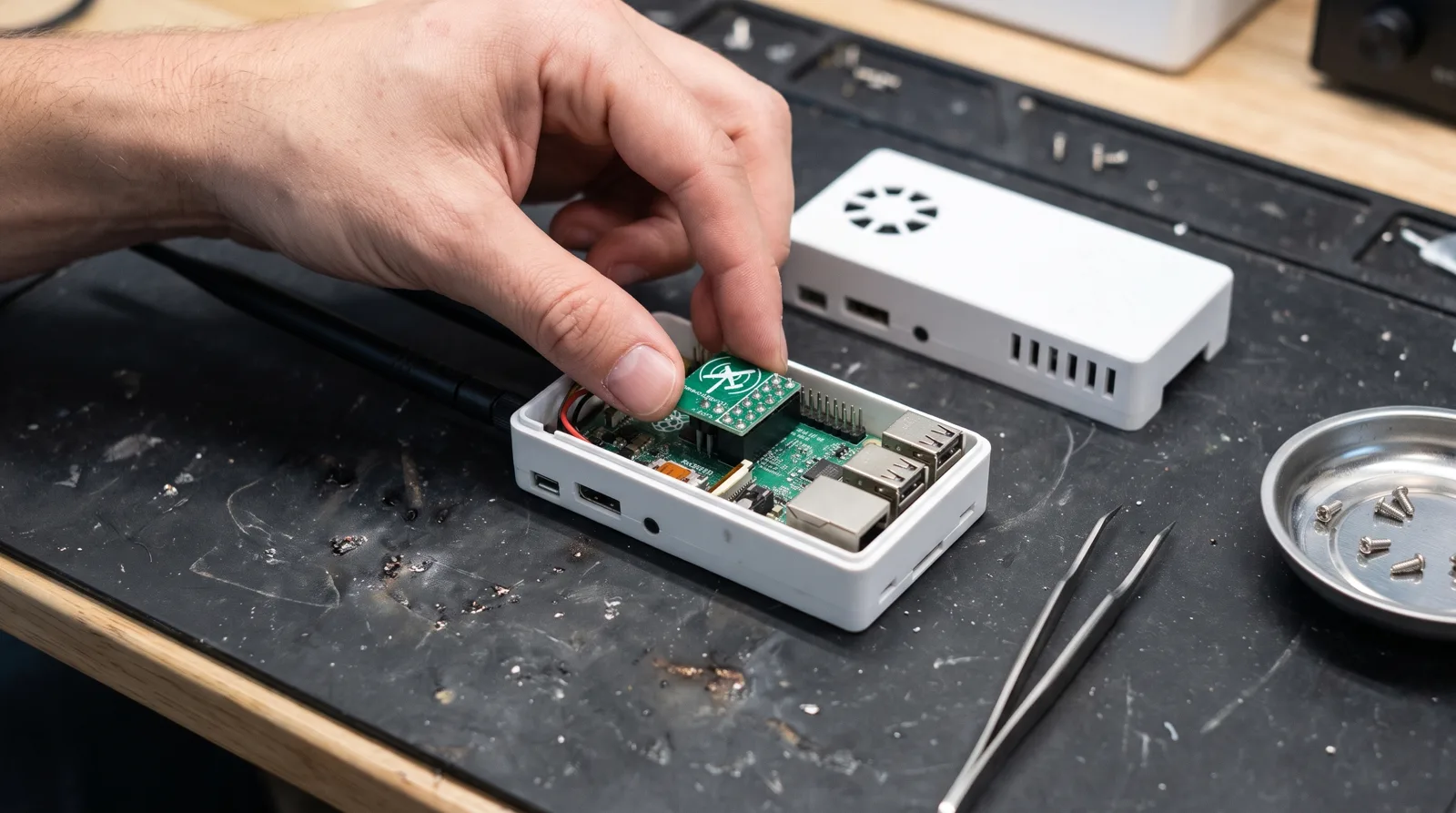
The Stratux AHRS board gives your EFB pitch and roll. ForeFlight® uses that data for the attitude part of synthetic vision. We sell it for $39.99 (price checked 2026-11-02). Fit it on the Raspberry Pi’s pins, set the mount orientation, calibrate on the ground, and treat it as a backup attitude source. It isn’t certified for IFR.
What the AHRS board adds in ForeFlight®
ForeFlight can draw synthetic vision terrain and obstacles without an AHRS. The pitch and roll attitude part needs one (ForeFlight support). With the board, the attitude view is the terrain behind an attitude indicator, moving with the aircraft’s pitch and roll. The board also carries a barometric pressure sensor, which feeds the altitude reading. Eric (bonanzaeric) wrote the original AHRS code. Source: Stratux Learn, AHRS on Stratux and Stratux Learn, AHRS and pressure sensor messages.
What it does not do
The AHRS board is a backup and situational aid. Stratux AHRS isn’t certified for IFR, and no portable AHRS from any manufacturer is TSO’d. Keep your certified instruments as the primary attitude reference. Source: Stratux Learn, AHRS on Stratux.
Install the board
Power the unit off before you open it. Seat the board on the Raspberry Pi’s GPIO pins. Stratux’s guide says it has to be fitted correctly on those pins, so check that it sits square and fully down before you close the case.
- Power the Stratux down and open the case.
- Seat the AHRS board fully on the Pi’s GPIO pins.
- Check that the fan is wired red to +.
- Close the case, power on and join the Stratux Wi-Fi.
- Open 192.168.10.1 and go to GPS/AHRS. Tilt the unit, and the attitude indicator should respond.
Source: Stratux Learn, AHRS on Stratux.
Set the orientation and calibrate
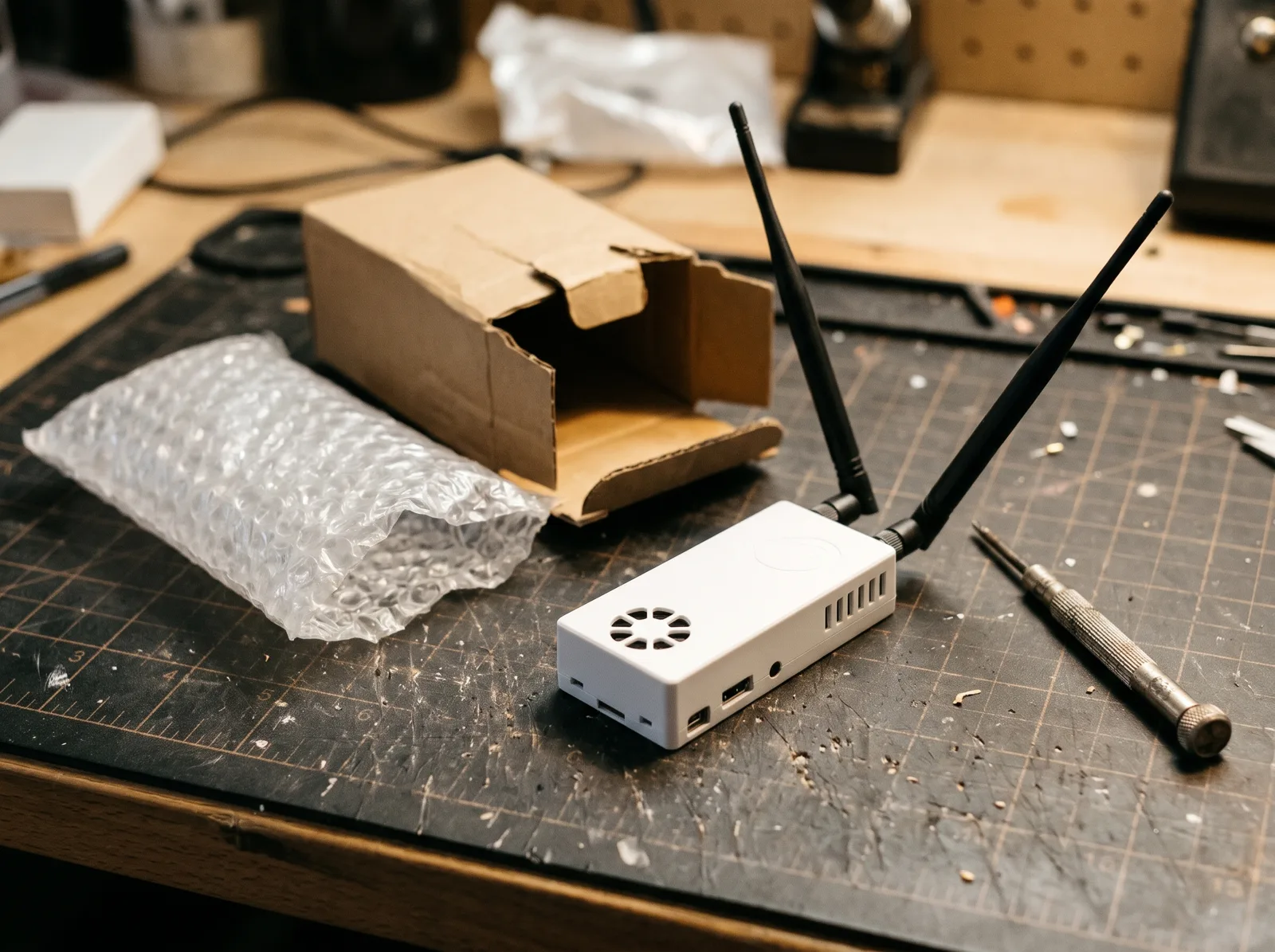
Tell Stratux which way the nose points. Then calibrate the gyros on the ground, with the aircraft level and still. Don’t calibrate while taxiing. You’ll need to redo the orientation any time you move the unit.
- Go to Settings → Set AHRS orientation.
- Point the nose direction when asked, then choose Set Forward Direction.
- With the aircraft level and still, run the gyro calibration from Settings.
Source: Stratux Learn, AHRS on Stratux.
Read the ground test banner
GROUND TEST MODE means the AHRS doesn’t have a good GPS fix yet. It clears on its own once GPS accuracy is better than 30 m. So it’s normal on the ground. Ground testing without a GPS fix or movement is a common issue we have. Source: Stratux Learn, AHRS and pressure sensor messages.
Which EFBs show AHRS data
Apps that support AHRS show a backup attitude indicator or synthetic vision. Support varies by app, so check the Stratux compatibility table before you buy the board. Ask us if your app isn’t listed. Source: Stratux apps list.
FAQ
Does Stratux AHRS work with ForeFlight®?
Yes. The board gives ForeFlight the pitch and roll for the attitude part of synthetic vision. Terrain and obstacles show without it (ForeFlight support).
Is the AHRS board certified?
No. It isn’t certified for IFR, and no portable AHRS from any manufacturer is TSO’d.
What does “Barometric altitude out of expected range” mean?
The pressure sensor reading was rejected. Reseat the board, power-cycle the unit, keep tape and glue off the barometer, then update the software. If it still fails, email us. Source: Stratux Learn, AHRS and pressure sensor messages.
Does the AHRS need a GPS fix before it works?
Without a good GPS track, it still uses the accelerometer for pitch and roll, and it shows no heading. It shows GROUND TEST MODE until GPS accuracy is better than 30 m. Source: Stratux Learn, AHRS and pressure sensor messages.
Next step
Check your EFB on the Stratux apps list before you install the board. Then follow our synthetic vision setup guide to finish orientation and calibration.