
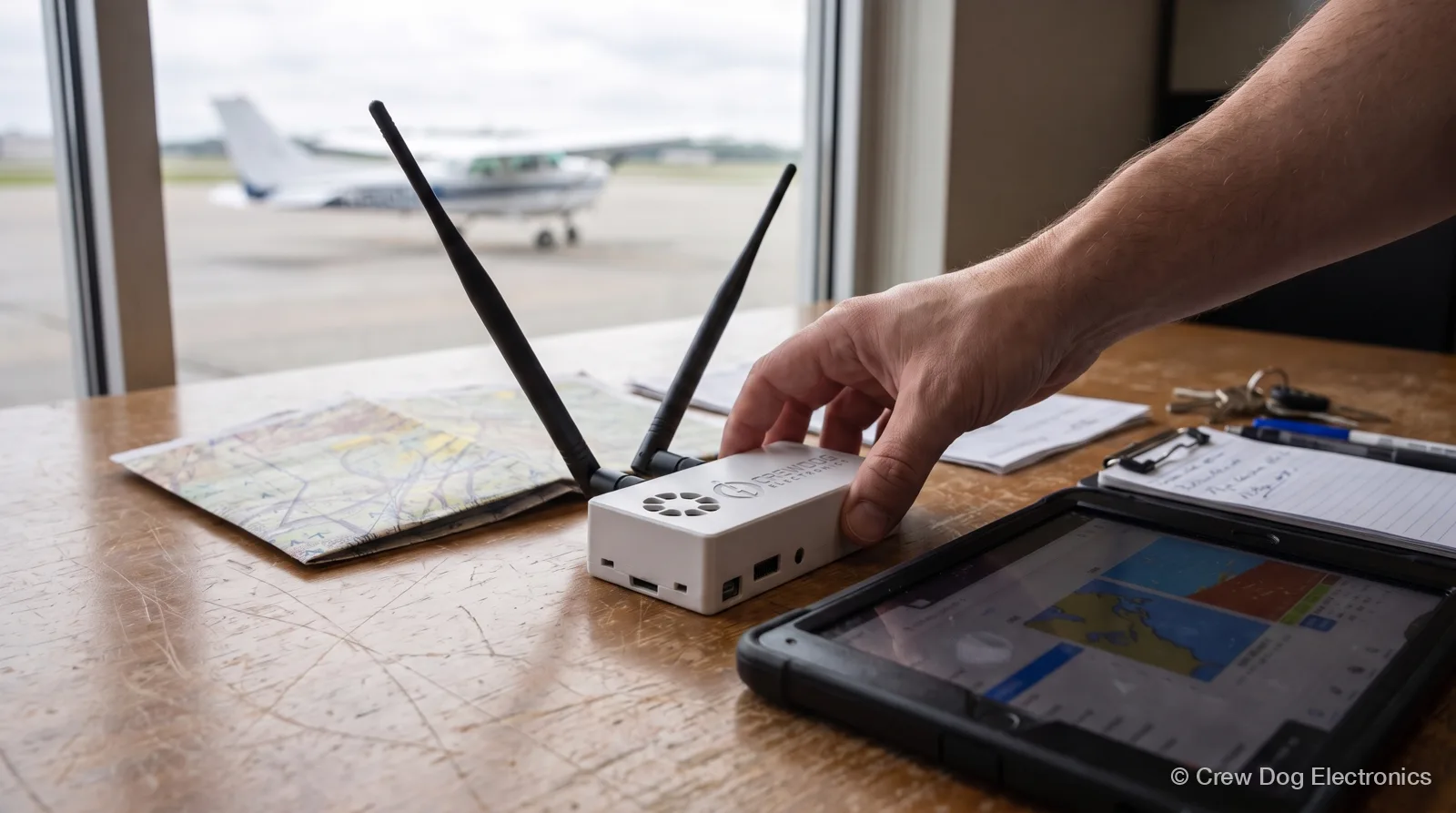
An EFB, or electronic flight bag, is a tablet running an aviation app that replaces the paper in your flight bag. Think charts, approach plates, the POH, weight and balance, and weather. For most Part 91 pilots that means an iPad or Android tablet with an app like ForeFlight®, Garmin Pilot or iFly EFB.
Add a GPS and an ADS-B In receiver, and the same tablet shows your position, traffic and in-flight weather. That last part is what we build. First, the basics.
What the FAA counts as an EFB
The FAA defines an EFB as “an electronic display system intended primarily for flight deck or cabin use.” That’s from AC 91-78A, Use of Electronic Flight Bags, dated February 23, 2024. It lists checklists, charts and the POH as examples, plus calculations like weight and balance and fuel.
The device can be handheld, sit in a mount, or be built into the panel. A tablet on a kneeboard counts.
What the FAA says for Part 91 pilots
Part 91 pilots have their own advisory circular, AC 91-78A. It says you can use an EFB in all phases of flight instead of paper when four things are true:
- It doesn’t replace any navigation, communication or surveillance equipment Part 91 requires.
- It shows the same information as the paper it replaces.
- The data is current, and you’ve checked that.
- You’ve made sure it doesn’t interfere with equipment or systems required for flight, per 14 CFR 91.21 (portable electronic devices).
Using it in flight is the decision of the operator and the pilot in command. No formal operational approval is needed if you follow the AC. The AC itself says it isn’t mandatory and isn’t a regulation.
You’ll also see AC 120-76E (June 12, 2024) cited a lot. That one is written for operators under Part 91 subpart K, 121, 125 and 135 who need FAA authorization for an EFB program. If you fly your own airplane or a rental under plain Part 91, AC 91-78A is the one that speaks to you. It points back to AC 120-76 for the Type A and Type B app categories.
So carry current data, keep a backup plan, and don’t treat the tablet as required avionics.
What goes in an EFB
Four pieces. You probably own the first two already.
- The tablet. An iPad or iPhone covers every major app. Android covers most of them. Pick a screen you can read in sun, and enough battery for your longest leg.
- The app. This is where your charts, plates, flight planning and logbook live. Most charge a yearly subscription.
- A GPS position. Cellular iPads have GPS built in. Wi-Fi-only iPads don’t, so they need an outside source (Stratux tablet guide).
- ADS-B In. A receiver that picks up traffic and FIS-B weather and sends it to the app. FIS-B weather is a free FAA broadcast in the US. A portable receiver doesn’t need a subscription.
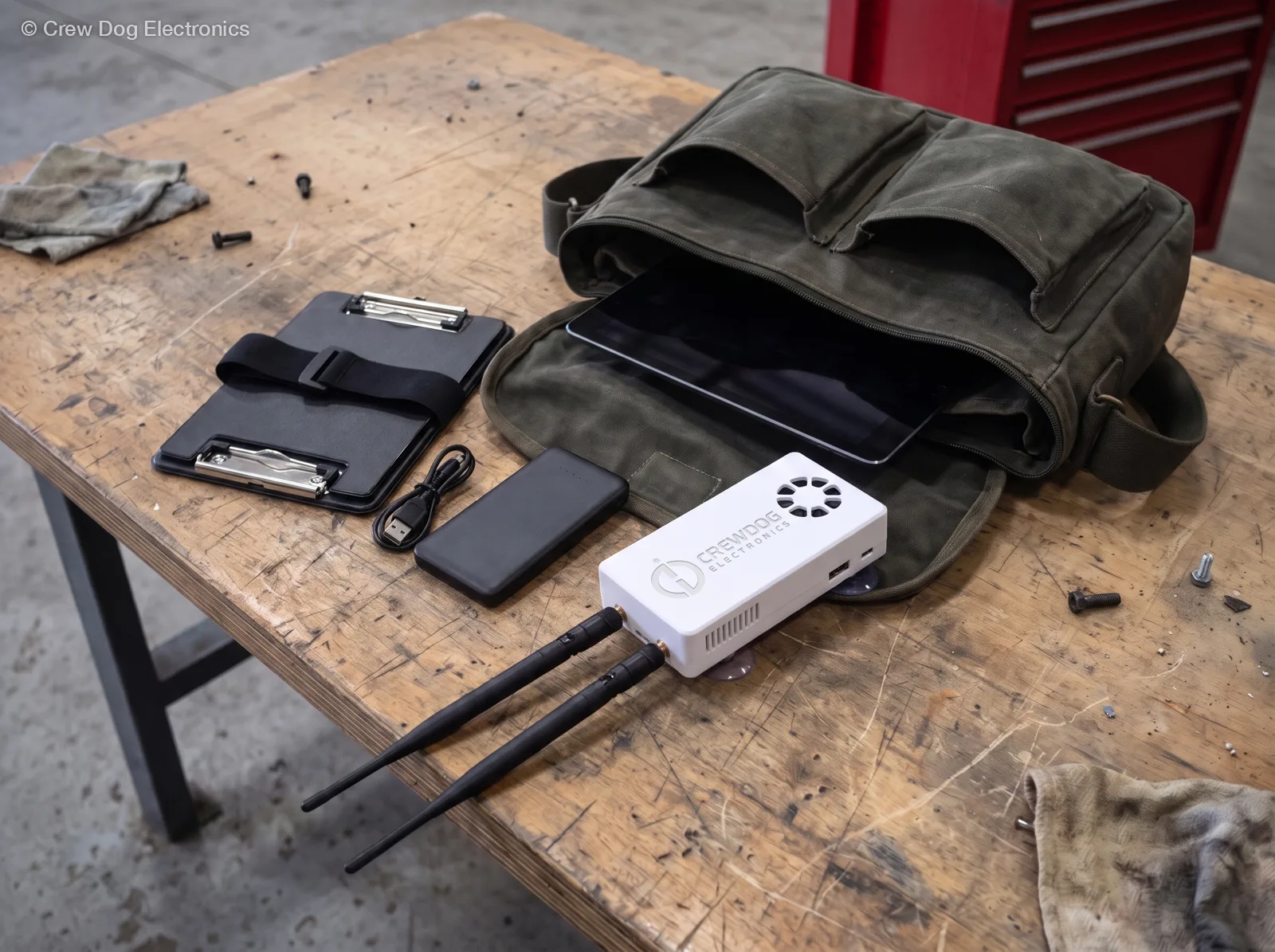
A Wi-Fi-only iPad has no GPS of its own, so the receiver in the bag gives it your position along with traffic and weather.
The main EFB apps
Here’s how the common ones line up. I’m only covering platforms and Stratux support here. Pick on the features you’ll actually fly with.
| App | Runs on | Works with Stratux |
|---|---|---|
| ForeFlight® | iPad, iPhone | Yes (GDL90) |
| Garmin Pilot | iPad, iPhone, Android | iPad and iPhone only |
| iFly EFB | iPad, iPhone, Android, Windows | iOS and Android |
| FltPlan Go | iPad, iPhone, Android, Windows | Yes |
| Avare | Android | Yes |
Sources: ForeFlight pricing, which names only iPad and iPhone. I also checked the Garmin Pilot listings on the App Store and Google Play, the iFly EFB Pilot’s Guide v14.0, and the Stratux EFB setup wiki, all on November 10, 2026. FltPlan Go and Avare come from our own app compatibility table.
The one miss to know about: Garmin Pilot on Android doesn’t work with Stratux. The Stratux wiki says so in its Garmin Pilot heading. On iPad and iPhone it works fine. If you’re torn between the two big iOS apps, I wrote up Garmin Pilot vs ForeFlight by platform, plan and device.
How a receiver feeds your EFB
The receiver makes its own Wi-Fi network. Your tablet joins it, and the app reads the data. No internet or cell signal needed in the cockpit.
Stratux sends traffic, weather, GPS and attitude in GDL90, an open format most EFBs read, over UDP port 4000 (Stratux integration docs). The app doesn’t need to know it’s a Stratux. It just sees a data source. One receiver gives the app four things:
- Traffic from 1090 MHz and 978 MHz UAT.
- FIS-B weather like NEXRAD, METARs, TAFs and TFRs, once you’re high enough to hear a ground station.
- GPS position, which is what a Wi-Fi-only iPad is missing.
- Attitude from the AHRS for the app’s attitude display. It’s a handy backup. It isn’t a certified instrument, so don’t fly IFR on it.
You’ll see a partial traffic picture if your own airplane has no ADS-B Out. The ground stations send rebroadcast traffic to aircraft with Out, so a receive-only airplane sees some of it, not all. More on that in ADS-B In vs Out.
Which Crew Dog Stratux fits your EFB
Every Crew Dog Stratux is a dual-band (978 and 1090 MHz) ADS-B In receiver with WAAS GPS and AHRS. We assemble and test each one before it ships. It works with every app in the table above, on the platforms marked. You can switch apps later and the receiver doesn’t care.
Most pilots want the Internal GPS model. Pick External GPS if your cockpit has a metal roof. The which Stratux page lays out the three versions. If you’re still comparing receivers in general, start with what to compare before you buy.
What app are you flying with now? If it isn’t on the list, check will Stratux work with my EFB before you order.
EFB questions pilots ask
Do I need FAA approval to use an EFB under Part 91?
No formal approval, per AC 91-78A, as long as you follow its guidance: current data, equivalent to the paper it replaces, and no interference with the airplane. The PIC makes the call.
Can an EFB replace my paper charts?
Under Part 91, yes, when the four AC 91-78A conditions above are met. Keep a backup, like a second device or a charged phone with the same app.
Is an iPad an EFB?
On its own it’s a tablet. With an aviation app showing charts and flight data in the cockpit, it’s an EFB.
Do I need ADS-B In for an EFB?
No. The app works without it. ADS-B In adds traffic and in-flight weather, and a receiver like Stratux adds GPS to a Wi-Fi-only iPad.
Next step
Pick your app first. Then grab a Crew Dog Stratux to feed it traffic, weather and GPS.