
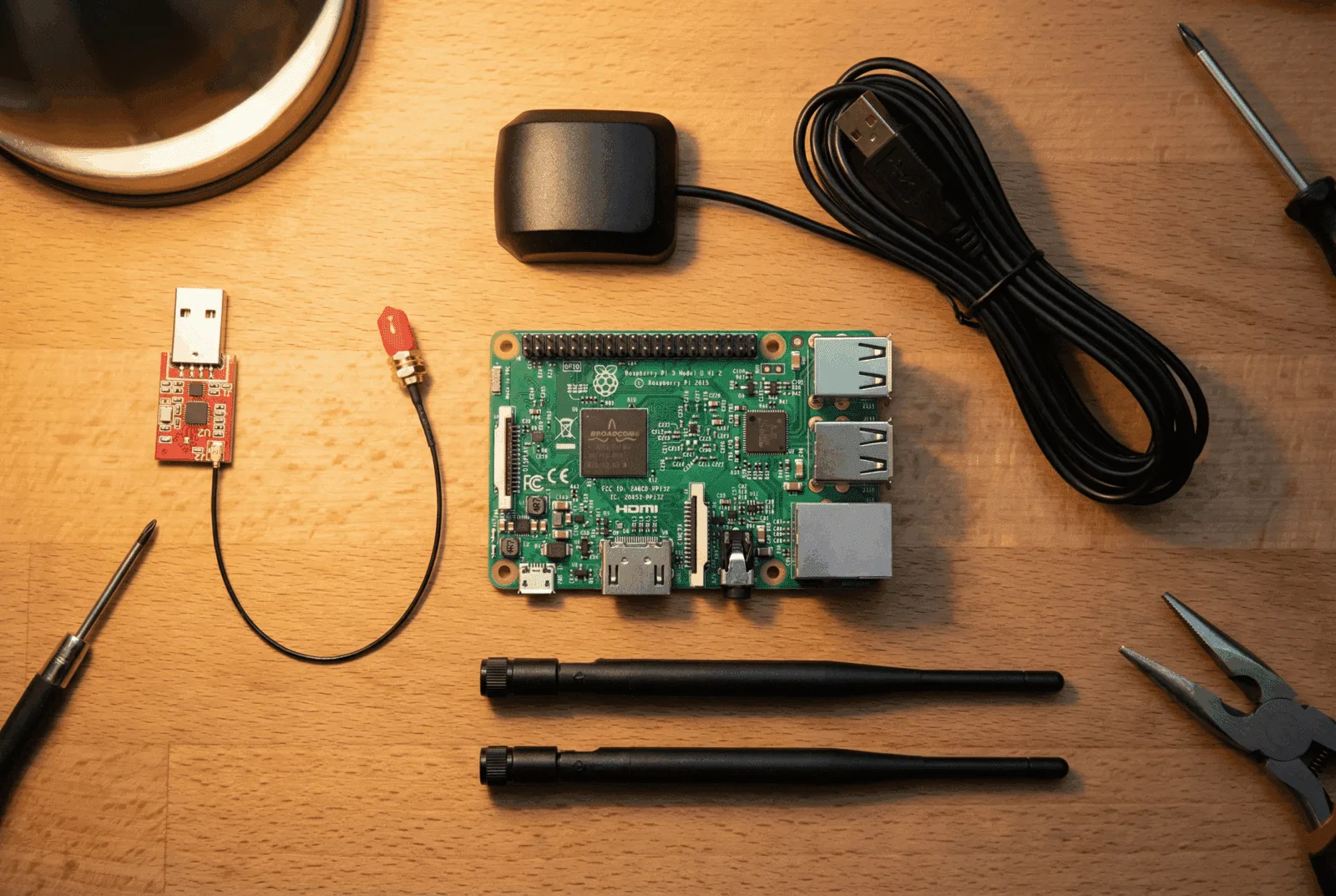
A DIY Stratux is a Raspberry Pi 3 with a UAT radio for 978 MHz, an RTL-SDR for 1090 MHz and a USB GPS module. It runs the open-source Stratux software. Plan on some patience and some testing. The traps are power, heat and the fragile antenna pigtail.
The parts that matter
- Board: Raspberry Pi 3B or 3B+. A Pi 4 works, but it runs hotter and draws more power for no benefit. I wouldn’t use a Pi 5 for this build.
- 978 MHz UAT radio: a dedicated UATRadio (TI CC1310). It isn’t an RTL-SDR or a general SDR. It can’t receive FLARM or OGN.
- 1090 MHz receiver: an RTL-SDR.
- GPS: a u-blox USB GPS module. WAAS-capable modules are the common choice.
- Antennas: a 978 antenna and a 1090 antenna, hand-tightened.
- Power: a 2-amp source minimum.
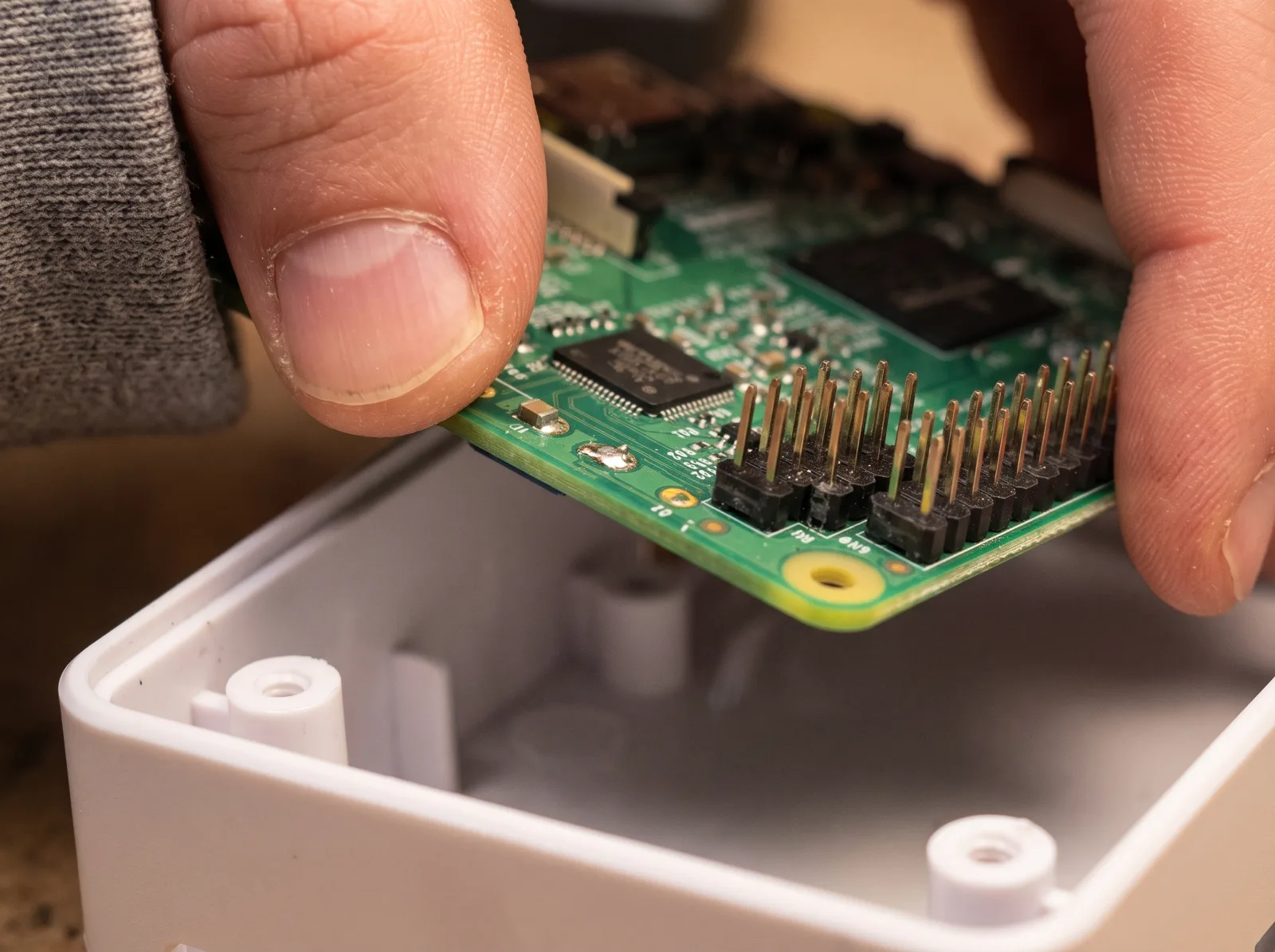
Step 1: Flash the card
- Download the image from the Stratux release page or stratux.com/download.
- Unzip the image before you flash it.
- Write the image to the card, then check the card boots before you add the radios.
Step 2: Connect the radios
Plug the UAT radio into a USB port. Its u.FL pigtail runs from the radio to the antenna connector, so handle it gently. If you break one, it’s a common and cheap fix. Plug the RTL-SDR and the GPS module into the USB ports.
Step 3: Power it properly
I’d use a 2-amp source. A 1-amp source causes boot loops and unstable operation. Keep the case vents clear. The fan speeds up to hold the CPU near a 50 degrees C target.
Step 4: First boot and GPS
Power it on and join the Stratux WiFi network. The first GPS lock can take a while, often several minutes, outdoors with a clear view of the sky. I’d wait for it before you judge the GPS.
Step 5: Check the EFB
Connect your EFB app to the Stratux network, then check traffic and GPS. Weather shows up once you’re airborne and have line of sight to a station.
The traps
- Pigtails break. Hand-tighten the antennas. Don’t use pliers.
- Power dips. A marginal source looks like a software fault.
- Heat. A closed case with no vent space runs hot.
- Wrong radio. The UAT radio doesn’t receive FLARM. Check which radio you have before you plan a FLARM setup.
Who this is not for
If you want traffic and weather on your tablet before your next trip, a pre-built receiver is faster. A DIY build is a good project if you want to understand every part and you can troubleshoot.
FAQ
Can I use a Raspberry Pi 4?
It works. It runs hotter and draws more power, and you gain nothing in this build.
Does the UAT radio receive FLARM?
No. The UATRadio is a CC1310, and it doesn’t receive FLARM or OGN.
Does a DIY Stratux work in Canada?
UAT works in the US and Canada. Canadian weather comes from a volunteer network with the same data.
Next step
I’d flash the card and make sure it boots before you buy the radios. Full build notes are on stratux.com/learn. Decided a pre-built unit fits better? Read pre-built or DIY, how to choose. Got a Pi 3 on the bench already?