Posted on

Do You Need Both 978 and 1090 Radios in Stratux?

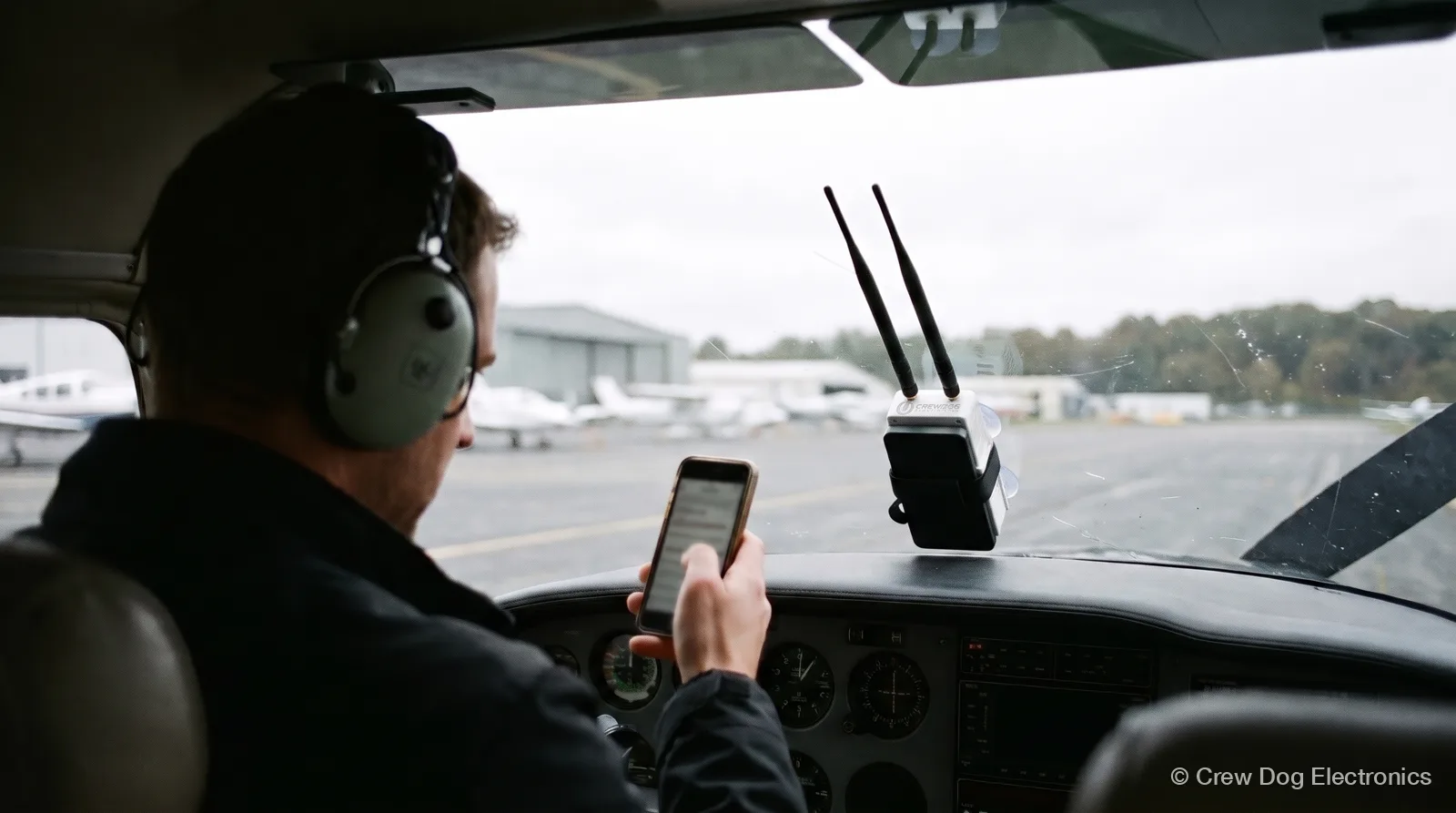
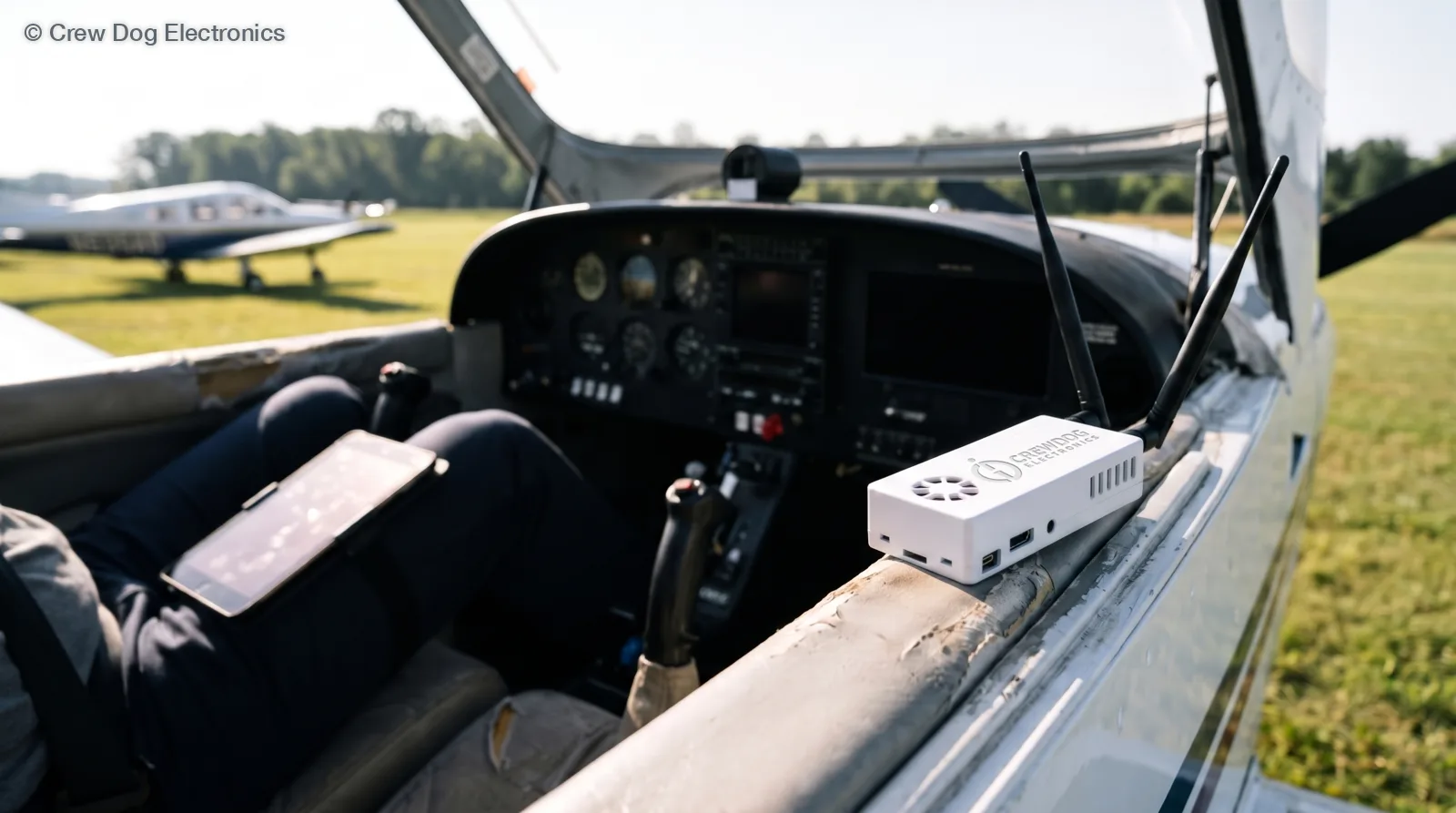
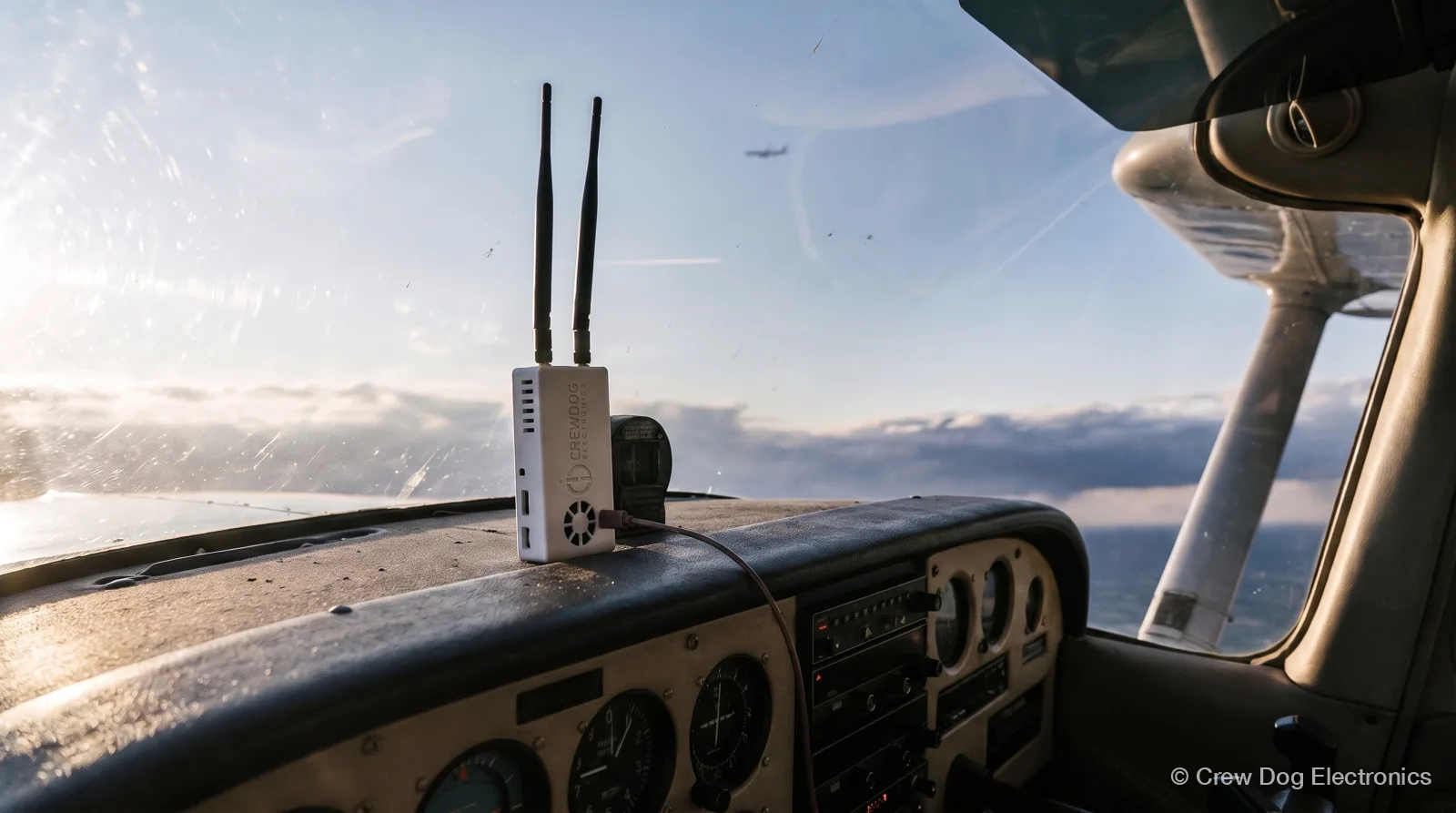
Stratux receiver on the glareshield with a distant airliner contrail above and weather building on the horizon ahead

For most pilots in the US, yes. The 978 MHz radio gives you FIS-B weather and UAT traffic. The 1090 MHz radio gives you traffic from 1090 ES aircraft, including airliners and most transponder-equipped general aviation. Current Stratux builds get 978 MHz from a dedicated UATradio, not an SDR. The 1090 MHz radio is an RTL-SDR.

Last updated November 2, 2026.

What 978 MHz gives you

  • FIS-B weather. FAA ground stations broadcast weather on 978 MHz. Only 978 carries it, so a 1090-only unit has no weather.
  • UAT traffic. Aircraft with UAT transponders broadcast on 978 MHz.
  • Coverage. In the air, UAT weather reaches a long way, depending on the station. On the ground, reception doesn’t reach far. Canada runs its own network through the CIFIB volunteers, not Nav Canada.
  • Hardware. The 978 radio is a red UATradio built on a TI CC1310 chip, the same board we ship in our pre-built units. It connects through a small u.FL pigtail. It isn’t an RTL-SDR.
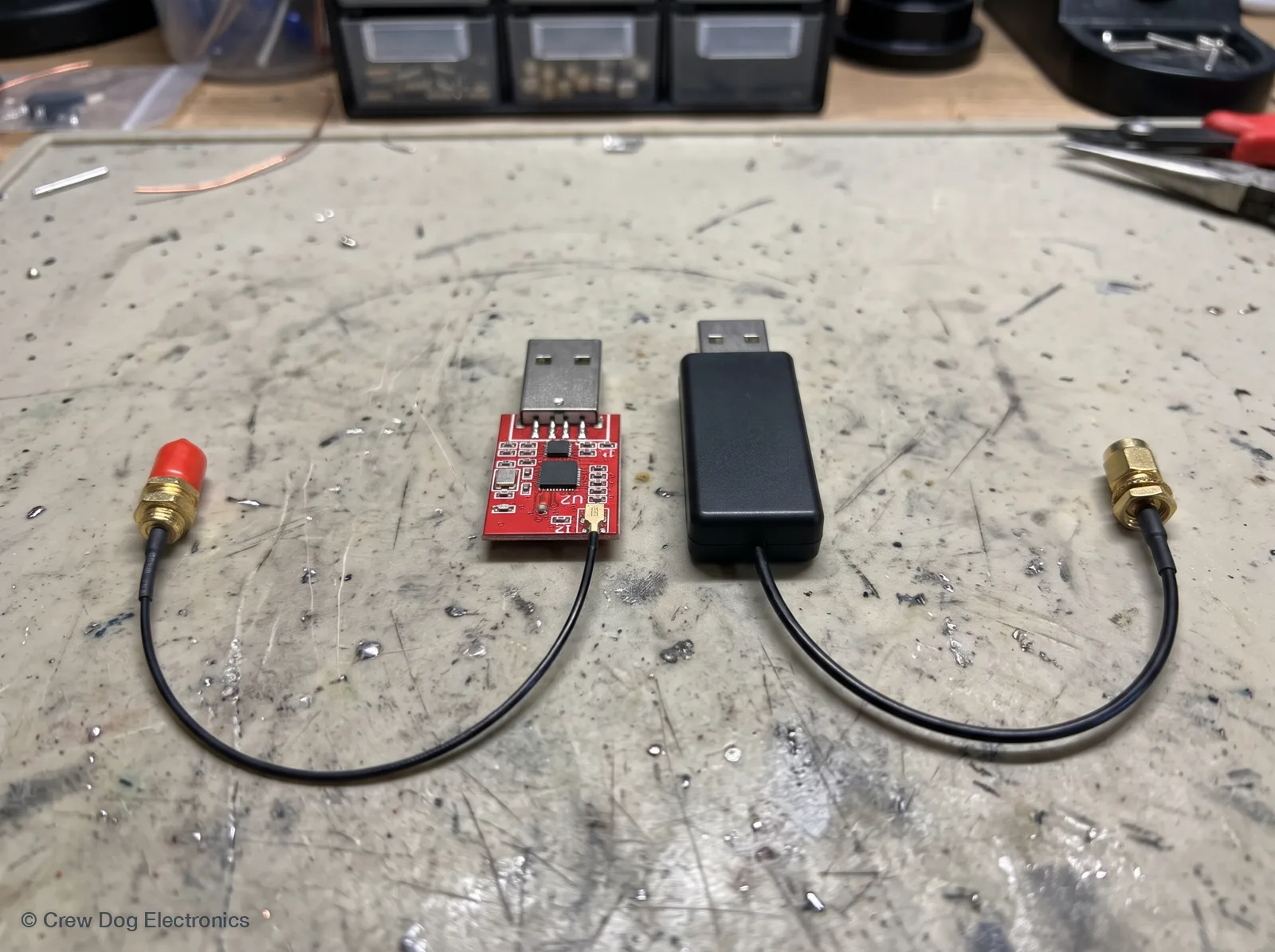
Red 978 MHz radio stick and a black 1090 MHz dongle side by side on a bench, each with an antenna lead

Pull a radio and untick its band too. Stratux runs only as many protocols as it has radios, and the status page shows an error if you enable more.

What 1090 MHz gives you

  • Traffic from 1090 ES aircraft. Airliners and most transponder-equipped general aviation broadcast on 1090 MHz. Without this radio, you’ll miss direct 1090 traffic. ADS-R can relay some of it to a 978 radio where ground stations cover it.
  • Ground use. 1090 traffic from nearby aircraft can appear on the ground. 978 traffic generally needs altitude.
  • Worldwide coverage. 1090 ES works outside the US as well.
  • Hardware. Most RTL-SDRs work as the 1090 radio. Check that the tuner covers 1090 MHz, because some don’t. If the dongle has to fit inside the case, buy a nano size.

Choose by how you fly

Setup FIS-B weather UAT traffic 1090 traffic Notes
978 + 1090 (dual) Yes Yes Yes The usual configuration
1090 only No Relayed only (ADS-R) Yes Untick 978 in settings (needs developer mode)
978 only Yes Yes Relayed only (ADS-R) Little traffic, especially on the ground

Above 18,000 ft, ground FIS-B and TIS-B still come in up to FL240 (24,000 ft), and aircraft up there use 1090 ES. The FAA ADS-B page covers the rules for ADS-B equipment.

Check which radio is which

  • By look: the red board is the UATradio. The nano-size stick is the 1090 radio.
  • By test: plug in a stick without a 978 antenna. If traffic appears, that stick is the 1090 radio. 978 is hard to receive on the ground.
  • By serial: rtl_eeprom on a Linux computer reads a dongle’s serial. Serials are optional on current builds.

Stratux can run only as many protocols as it has radios. Enable more than you have, and the status page shows an error. Untick the band you have no radio for, or fix the missing radio.

What dual radio costs you

  • Heat. The radios run warm in a sealed case. Keep the vents clear, and don’t leave the unit in direct sun.
  • Power. Stratux needs a 2 A or better source, with or without the second radio.

Frequently asked questions

Can one dongle receive both 978 and 1090?
No. The 978 radio is a UATradio, not an SDR. Some RTL-SDR tuners can receive 978 MHz, but one tuner can’t listen to two frequencies at once, so each band needs its own radio.

Is 1090 alone enough in the US?
It gives you the traffic from airliners and transponder aircraft, but no FIS-B weather. Most pilots want both for the weather alone.

Which radio should I replace if traffic drops?
Check the message counts on the status page with the antennas attached, outdoors. A 1090 count stuck at zero under clear sky is the warning sign. Replace the 1090 dongle first. It’s cheap.

What to know first

Dual radio doesn’t make Stratux a certified avionics box. Use it as situational awareness. ADS-B traffic is advisory, so a quiet display doesn’t mean there’s no traffic.

Next step

Power the unit on outdoors with the antennas attached. Open 192.168.10.1 and check that both the UAT and 1090 message counts move. For the full radio guide, see choosing Stratux radios. Buying new? Our Internal GPS model includes both 978 and 1090 radios.
Posted on

Stratux GPS Slow to Lock: Causes and Fixes

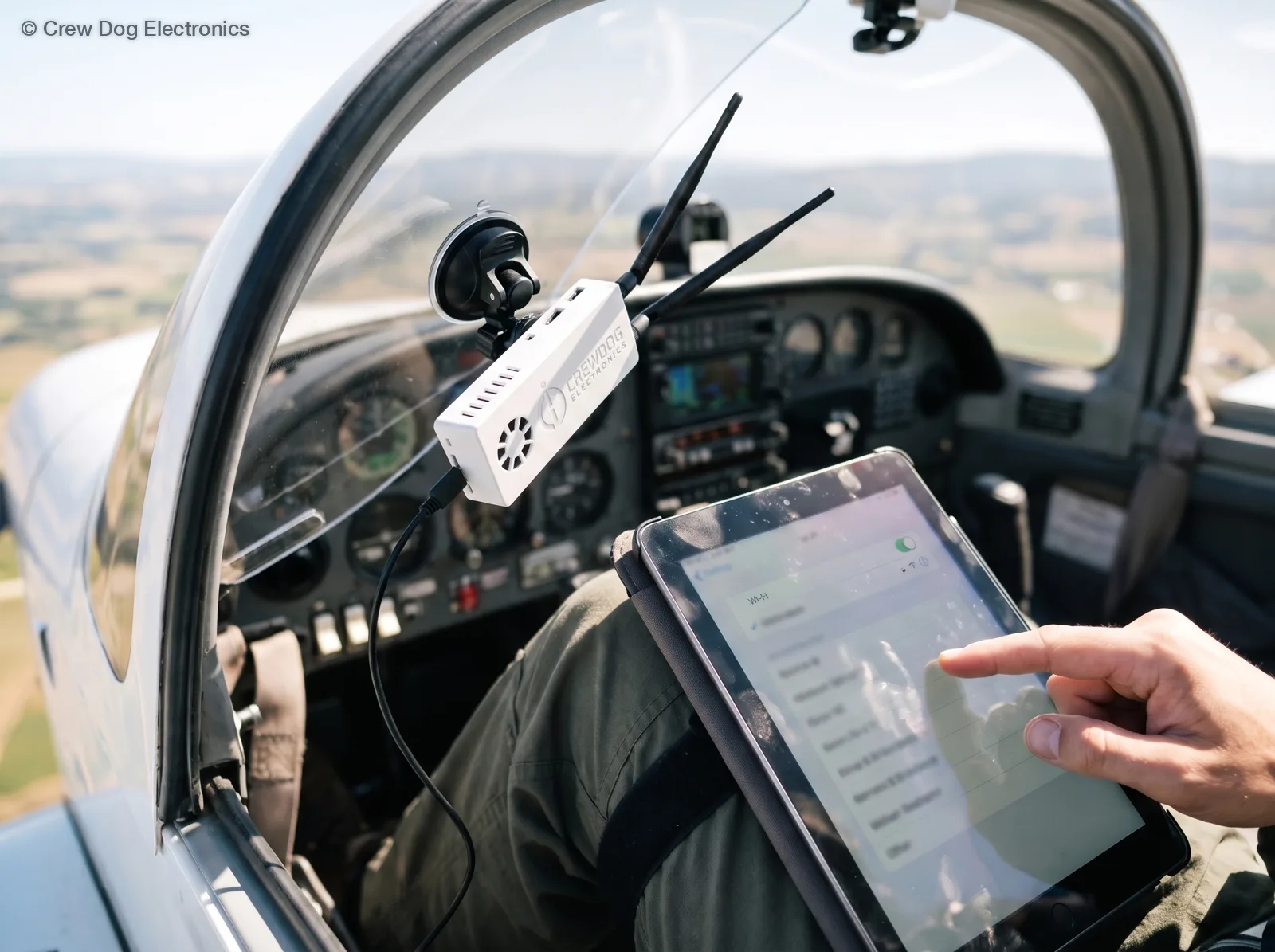
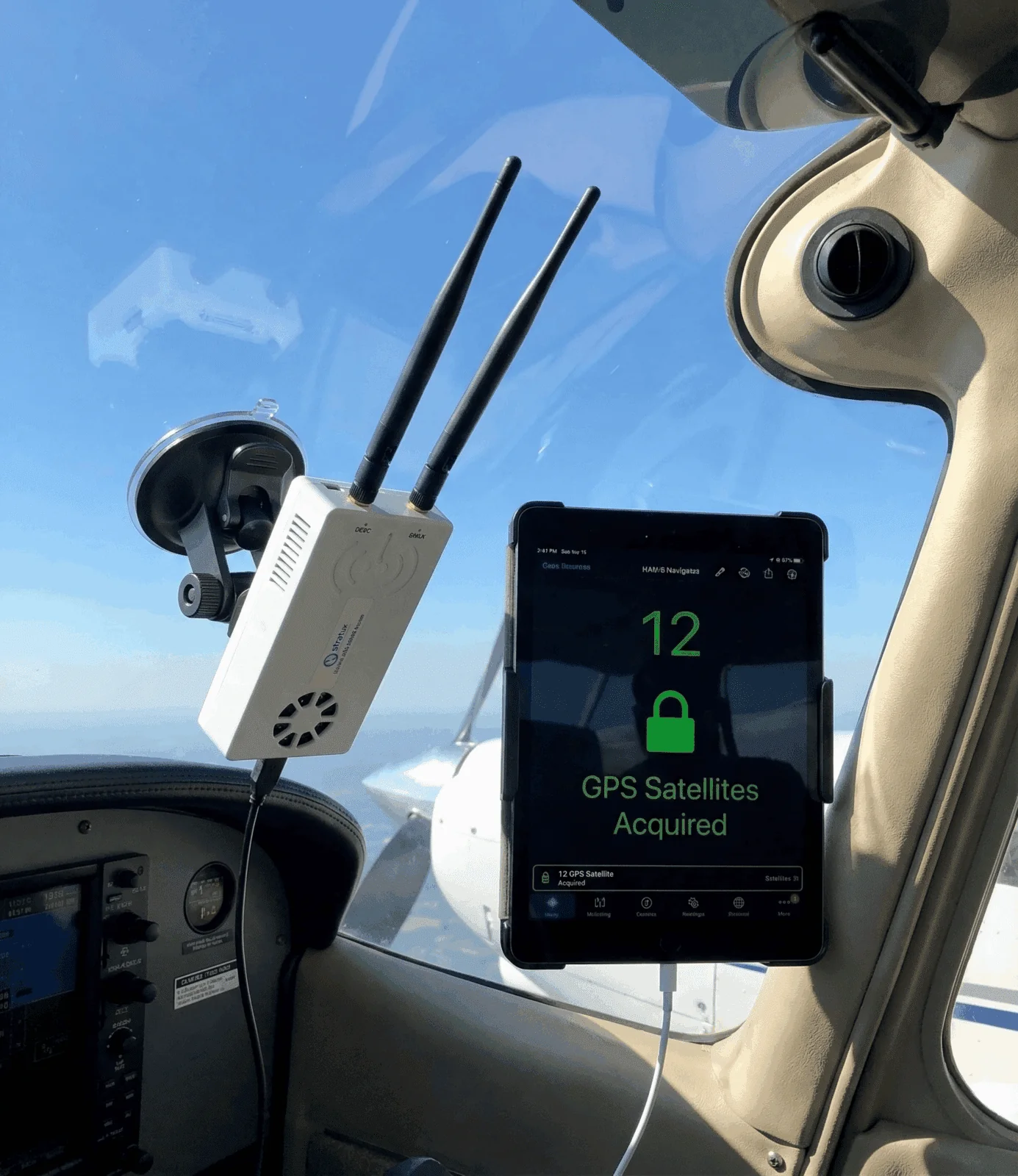
iPad showing 12 GPS satellites acquired on a cockpit mount beside a Stratux receiver on a suction mount

A new or reflashed Stratux can take a while, often several minutes, to get its first GPS fix outdoors, with open sky. Reflashing doesn’t reset the GPS receiver. If it still doesn’t have a fix after that, check the sky view first. Then check the GPS dongle, then the status page.

The steps here cover Stratux units we sell. If you built your own unit, the GPS module you chose can change the results.

Start with a first-boot test outdoors

The first fix on a new unit can take a while, often several minutes, outdoors. Reflashing doesn’t reset the GPS receiver. Indoors, even near a window, it often doesn’t get a fix. Start the unit outside with the sky-view side facing up. Give it time before you judge it.

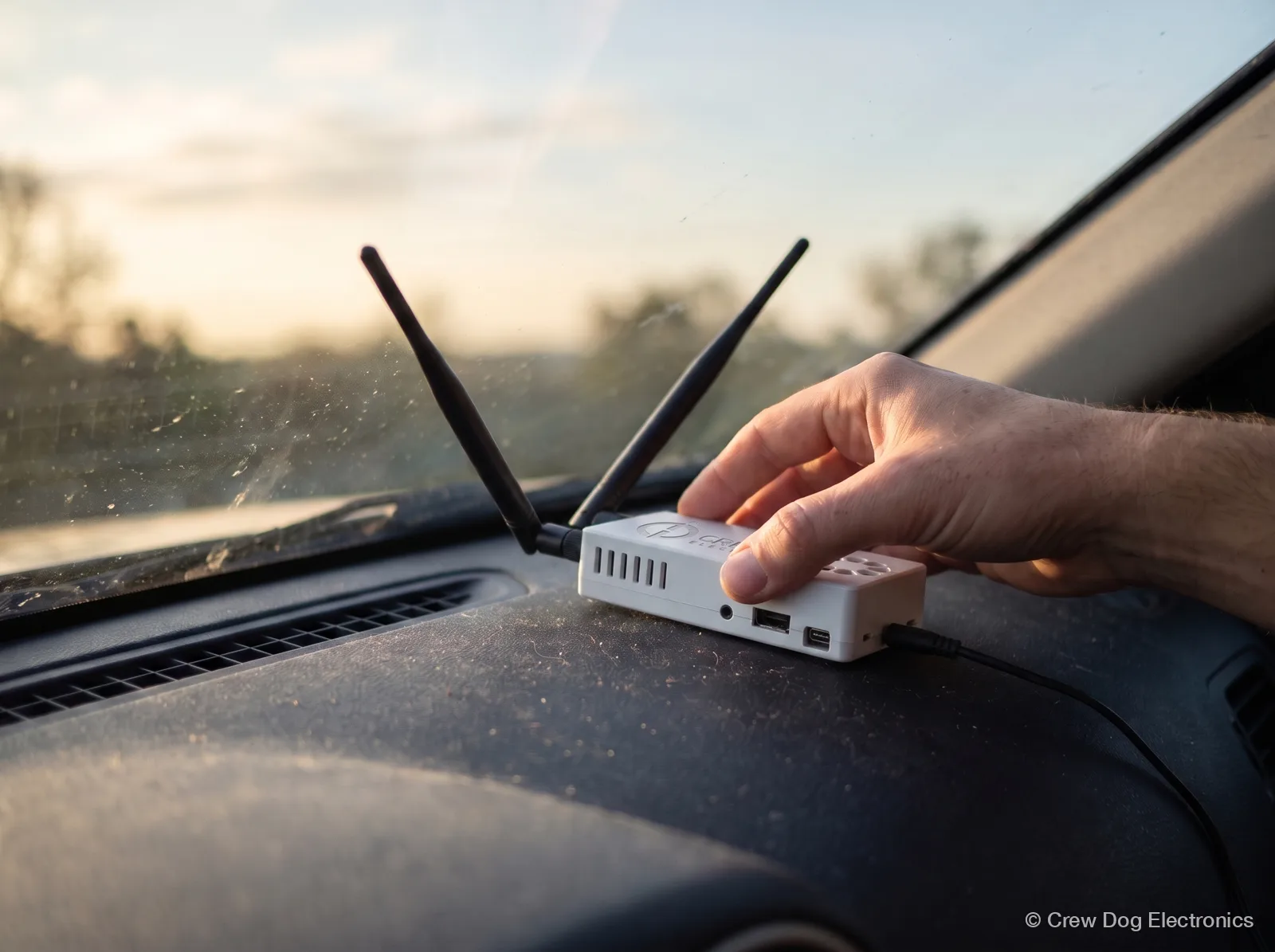
Hand turning a Stratux receiver top side up on a dashboard so its GPS faces the sky

Still no fix after the wait? Before you contact us, note your software version, what the GPS section shows, where the unit sat and your power source.

Check the sky view

  • Move the unit near a window or onto the windscreen. A dash-top mount with the roof above it blocks much of the sky.
  • Metal roofs block GPS. For a metal-roof cockpit, the external-GPS model’s the better choice. We sell it. External GPS also gives you more mounting options.
  • Keep the sky-view side up. The case marks which side faces the sky.

Read the GPS section on the status page

Connect your tablet to the Stratux WiFi, open 192.168.10.1, and read the GPS section. The status page also shows UAT, 1090 and AHRS, so you’ll see which parts are running and which aren’t.

If the GPS section shows “Serial Port (Not communicating)” or “GPS solution disconnected,” go to the next step.

Reseat the GPS dongle

We get support tickets about this. A loose GPS dongle causes those messages. Open the case (six screws), push the GPS firmly back into its USB port, and close the case.

If the unit’s still under warranty, contact us before you open it.

If it still won’t lock

  1. Confirm the first-boot wait really passed: 20 minutes outdoors, sky-view side up.
  2. Power-cycle the unit outdoors, then wait another 20 minutes.
  3. Contact our support portal with your software version, what the GPS section shows, where the unit sits, and your power source.

Power matters too. A weak supply can cause unstable behavior. If the unit restarts, check the power bank guide.

Frequently asked questions

How long should a first GPS fix take?
A while outdoors, often several minutes, with open sky. Indoors, expect no fix.

Why does the EFB show no weather after the GPS locks?
Weather’s a separate issue. Ground reception is short-range, so weather usually doesn’t show until you climb a bit.

Internal or external GPS?
Internal works for most window mounts. External gives slightly better reception and more mounting options, and it suits metal-roof cockpits. We sell both, so pick based on your cockpit. Some people like an external puck because they can move it around and stash the Stratux out of sight.

Does a GPS fix need a subscription?
No. The Stratux receives GPS from satellites directly. Your EFB may have its own subscription, but that’s separate.

Next step

Put the unit outside with the sky-view side up, and wait 20 minutes. Then open 192.168.10.1 and read the GPS section.

For the rest of the setup, you’ll find the Stratux troubleshooting guide and the setup guide.

Posted on

Stratux WiFi Not Connecting? Fixes in Order

Pilot holding up a phone toward a windscreen-mounted Stratux receiver that will not connect

Most Stratux Wi-Fi problems come down to timing, power or a stale phone connection. Wait about two minutes after power-on. Join the network named stratux and open 192.168.10.1. If that page loads, the Wi-Fi works. The page alone doesn’t prove the radios or GPS work, so check the status page for those. If it doesn’t load, I’d work through the fixes below in order.

Last updated November 2, 2026.

Start with the two-minute wait

The most common cause is connecting before the unit finishes booting. Stratux takes about two minutes to start. The network can show up before the unit’s ready to answer. Power on, wait two full minutes, then scan for networks. That alone fixes many cases.

If the network still doesn’t appear, check the status light:

  • Solid green: the unit is running. Turn the tablet’s Wi-Fi off and on.
  • Blinking red: not enough power. Use a 2 A or better source and another cable.
  • Red only, no green: the software isn’t starting. Reflashing the card is the usual fix. Go to fix 4.
  • Flashing green: the software has a problem. Go to fix 4.

Fix 1: Forget the network and rejoin

Phones keep saved details for networks. After a power cycle, a firmware update or a name change, those saved details can block the connection. I’d remove the saved stratux network and join it again. Use the current name and passphrase, if you set one.

Fix 2: Stay on the network when the phone says no internet

Stratux doesn’t provide internet by default, so phones show a warning. I’d choose to stay connected. On Android, the phone can switch to mobile data while still showing Wi-Fi as connected. If that happens, turn off the automatic switch in Wi-Fi settings. Or turn on Airplane Mode, then turn Wi-Fi back on while staying on the Stratux network.

Fix 3: Check for a passphrase, but do not hand-edit the Wi-Fi files

A fresh unit has no Wi-Fi password. If someone set one and you’ve forgotten it, don’t edit the Wi-Fi configuration files by hand. Stratux regenerates its Wi-Fi settings whenever you apply changes. So hand edits to those files get overwritten the next time you apply settings.

If you’re locked out, reflash the card and don’t restore the old Wi-Fi settings. Restoring the old file brings the same passphrase and security setting back, so the lockout returns. Before the first boot, copy your backup onto the card with WiFiSecurityEnabled set to false, or skip the backup and set a passphrase in the web interface after the unit boots. I’d edit settings in the web interface whenever you can.

Fix 4: Check power, then reflash the card

Use a 2 A or better source. A USB-C port gives 5 V unless a device negotiates more over USB Power Delivery. Check each port’s rating, use one that delivers 2 A at 5 V, and swap the cable. Undervoltage can make a unit reboot or drop Wi-Fi.

If the light shows red only, or flashing green, reflash the microSD card:

  1. Remove the card. Gold contacts face down when the card is in the unit.
  2. Download the latest image from the Stratux GitHub releases or stratux.com/download. Unzip it before flashing.
  3. Flash it with balenaEtcher, then put the card back in the unit.
  4. Power on. A healthy unit shows a solid green light.

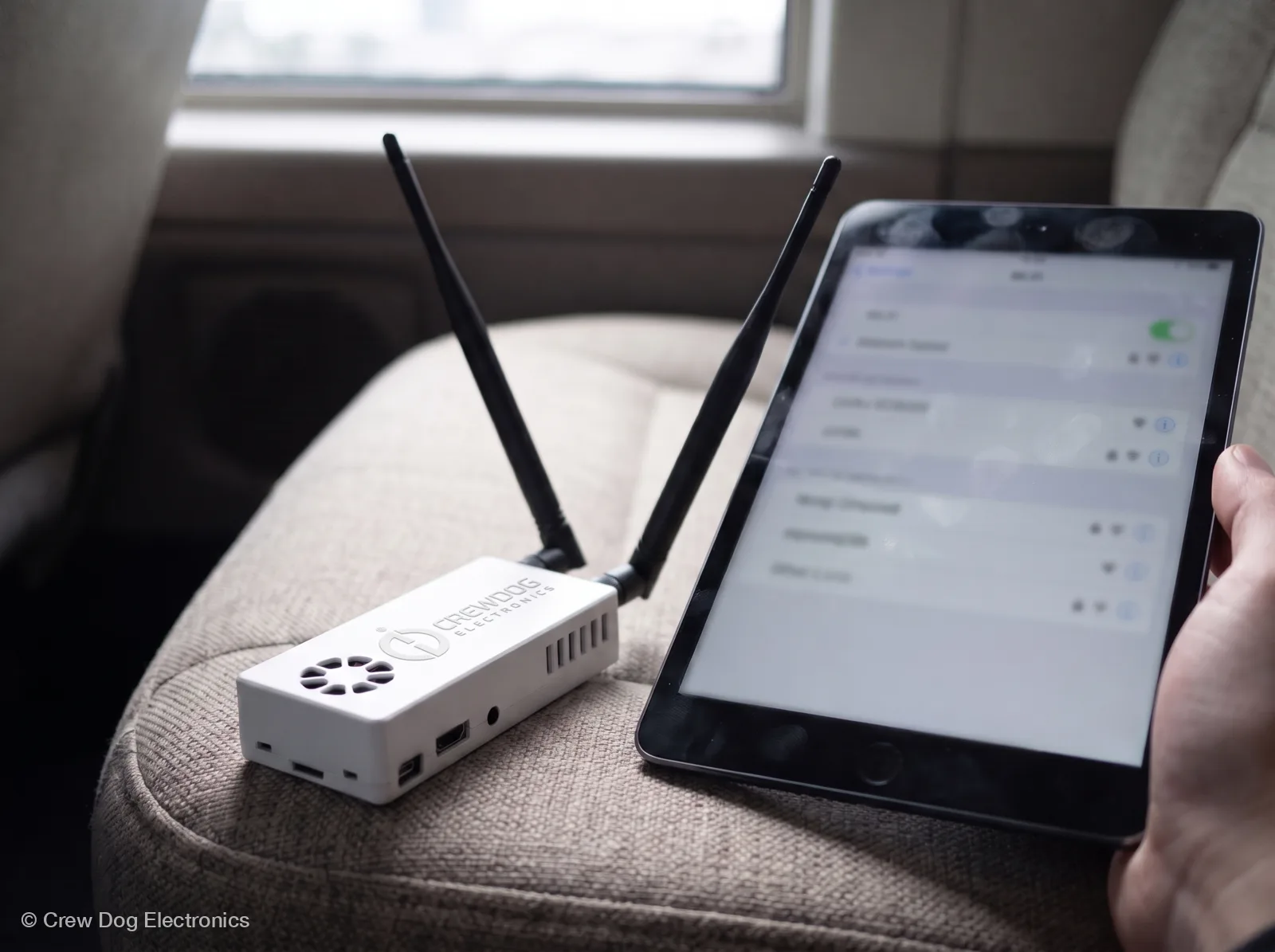
Tablet Wi-Fi network list beside a Stratux receiver on a seat

Locked out? After the reflash, don’t restore your old stratux.conf as-is. It brings the same passphrase back, and the lockout comes with it.

What to send when you ask for help

I’d include these details. They help the community or support find the problem faster:

  • The Stratux software version, from the Status page at 192.168.10.1
  • What the status page shows for GPS, UAT, 1090 MHz and AHRS
  • The phone or tablet model and OS version
  • The exact error or what the screen shows when you try to connect

Ask in the Stratux Discord. If your unit is ours and still under warranty, contact Crew Dog support at support.crewdogelectronics.com.

Frequently asked questions

Why does the phone say the Stratux network has no internet?
Stratux is a local data network. It doesn’t provide internet by default, so the warning is expected.

Can I change the Wi-Fi name and password?
Yes, in the Stratux web interface. I’d apply the change once, then you’ll rejoin the network on your devices.

Why can I see the network but not open 192.168.10.1?
The network is up, but the software may not be running yet. Wait a minute longer. If it still fails, reflash the card as in fix 4.

What to know first

Stratux Wi-Fi is for your EFB app and the status page. It doesn’t connect your aircraft to the internet, and it doesn’t change how the receiver decodes traffic or weather.

Next step

Power the unit on, wait two minutes, join the stratux network and open 192.168.10.1. If the Status page loads, go back to your EFB app and select Stratux as the device.

Posted on

Open Source Avionics: How Stratux Started on GitHub

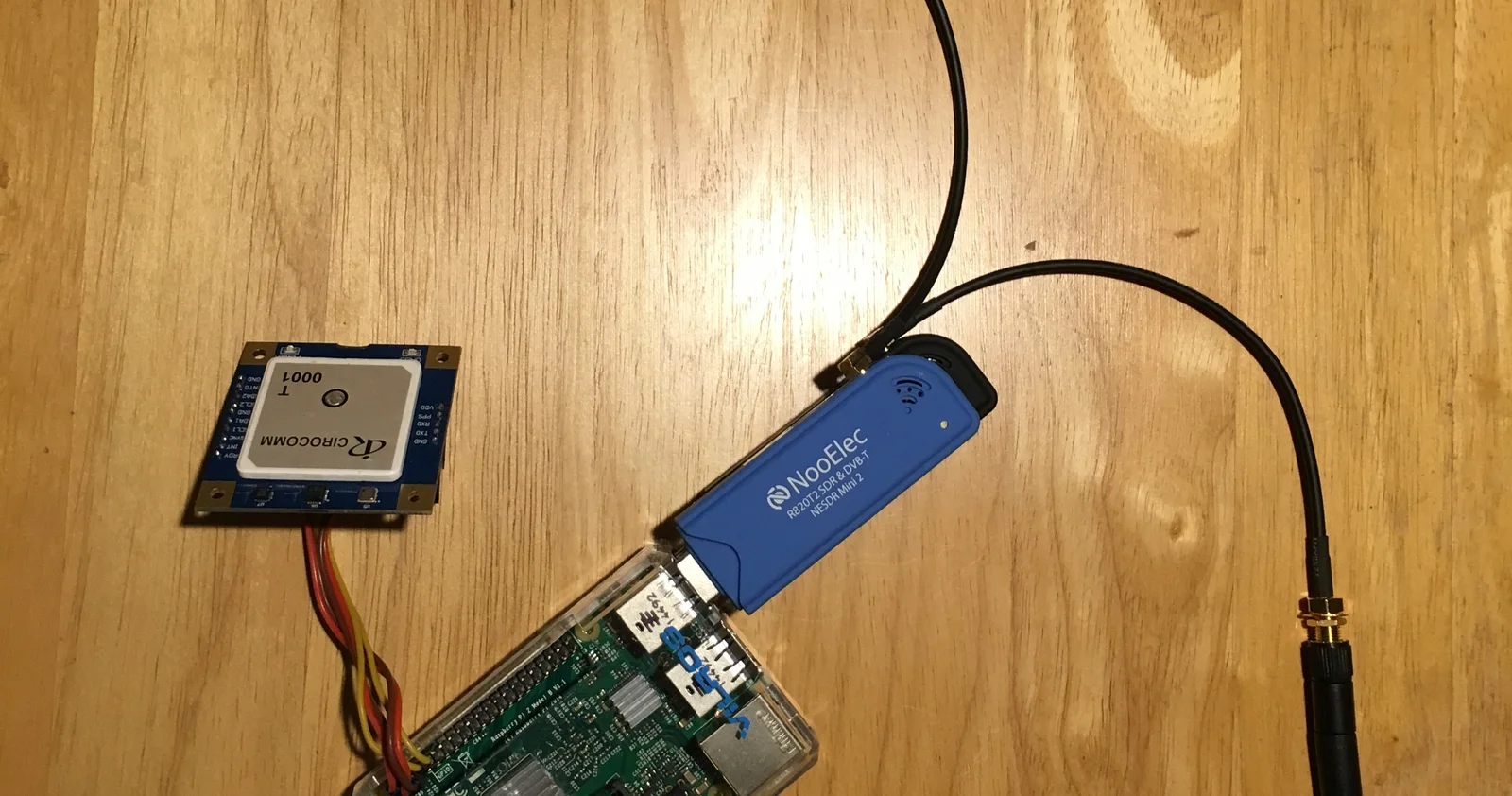
A 2015 Stratux prototype: a Raspberry Pi, an SDR dongle and a GPS board on a wooden table, no case yet

Hero photo: JohnOCFII (Stratux Discord), October 2015.

Stratux started as a public GitHub project in August 2015. Its code is still public under the BSD-3-Clause license. Open source lets you read, build and repair the system, but it doesn’t make the receiver certified.

Updated November 2, 2026.

How the project started in 2015

The first version was a Raspberry Pi and RTL-SDR receiver built to feed ForeFlight. It received 978 MHz only, on a single SDR. It was shared publicly from the first post on r/flying in August 2015. Dual-band support for 978 and 1090 MHz first shipped in v0.2r1 on September 16, 2015.

Christopher Young (cyoung on GitHub) started the project and stepped back around 2020. Many contributors have kept it going since. The contributor history on GitHub is the best record of who’s worked on it.

Aviation Consumer reviewed Stratux in February 2016. That made it one of the first major aviation publications to cover the project.

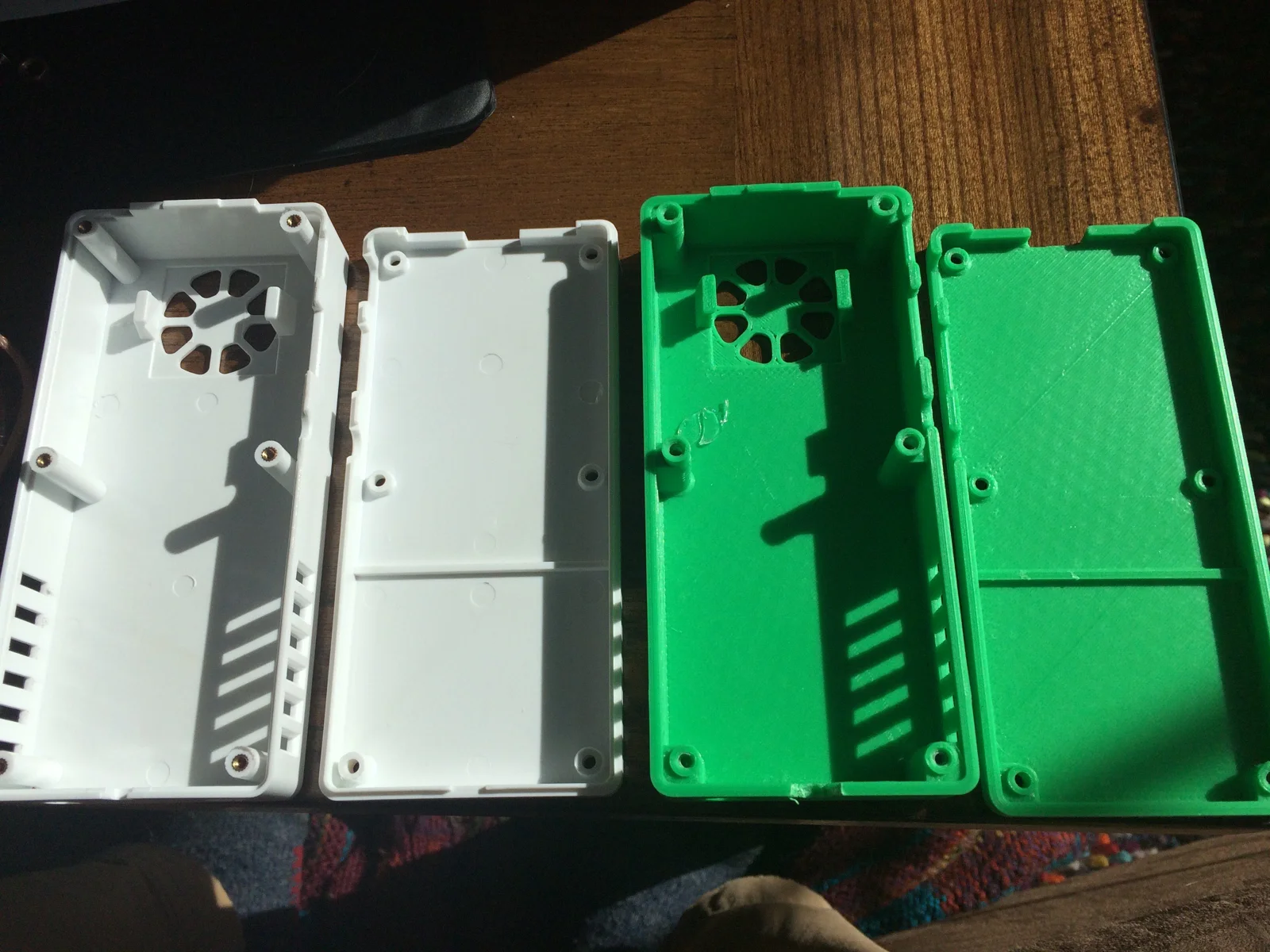
Four open Stratux cases on a wooden table: two white, two green 3D-printed

That second band is why a Stratux is useful far from home. 1090 traffic works worldwide, while 978 traffic and weather need a ground station: the US, Canada and one in Finland so far. Photo: Helno (Stratux Discord)

What is public, and under what license

The repository is public at github.com/stratux/stratux under the BSD-3-Clause license. Anyone can read the code, build a copy and change it under the BSD 3-Clause license. Copies have to keep the copyright notice, the license conditions and the disclaimer, and can’t use the contributors’ names to promote a product without permission.

The data format is public too. The receiver sends GDL90 over UDP port 4000, so any app that reads GDL90 can show the same traffic and weather.

Why the hardware is standard

The computer is a Raspberry Pi 3B, which lists at $35 MSRP (Adafruit). The 1090 MHz side uses an RTL-SDR dongle. The 978 MHz side uses a dedicated UATRadio built on a TI CC1310 chip, not an SDR. The UATRadio can’t receive FLARM or OGN.

What open source does not change

  • Open source doesn’t make it certified. Stratux isn’t certified avionics, and no portable AHRS from any maker is TSO’d. Use it as supplemental situational awareness, not as a primary instrument.
  • The software is community-maintained. Public code and active contributors don’t replace a warranty or a support contract.
  • Source code doesn’t build a box. A DIY Stratux costs about $210 to $230 in parts at early-2026 prices, and it takes time. Our pre-built unit arrives assembled.

Repairs most owners do

Having every single component be replaceable including the power source is huge. Most repairs come down to three parts.

  • Battery: Any USB battery that delivers 2 A or more works. A 1 A supply can cause boot loops and instability.
  • UAT (978 MHz) radio: It connects through a small u.FL pigtail, a common and cheap part to replace when it breaks. Tighten the antennas by hand only, because pliers can break the internal pigtails.
  • GPS: The internal GPS works for most window mounts. A metal-roof cockpit can block the sky, and an external GPS puck on a cable helps there.

If you want to understand your receiver and fix it yourself, an open design suits you. We sell every component on its own, so you can swap one without buying a new unit. If you’d rather one company own every fault and handle every return, a sealed receiver with a warranty may suit you better. If you’re not sure, ask us before you order. The repair notes list the parts.

Before you buy

  1. Check your EFB on our compatibility list. Garmin Pilot works on iPad and iPhone, not on Android.
  2. Use a 2 A USB battery. A 1 A supply can cause boot loops.
  3. Download software only from GitHub releases or stratux.com/download. Unzip the image before you flash it.

FAQ

Does Stratux send ADS-B Out?
No. Stratux is receive-only, meaning ADS-B In. A customer asked in February 2026 whether a kit could be converted to ADS-B Out for use in the UK. It can’t be. ADS-B Out has to meet the 91.225 and 91.227 rules, which means certified equipment installed to the rules. In the UK, a separate CAP 1391 route covers voluntary electronic conspicuity devices. We don’t count those as ADS-B Out.

Next step

Check your EFB on the compatibility list. If it’s listed, the Internal GPS unit suits most aircraft.

Posted on

Stratux with WingX Pro7: Setup Steps and Limits

Stratux receiver on the canopy rail of an open light-aircraft cockpit, with an iPad on a knee board ready for WingX

Stratux sends traffic, weather and GPS to WingX over Wi-Fi in GDL90 format. Join the Stratux network on your iPad, confirm that 192.168.10.1 loads in Safari, then check the data sources inside WingX. Once it’s booted, the whole check takes a few minutes.

Last updated November 2, 2026.

What WingX receives from Stratux

  • Traffic from aircraft broadcasting ADS-B, on 1090 MHz and, where available, 978 MHz UAT.
  • FIS-B weather from FAA ground stations. This works where UAT ground stations exist, mainly the US and Canada.
  • GPS position from the Stratux receiver.
  • Attitude (AHRS) only if your Stratux has the AHRS board, and only after you set its orientation.

The Stratux app list shows WingX on iOS with traffic, weather and AHRS listed as supported. Check WingX’s own help for the features your version offers.

Setup in four steps

  1. Power on with a 2 A source. Give the unit about two minutes to boot. The first GPS fix outdoors can take a while, often several minutes, with a clear view of the sky. Don’t worry if it’s slow.
  2. Join the Stratux network. In iPad Settings, open Wi-Fi and join the network named stratux. A fresh unit has no password. Stay connected when iOS says there’s no internet.
  3. Confirm the status page. Open Safari and go to 192.168.10.1. If the status page loads, the link is working. If it doesn’t, see the Wi-Fi fix guide.
  4. Open WingX on the Stratux network. Look for Stratux or GDL90 in WingX’s external device settings. Menu names change between versions, so follow the labels in your copy.

If WingX doesn’t detect the unit, check that it has Local Network access in iOS Settings. Still nothing? Email us and tell us your iOS version. Then close WingX and reopen it while the iPad is still on the Stratux network.

Finger tapping a Wi-Fi network on an iPad knee board with a Stratux receiver on the canopy behind

If Safari loads 192.168.10.1 but WingX still sees nothing, the Wi-Fi link is fine. Check the message counts on that page next. If they’re climbing, look at WingX and its iOS permissions.

Check each data source

  • Traffic: aircraft broadcasting ADS-B appear as targets. You won’t see much on the ground if few equipped aircraft are nearby.
  • Weather: no weather on the ground is normal. Stratux receives FIS-B weather once you have line of sight to a ground station, usually after you climb a bit. Check that the weather layer is on in WingX.
  • GPS: confirm WingX shows the Stratux as its position source. If it uses the iPad’s own GPS, the connection isn’t working.
  • Attitude: AHRS needs the board, its orientation set in Stratux settings, and calibration with the unit level. Ground test mode on the ground is normal. It clears when GPS horizontal accuracy is under 30 m.

Keep the connection up in flight

  • Check Auto-Lock. Auto-Lock and Low Power Mode can cut the data stream. Check them in iPad settings before a flight.
  • Watch for cellular switching. iOS can prefer cellular when a Wi-Fi network has no internet. Keep Stratux joined, and turn off cellular data or Wi-Fi Assist if the iPad keeps switching.
  • Position the unit for sky view. The GPS needs a clear view of the sky. Keep the unit on the glareshield or a side window, not under a seat.

When the connection drops

Find out which side is failing before you change settings:

  1. During a dropout, open 192.168.10.1 on the iPad.
  2. If the page loads and the status lights stay solid, the Wi-Fi link is working. Check the status page message counts to see whether the radios are receiving. If they are, the problem may be the iPad or the app’s data handling.
  3. If the page won’t load and a second phone also drops the Stratux network, the Stratux itself is dropping. Check the power and cable first. If it’s new and under warranty, email us.

Frequently asked questions

What is the Stratux IP address?
192.168.10.1 while your device is joined to the Stratux network.

Is there a default Wi-Fi password?
A fresh unit has no password. If you set one, use the passphrase you chose in the Stratux web interface.

Does WingX show weather on the ground?
Usually not. Weather appears once you have line of sight to a ground station, usually after you climb a bit.

Does Stratux work outside the US and Canada?
Traffic on 1090 MHz works worldwide. UAT weather on 978 MHz works where ground stations exist. That’s the US and Canada, plus one station in Finland so far.

What to know first

  • Stratux receives. It doesn’t transmit ADS-B Out, so it doesn’t meet the ADS-B Out requirements in 14 CFR 91.225.
  • Weather and AHRS are supplemental. Use certified instruments as your primary reference.
  • An app that shows no traffic doesn’t mean none is nearby. Keep looking outside.

Next step

Before your next flight, join the Stratux network with the iPad on the ground and open 192.168.10.1. Then confirm WingX shows the GPS source as external. The full web interface guide is on the Stratux web interface page.

Posted on

VK-162 USB GPS for Raspberry Pi: Three Projects

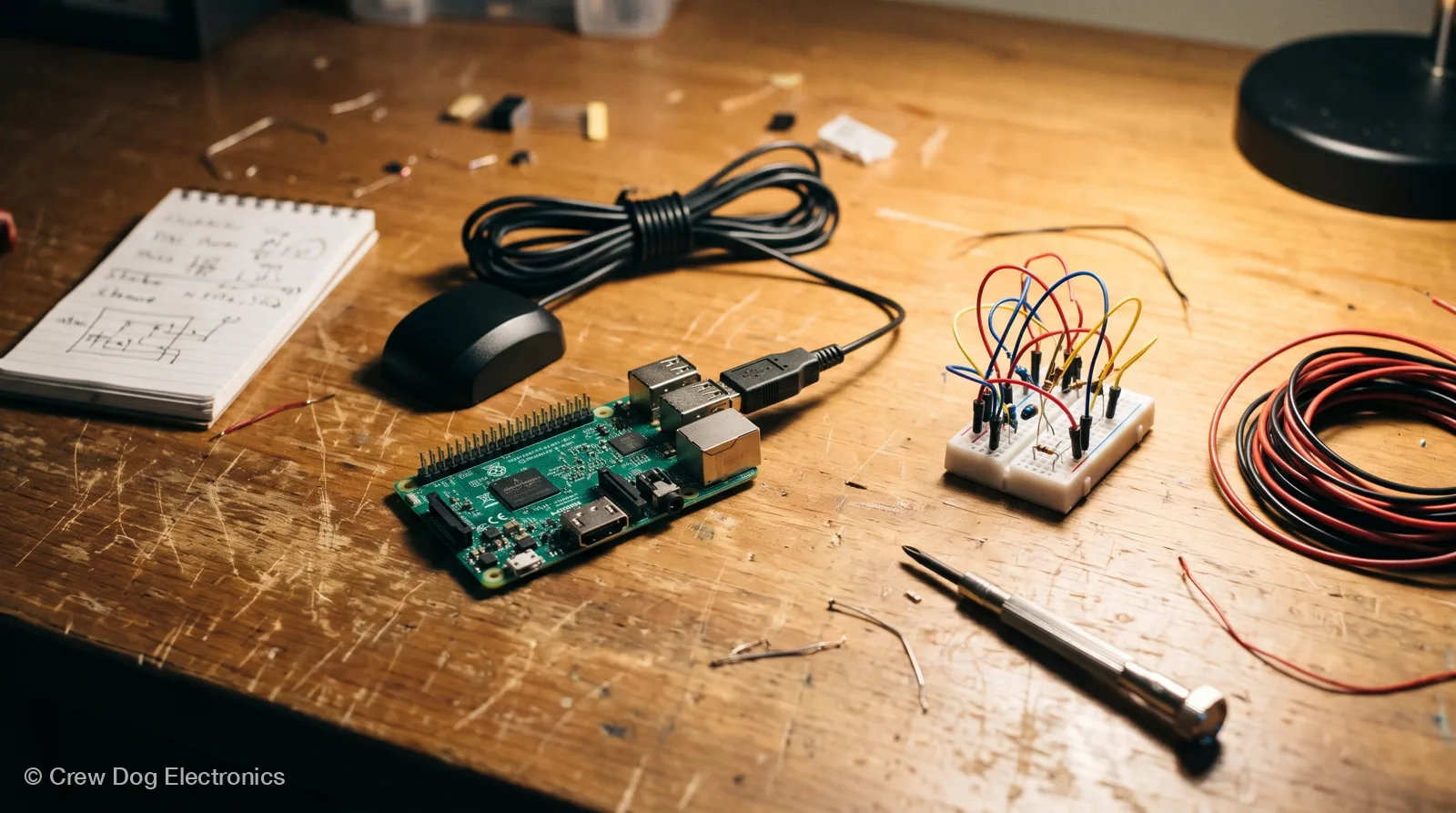
A USB GPS puck plugged into a Raspberry Pi beside a breadboard and jumper wires on a wooden desk

A USB GPS gives a Pi two things: position and time, both from satellites. Three builds use that: a time server, an APRS beacon and a route logger. There’s a guide for each one.

This one is for makers. If you’re a pilot, our Stratux GPS guide covers the GPS in the unit you fly with.

First, check the GPS works (2 minutes)

Every build starts the same way. Plug the GPS in, confirm the Pi sees it, and get a fix with gpsd. The VK-162 is a u-blox USB receiver, so it shows up as /dev/ttyACM0 (or /dev/ttyUSB0) with u-blox vendor ID 1546 (Stratux GPS module list).

ls /dev/ttyACM*
lsusb | grep -i u-blox
sudo apt install -y gpsd gpsd-clients
cgps -s

cgps shows satellites and a position once the GPS has a fix. Go outside or sit at a window with open sky. Indoors it may never lock, and that doesn’t say anything about the GPS. If the fix doesn’t show, the GPS logger guide has the full gpsd settings.

Time server: a Pi that serves network time

A GPS receiver can feed time to a Pi-based NTP server. Our Stratum 1 NTP server guide covers the parts and setup. The guide doesn’t give accuracy figures, so check the result on your own network.

APRS beacon: position on the radio

With an amateur license, Direwolf can beacon the Pi’s position. Our APRS guide covers the gpsd step, the config and the checks before you transmit.

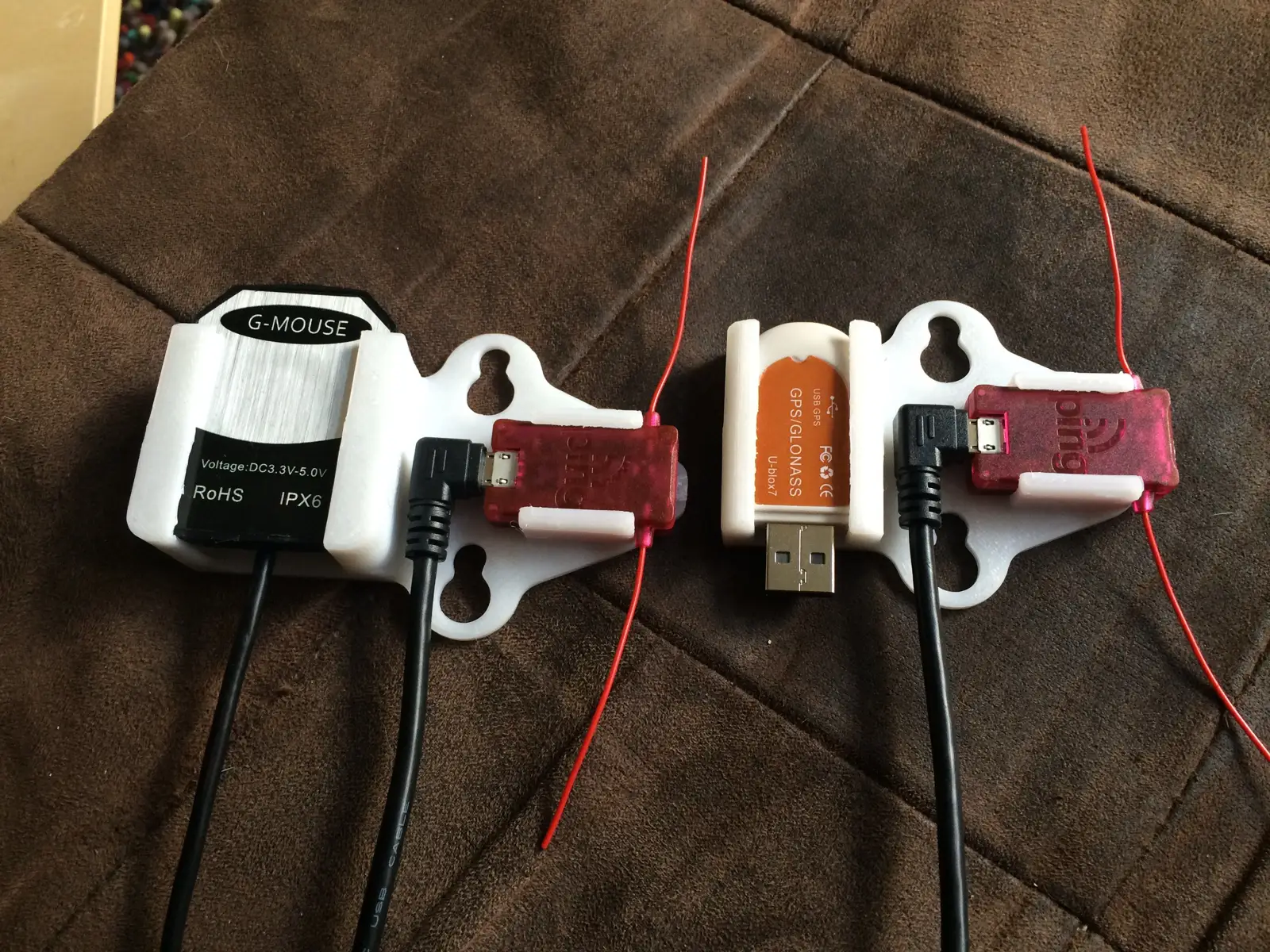
Two USB GPS boards in a mount, a community photo from the Stratux Discord, showing the VK-162 family

APRS beacons need an amateur license, and Direwolf can only beacon a position gpsd already has. Get the fix first. Photo: Helno (Stratux Discord)

Route logger: position over time

A Pi with a USB GPS can write a GPX track of where it has been. Our GPS logger guide covers the logging setup.

Which build to start with

  • Start with the GPX logger if you want the fewest moving parts. It needs a GPS and a Pi, and there’s nothing on the radio side.
  • Start with the NTP server if your network already has time problems to fix.
  • Start with APRS only if you’ve got an amateur license.

Next step

Run the 2-minute check above, then pick one guide. If the GPS never gets a fix outdoors, swap the cable. Then try another USB port.

Posted on

Raspberry Pi APRS with Direwolf and a USB GPS

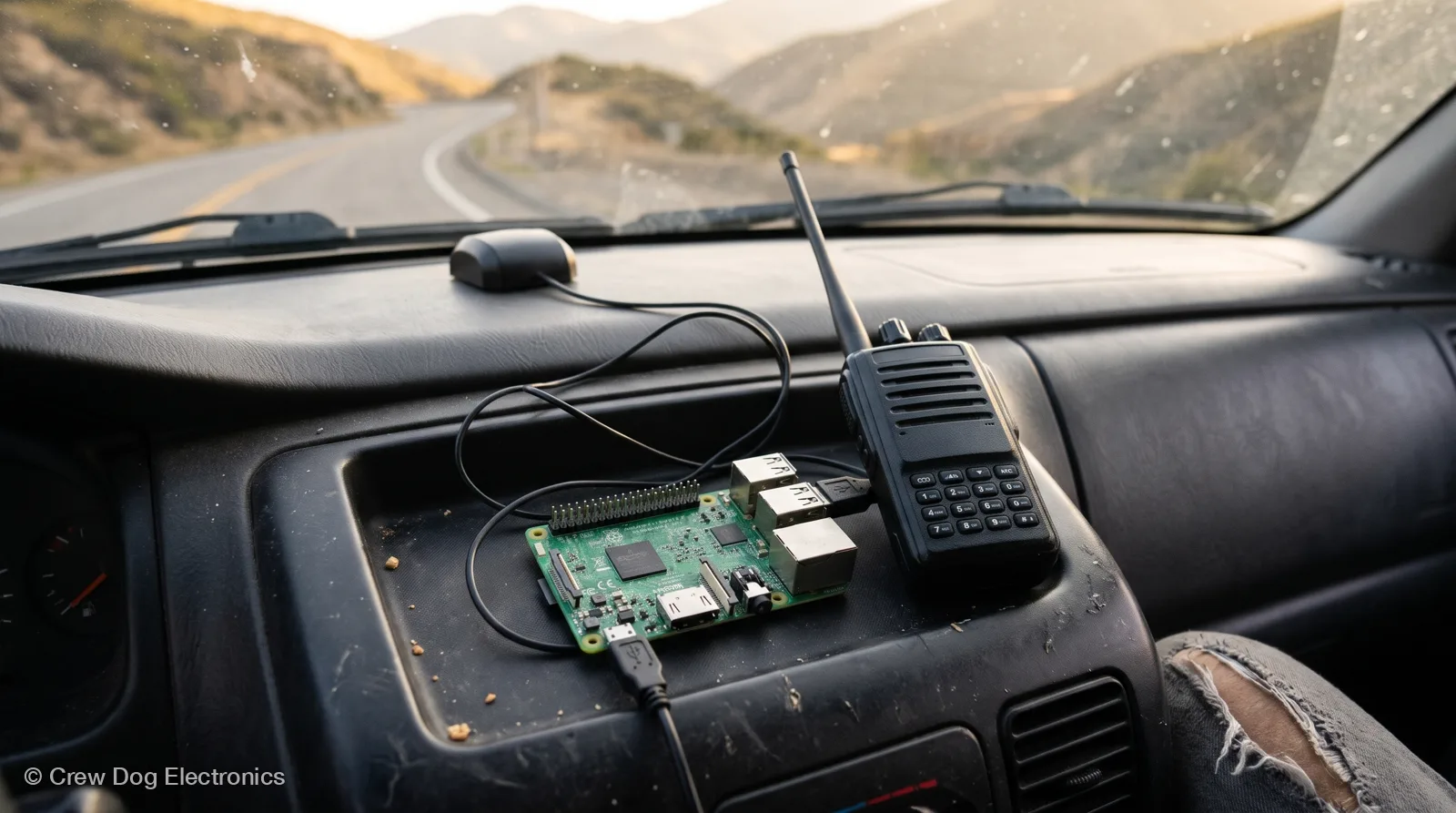
A Raspberry Pi, a USB GPS puck and a handheld radio on a car console with a mountain road ahead

Direwolf sends APRS position beacons from a Raspberry Pi once a USB GPS gives it a position. The GPS feeds gpsd, and Direwolf reads position from gpsd. Transmitting requires an amateur radio license.

This one’s a ham radio build. If you’re here for Stratux or for flying, the Stratux GPS guide covers that unit.

What you need

  • A USB GPS receiver. We list the VK-162 and GPYes 2.0 as u-blox USB GPS receivers in our catalog. Any USB GPS that gpsd can read works, so you’re not locked to one module.
  • A Raspberry Pi running Linux. Any Pi model with USB works for this build.
  • A radio and an interface to connect the Pi to it. The interface depends on your radio.
  • An amateur radio license. In the US, the transmit rules are in 47 CFR Part 97.

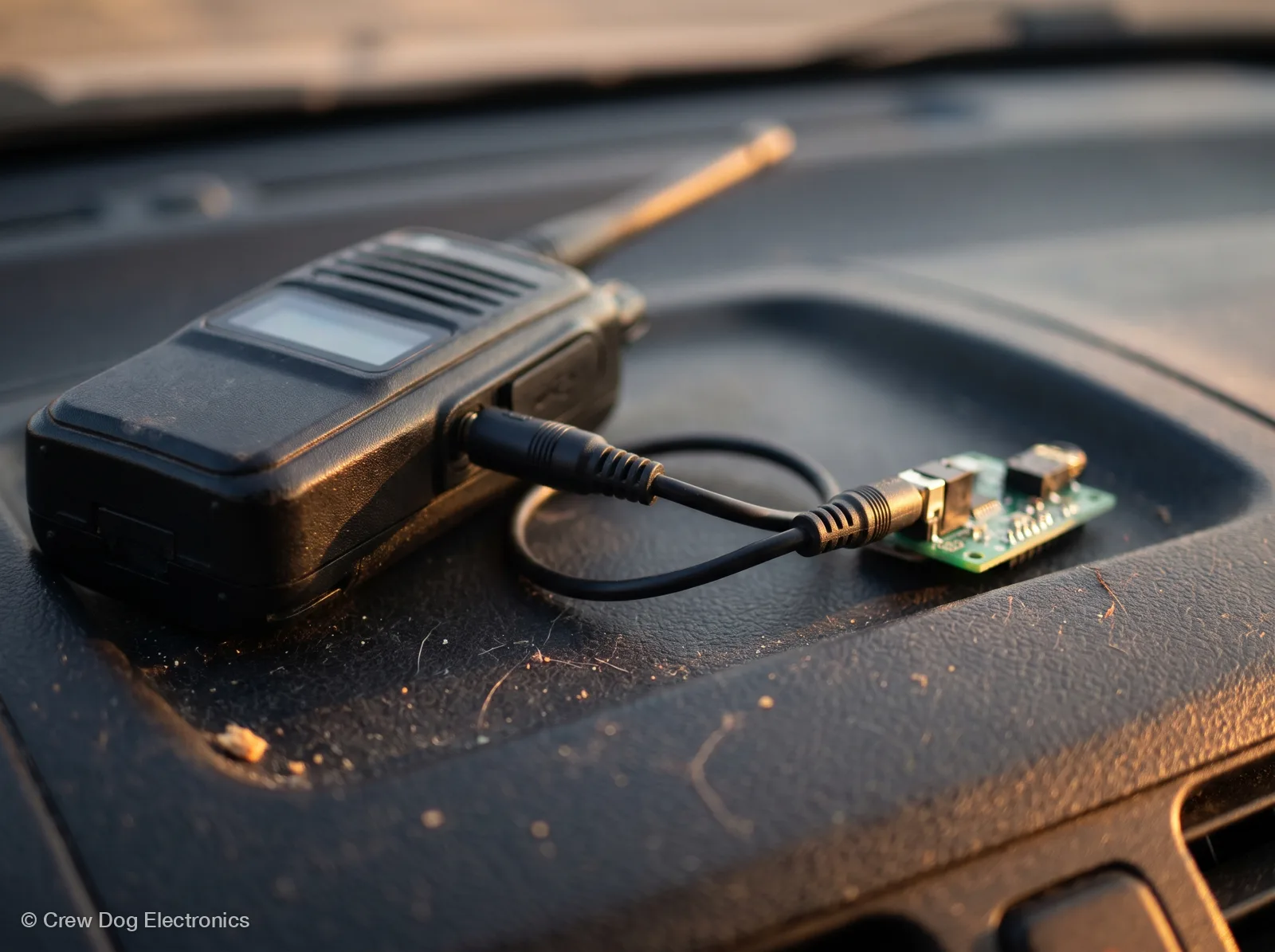
Audio cable between a handheld radio and a small green board on a dark car dashboard

Before your first beacon, compare its position with where the GPS puts you. A wrong position goes out to every station in range.

Step 1: Confirm the GPS gives a fix

Install gpsd and its client tools, then point gpsd at the GPS device. The gpsd documentation covers device names and start-up options: gpsd.gitlab.io/gpsd.

Take the GPS outdoors and run cgps -s. Wait until it shows a position. Don’t start Direwolf until this step works. Direwolf can’t beacon a position that gpsd doesn’t have yet.

Step 2: Point Direwolf at gpsd

Set Direwolf to read position from gpsd, following the Direwolf documentation. Set your callsign and beacon settings in the same config file.

Check the config against the documentation for your Direwolf version. Forum configs often carry another operator’s callsign or an old setting, so check it before you use it.

Step 3: Check before you transmit

  1. Run receive-only first. Start Direwolf and confirm it decodes packets from other stations.
  2. Confirm your callsign and SSID in the config, and the beacon interval you plan to use.
  3. Check the position. Compare the beacon position with where the GPS shows you, then enable transmit.

Frequently asked questions

Do I need the VK-162 specifically?
No. Any USB GPS that gpsd can read will work. It’s one we list in our catalog.

Can I transmit without a license?
No. Transmitting requires an amateur radio license. Receive-only operation doesn’t.

Why does Direwolf show no position?
Check that gpsd has a fix first, with cgps -s. Direwolf can only beacon what gpsd reports.

Next step

Run cgps -s outdoors until the GPS reports a position. Then start Direwolf in receive-only mode.

Other builds on the same GPS: the Stratum 1 NTP server guide, the VK-162 GPS logger guide, and the VK-162 projects roundup.

Posted on

How to Set Up Stratux ADS-B: Five Steps to First Traffic

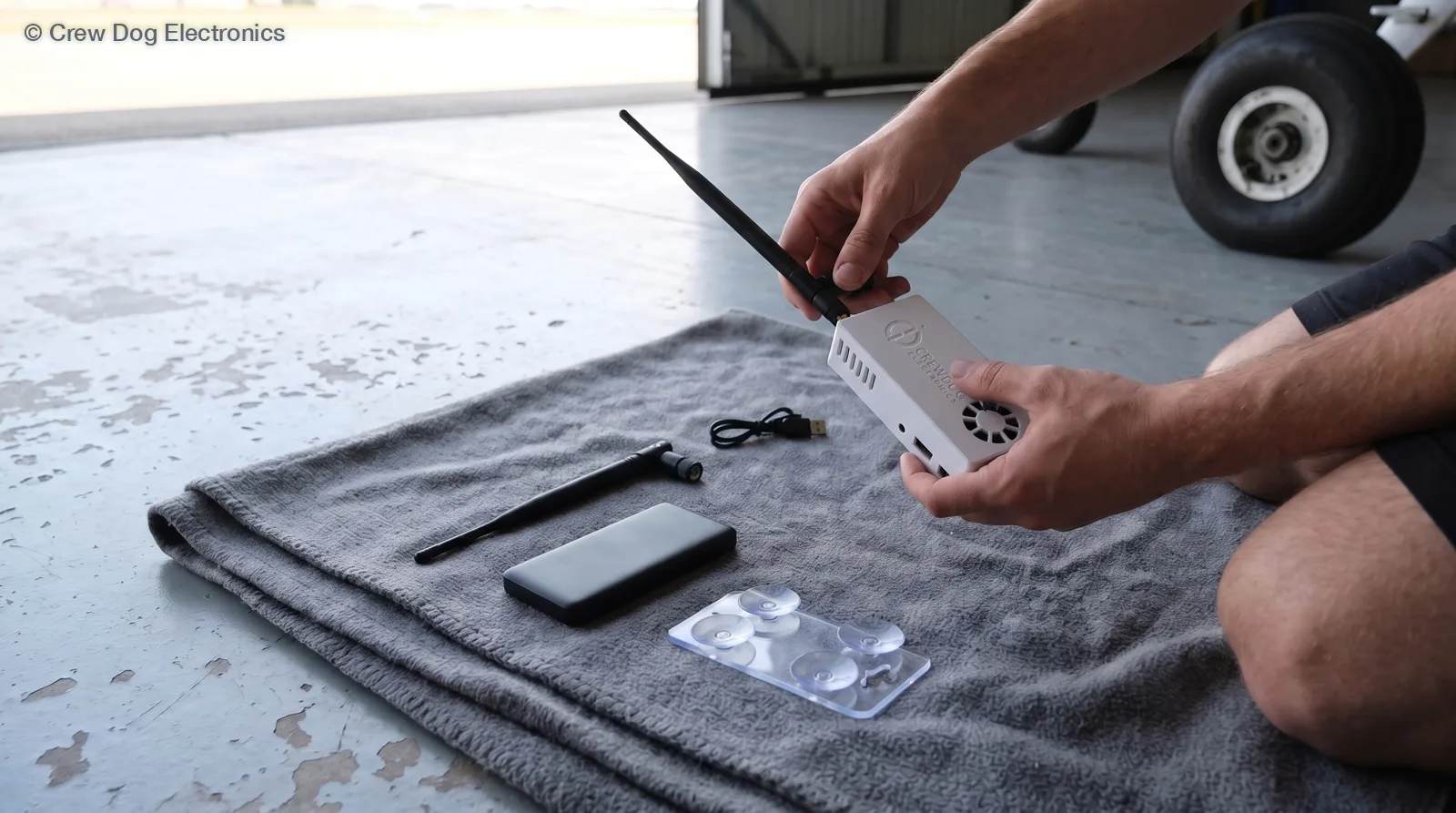
Stratux receiver and its parts laid out on a hangar floor blanket at morning, antennas going on

Power on the Stratux, join its Wi-Fi network from your tablet, and select Stratux in your EFB app. The unit boots in about two minutes. The first GPS fix can take a while, often several minutes, outdoors. Later starts are faster.

Last updated November 2, 2026.

What you need before you start

  • A Stratux receiver. The Internal GPS model includes the battery, mount and strap. The Unit Only model doesn’t come with them.
  • A 2 A or better USB power source. Weak 1 A chargers cause reboots and odd behavior. The battery that comes with the Internal GPS model is a 6,000 mAh pack. It runs about 4 hours.
  • A tablet or phone with Wi-Fi and an EFB app that reads GDL90, the standard data format Stratux sends. The app list shows which apps support it. New to EFBs? Here’s what an electronic flight bag is and what goes in one.
  • Time for a first GPS fix outdoors on the first boot.

Stratux receives traffic, weather and GPS. It doesn’t transmit, so it doesn’t replace ADS-B Out equipment. Before you buy, I’d read what to know first.

Step 1: Power it on and wait about two minutes

  1. Plug Stratux into a 2 A source. The green light comes on as the unit boots.
  2. On the first boot, put the unit where it can see the sky. Outdoors with the logo side up works, and so does the glareshield. Allow a while, often several minutes, for the first fix.

I’d read the status light before you blame the software:

Light Meaning What to do
Solid green Normal Connect your tablet
Blinking red Not enough power Use a 2 A+ source and another cable
Red only, no green The software isn’t starting. Reflashing the card is the usual fix. Reflash the card
Flashing green Software problem Reflash the card

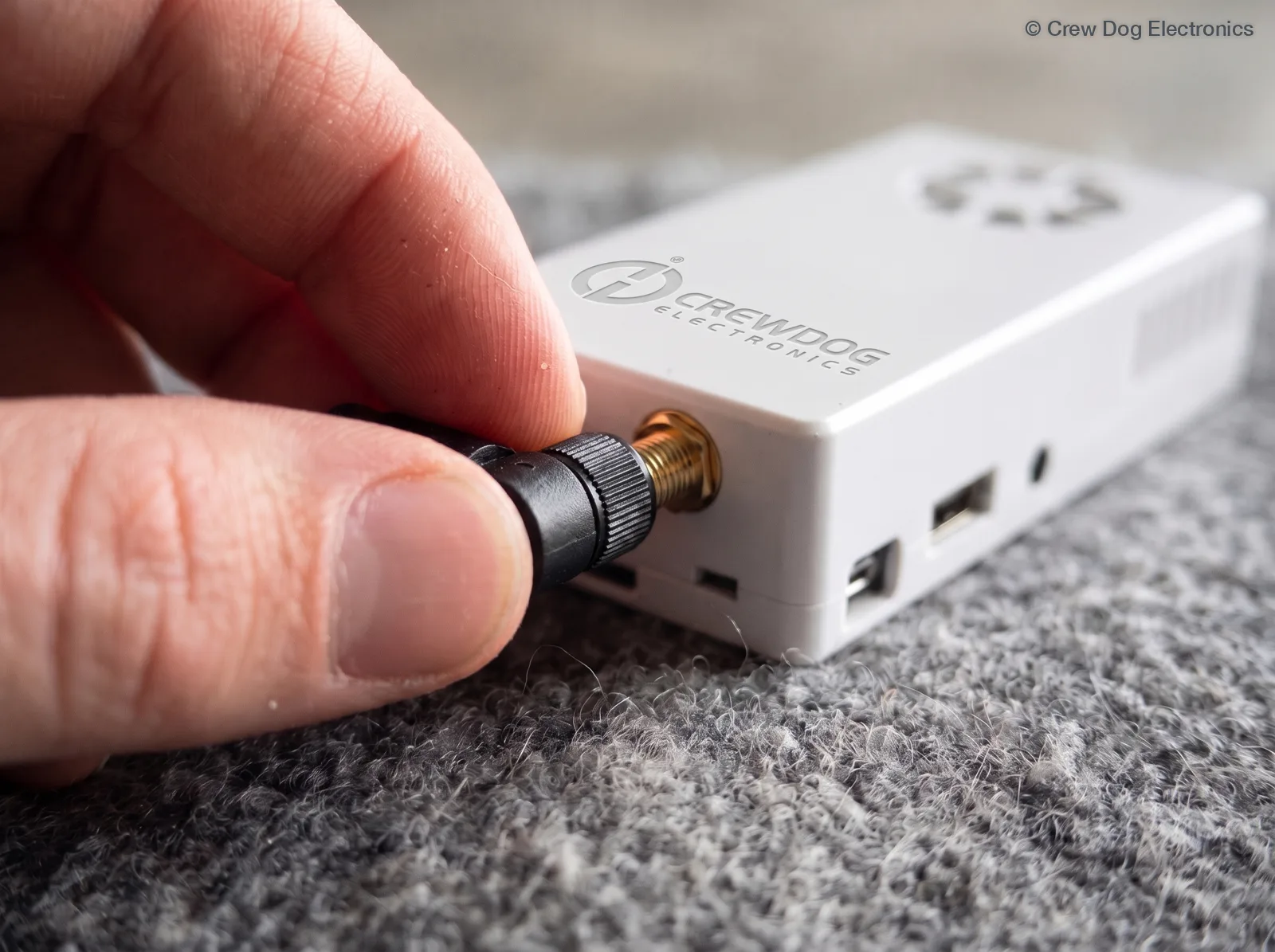
Close-up of a hand screwing a black antenna onto the Stratux receiver by hand

Keep the antennas hand-tight. Pliers can break the internal pigtails, and that’s a repair you don’t need.

Step 2: Join the Stratux Wi-Fi network

  1. On the tablet, open Wi-Fi settings and join the network named stratux. The exact name can change with the software version.
  2. A fresh unit has no Wi-Fi password. If someone set one, use the passphrase from the web interface.
  3. Your tablet will say the network has no internet. That’s expected. Choose to stay connected. Stratux doesn’t share internet unless you set it up to.

Step 3: Turn on Stratux in your EFB app

  • ForeFlight®: tap More, then Devices. Stratux should show as a connected device.
  • Garmin Pilot: supported on iPad and iPhone. It doesn’t support Stratux on Android.
  • Other apps: look for a GDL90 or external ADS-B device setting. The Crew Dog compatibility guide lists apps by platform.

Step 4: Check GPS, traffic and weather

  • GPS: once the app is connected, your moving map takes its position from Stratux.
  • Traffic: you see aircraft that are broadcasting ADS-B Out. On the ground, 1090 MHz traffic from nearby aircraft can show up. If no equipped aircraft is nearby, you’ll see nothing.
  • Weather: it’s normal to see no weather on the ground. FIS-B usually shows up once you have line of sight to a ground station, after you climb a bit.
  • Status page: open 192.168.10.1 in a browser while connected. It shows GPS, UAT (978 MHz), 1090 MHz and AHRS status. I’d check it before I blame the app.

Step 5: Mount it for flight

  • Use the suction mount on the windscreen or glareshield. Keep the side vents clear. The fan is speed-controlled to hold the CPU near 50 °C.
  • Keep the antennas hand-tight. I’d keep pliers away from them, since they can break the internal pigtails.
  • Don’t leave the unit baking in direct sun. A hot cockpit with blocked vents slows the cooling.

If it does not work on the first try

  • No Stratux network? Wait two minutes, then turn the tablet’s Wi-Fi off and on. If nothing appears, I’d follow the Wi-Fi fix guide.
  • Connected, but no data in the app? Check the message counts on the status page. If the 978 or 1090 count stays at zero outdoors under clear sky, I’d check the antenna connections.
  • Traffic shows, but no weather? Turn on the weather layer in your app. Then go flying.
  • Traffic altitudes look wrong in ForeFlight? I’d turn off the ownship setting in the Stratux web interface.
  • Android drops the connection? Android can switch to mobile data when Wi-Fi has no internet. Turn off that automatic switch in Wi-Fi settings.

Frequently asked questions

What is the Stratux IP address?
Once your device is on the Stratux network, the web interface is at 192.168.10.1.

Is there a default Wi-Fi password?
A fresh unit has no password. You can add a passphrase in the web interface. Stratux only uses it when Wi-Fi security is on.

Can I use a 1 A phone charger?
I wouldn’t. Use a 2 A or better source. Weak chargers cause reboots and odd behavior.

Does Stratux need a subscription for weather?
No. FIS-B is a broadcast from FAA ground stations, so the receiver needs no weather subscription.

What to know first

  • Stratux is an ADS-B In receiver. It doesn’t satisfy ADS-B Out requirements. Under 14 CFR 91.225, most airspace above 10,000 ft MSL and Class B and C airspace need ADS-B Out.
  • FIS-B weather is supplemental. The AHRS attitude display is a backup aid. It isn’t certified, and no portable AHRS is.
  • Weather only shows up where a ground station reaches your aircraft. On the ground, it usually doesn’t show up.

For the full walkthrough, see Getting started with Stratux on the Stratux project site.

Next step

Open 192.168.10.1 on your tablet while the unit is still on the ground. I’d confirm the GPS line shows a position before your next flight.

Posted on

Raspberry Pi GPS NTP Server: Stratum 1 Setup Guide

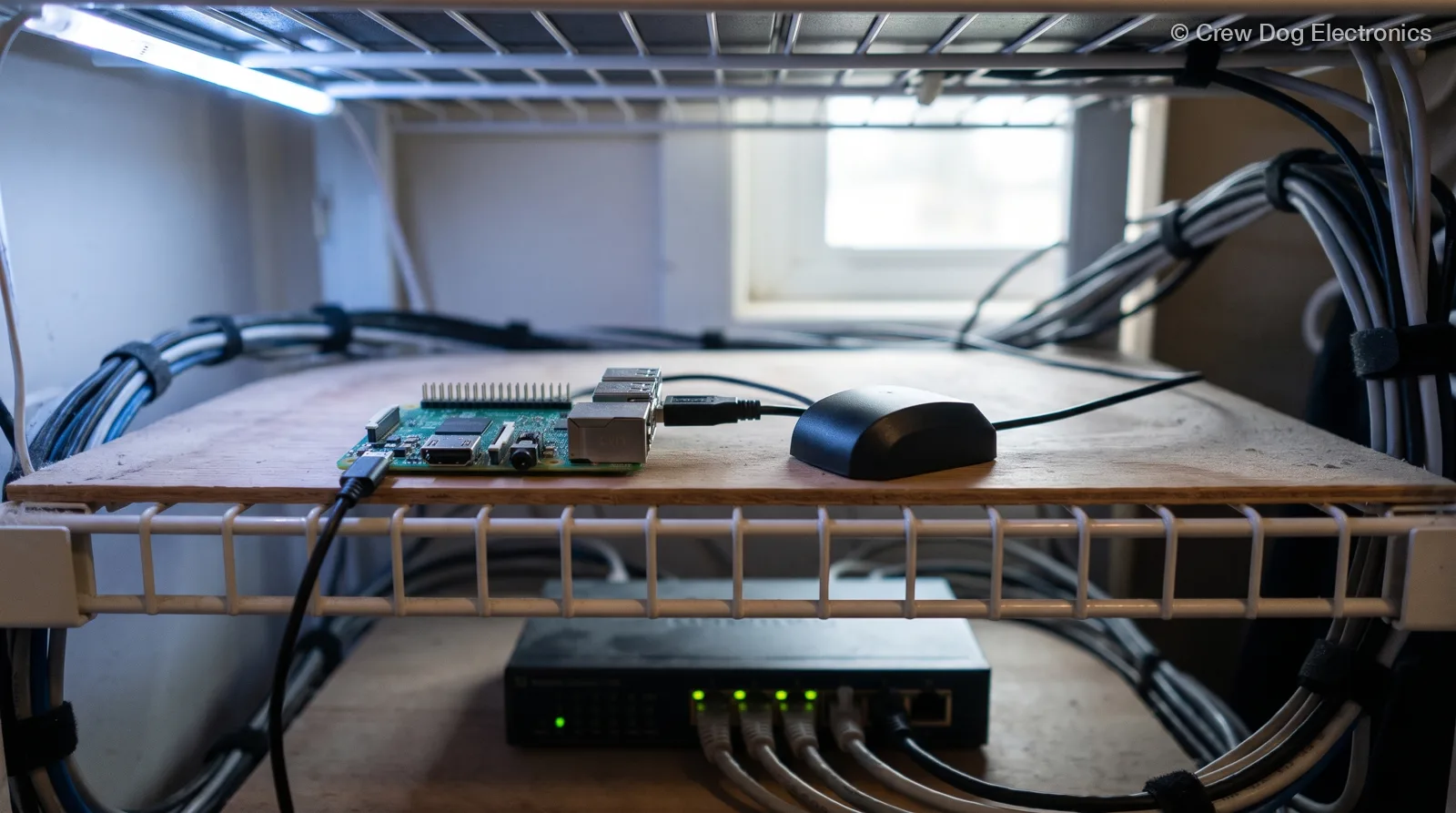
A Raspberry Pi time server on a closet shelf, with a GPS puck cable running to a window

A Raspberry Pi with a USB GPS module can act as a Stratum 1 NTP server. gpsd reads the module. chrony uses it as the time source. Your network syncs to the Pi instead of a public pool. It doesn’t need an internet connection once it has a GPS fix. Last updated 2 November 2026.

This isn’t for applications that need sub-microsecond time, such as telecom or lab timing. Those need a GPS module with a PPS output wired to a GPIO pin. That’s a different build. A USB module gives you a homelab-grade reference. I’d measure it on your own setup before you trust it for anything else.

What you need

  • A Raspberry Pi with USB ports. Any model with USB and a supported Raspberry Pi OS works for this setup.
  • A USB GPS module. This guide uses the VK-162, a u-blox USB module. We carry it in our catalog. Stratux’s own notes say VK-162 revision 1 uses a u-blox 6 chip and revision 2 uses u-blox 7. Stratux external GPS in our catalog.
  • A microSD card, 8 GB or larger, for Raspberry Pi OS Lite.
  • A power supply for your Pi.

Step 1: Flash and update Raspberry Pi OS Lite

Flash Raspberry Pi OS Lite (64-bit) with Raspberry Pi Imager and turn on SSH in its settings. You don’t need a desktop. Boot the Pi, connect over SSH, and update:

sudo apt update && sudo apt upgrade -y

Step 2: Install gpsd and test the module

sudo apt install -y gpsd gpsd-clients
ls /dev/ttyACM*

The module usually shows up as /dev/ttyACM0. I’d put it near a window and test it:

sudo gpsd /dev/ttyACM0 -F /var/run/gpsd.sock
cgps -s

cgps shows satellite and fix data once the module gets a fix. A cold start with a clear sky can take several minutes. Stop the test daemon when you’re done:

sudo killall gpsd

Step 3: Configure gpsd as a service

Edit /etc/default/gpsd:

START_DAEMON="true"
GPSD_OPTIONS="-n"
DEVICES="/dev/ttyACM0"
USBAUTO="true"
GPSD_SOCKET="/var/run/gpsd.sock"

I’d enable and start it:

sudo systemctl enable gpsd
sudo systemctl start gpsd

Step 4: Install and configure chrony

sudo apt install -y chrony
sudo nano /etc/chrony/chrony.conf

Add these two lines. The first reads GPS through gpsd’s shared memory. The second serves your LAN:

refclock SHM 0 refid GPS precision 1e-1 offset 0.9999 delay 0.2
allow 192.168.1.0/24

Set allow to your own subnet. Keep the default pool lines as an internet fallback, or comment them out for GPS-only time. The offset is a fixed correction chrony applies to every GPS sample. Don’t copy the sourcestats offset into it. Check the error against a time reference you trust first. Restart chrony:

sudo systemctl restart chrony

Step 5: Verify the server is Stratum 1

chronyc sources -v
chronyc tracking

In sources, GPS shows ? while chrony is still acquiring it. Once chrony selects it, the line shows *. That can take several minutes. In tracking, look for Reference ID : GPS and Stratum : 1. That output means your Pi reports itself as a Stratum 1 server to clients on your network.

Step 6: Point your network at the Pi

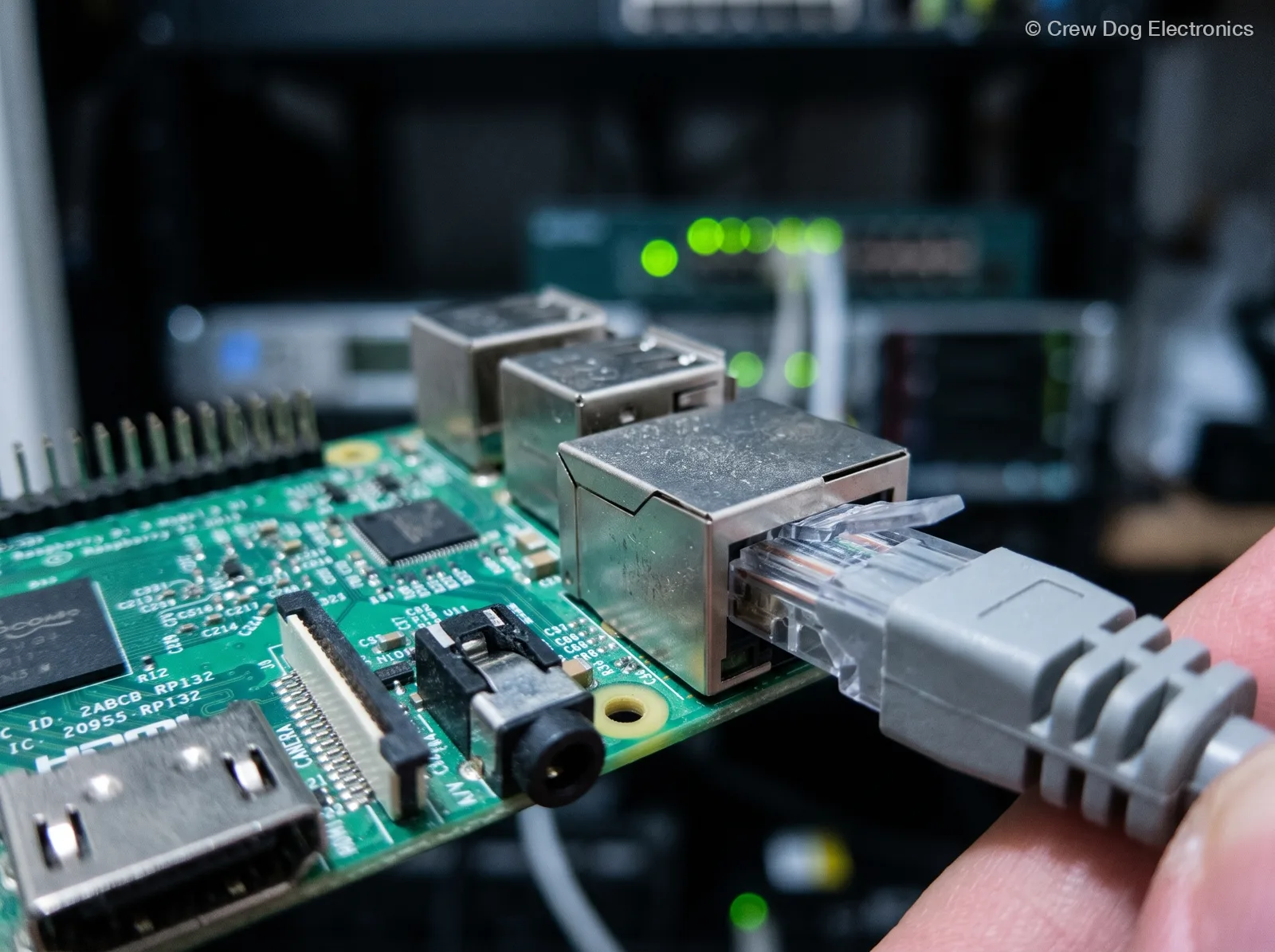
Macro of an Ethernet cable clicking into the Raspberry Pi's network port on a closet shelf

Wait until chronyc sources marks GPS with an asterisk before you send clients here. Until chrony selects it, the Pi isn’t serving GPS time.

On a home network, set the Pi’s address as the NTP server in your router’s settings. Devices that get their time from the router then sync to the Pi. A Linux host can point at the Pi directly. Add this line to its /etc/chrony/chrony.conf:

server 192.168.1.X iburst

Accuracy: what to expect

The numbers from chronyc tracking describe your Pi and your module. Read the offset and jitter after calibration and compare them with what you need. A homelab server, timestamp logging and ham radio digital modes are usually fine with a USB module. Anything that needs a guaranteed tolerance needs its own measurement and a PPS-capable module.

Troubleshooting

If the module doesn’t appear as /dev/ttyACM0, check /dev/ttyUSB* and run dmesg | grep -i usb right after you plug it in.

If cgps shows no fix, move the module to a window. Basements and metal-enclosed spaces usually block the signal.

If GPS still shows ? in chronyc sources after 10 minutes, check that systemctl status gpsd reports running and that the socket path matches your chrony configuration.

If chrony doesn’t select GPS, check the offset against a reference you trust before you change it. Don’t copy the sourcestats number into it. Then restart chrony.

Frequently asked questions

Does the Pi need internet access?
No, once it has a GPS fix and the pool lines are removed. Your clients sync to the Pi.

Is a USB GPS module a true Stratum 1 server?
chrony reports stratum 1 when a reference clock like GPS is its selected source. That’s how you verify it in step 5. Accuracy depends on the module and your configuration, so you’ll want to measure it.

Why not serve time before GPS locks?
You can. But a server that claims stratum 1 while it isn’t synced can mislead the clients that use it. This guide doesn’t turn that option on.

Next step

Run chronyc tracking on the Pi after its next reboot. It’s worth confirming the Reference ID is GPS. I’d do that before you trust the clock. For the gpsd and chrony steps in more depth, see our GPS time sync guide. For the GPS module’s interference notes, see GPS modules and interference on stratux.com.

Posted on

Is Stratux Still Active? Releases, Support and Status (2026)

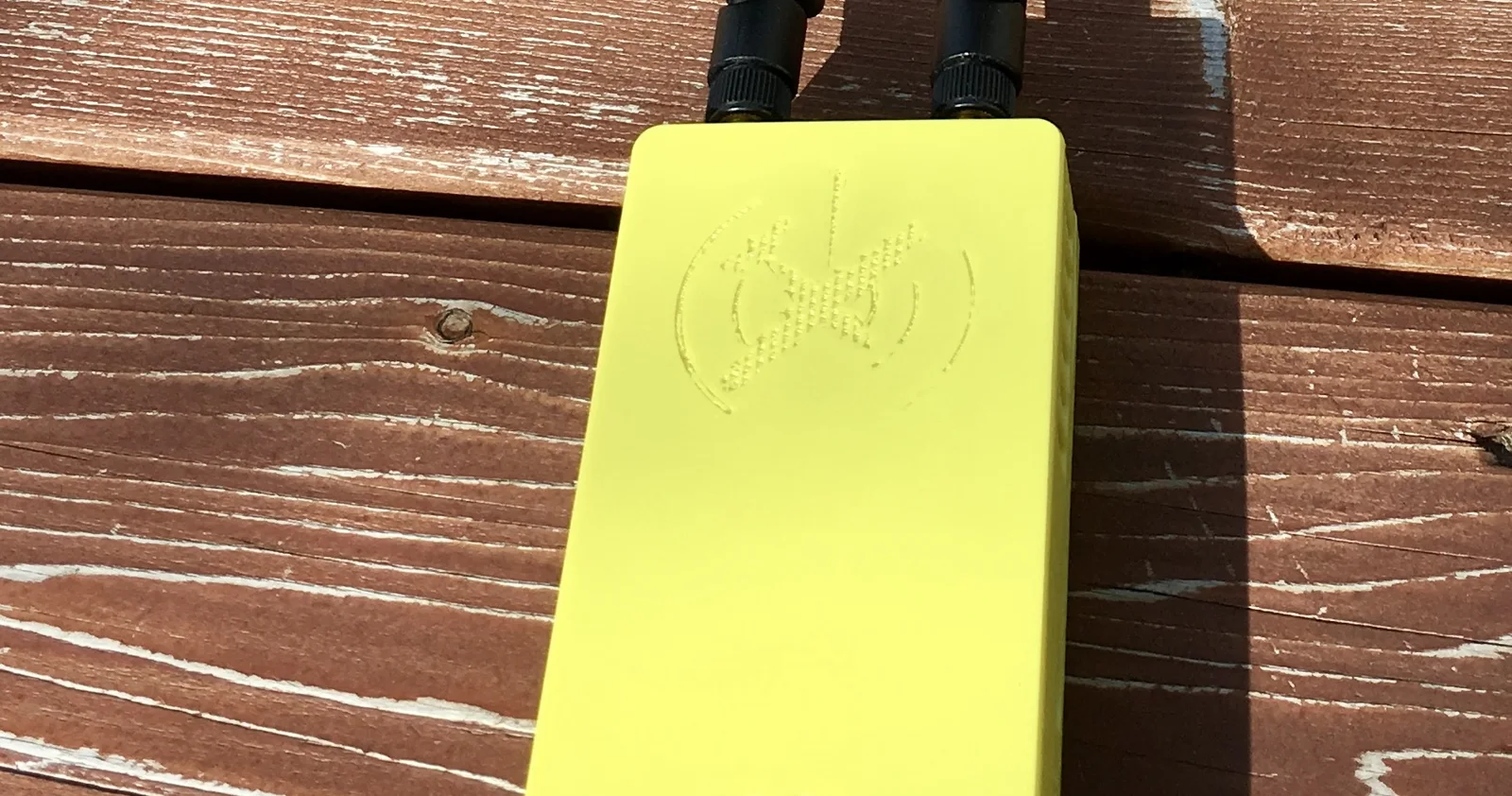
A 3D-printed Stratux case from 2017, still in use on a wooden deck

Hero photo: JohnOCFII (Stratux Discord), 2017.

Yes. Stratux is still maintained, and its releases are on GitHub. We’ve shipped units with v1.6r1 since early 2026. Check the release page for the newest build before you update.

What “still active” means for an open-source project

Stratux is software, not a company, so there’s no product-sunset notice to watch for. Activity shows up as tagged releases, merged fixes and discussion in the community. Check the release list and the commit history on the main GitHub repository. A quiet week on the blog doesn’t tell you anything.

Where to check it yourself

  1. Release list: github.com/stratux/stratux/releases. The date and version number of the newest entry show how current the project is.
  2. Commit history: the main branch on the same repository. Recent commits mean the code’s still changing.
  3. Download page: stratux.com/download. Download only from these two places. Older third-party links to Stratux images aren’t up to date.

What support looks like now

Stratux doesn’t have a phone line. Software questions go to the community Discord and to GitHub issues, where maintainers and experienced users answer. We sell the units, so for hardware faults on a Crew Dog unit, contact us directly.

Where the project came from

The first public build came from cyoung (Christopher Young) on r/flying in August 2015. The first official dual-band release, v0.2r1, followed on September 16, 2015. Garmin Pilot added Stratux support for iOS on March 26, 2022. Around 2020, cyoung stepped back and the contributors kept the project going. The history runs long, and many people have shaped it.

What to know before you update

Updating versions is a question we get weekly, if not more often. Read the release notes first, then plan the update.

  • Unzip the image before you flash it if you use a tool like dd. balenaEtcher can flash the zip as it is.
  • v2.0 pre-releases change the WiFi network name capitalization and remove self-update, so plan the update rather than running it blind.
  • The EU edition is mostly unmaintained. European pilots should use the main Stratux build with 1090ES reception and be realistic about the EU edition’s support.

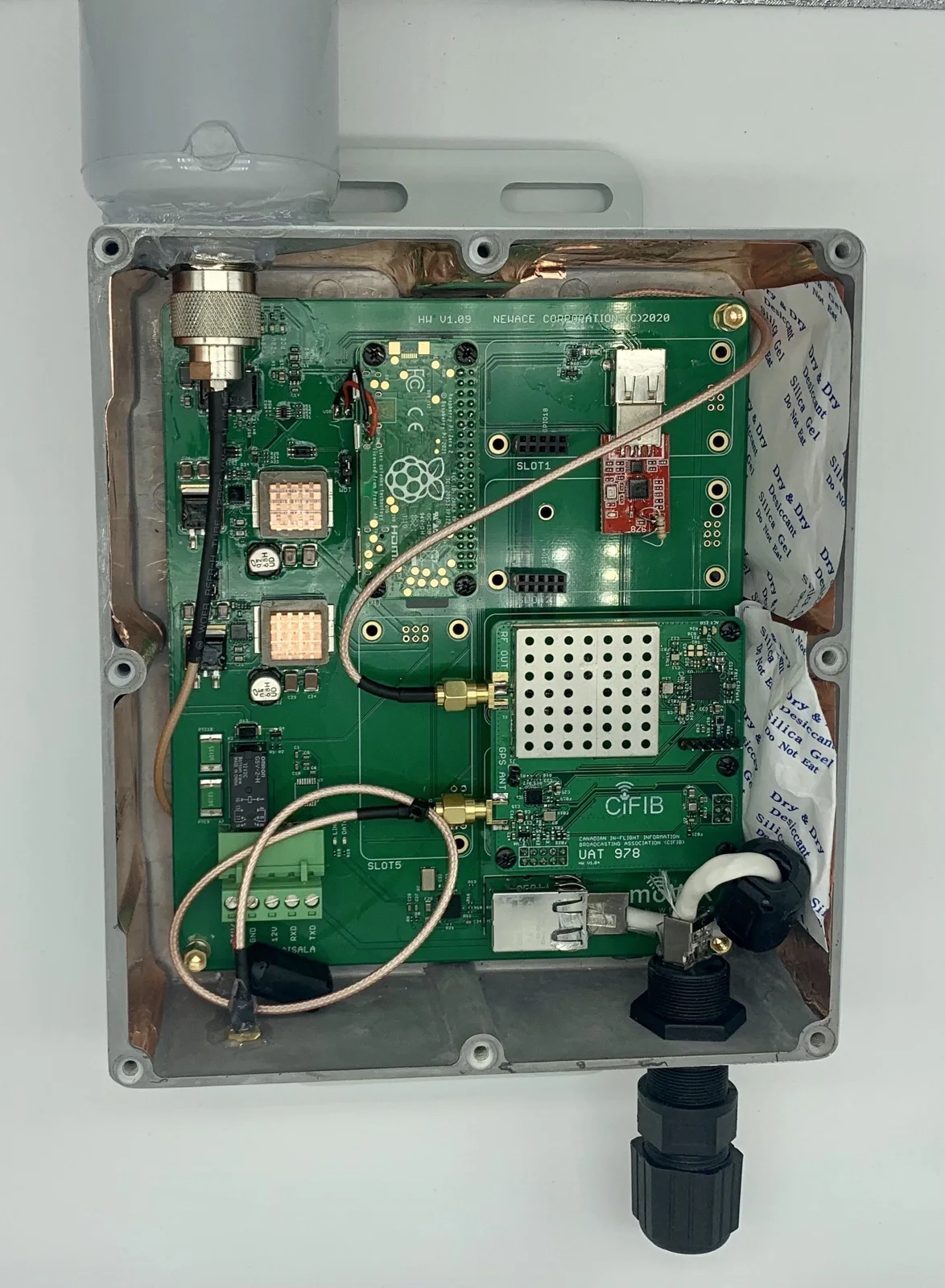
The board inside the CIFIB Stratford station: a Raspberry Pi and a UAT 978 radio in a weatherproof case, a community photo

Canada’s 978 MHz weather comes from CIFIB’s volunteer ground stations, built from a Pi and a UAT radio. Check coverage on your route before you count on it. Photo: Helno (Stratux Discord)

Who this isn’t for

If you want a vendor phone line and a sealed box with no firmware choices, a proprietary receiver fits that better. Stratux suits pilots who are comfortable reading release notes and flashing a card. I don’t have a count of how many people fly Stratux, so this post doesn’t give a number.

FAQ

Is Stratux obsolete?
No. The project still publishes releases on GitHub. Whether a given version suits your EFB depends on the app. Check the compatibility list.

Where do I download Stratux?
From the GitHub release page or stratux.com/download, and nowhere else.

Does Stratux still get updates?
Yes, as community releases. The v2.0 line removes self-update, so you’ll update the card yourself.

Next step

Open the Stratux release page and note the newest version. Then compare it with the version on your unit’s web page at 192.168.10.1. You’ll find setup steps in how to set up your Stratux. The deeper how-to is on stratux.com/learn.