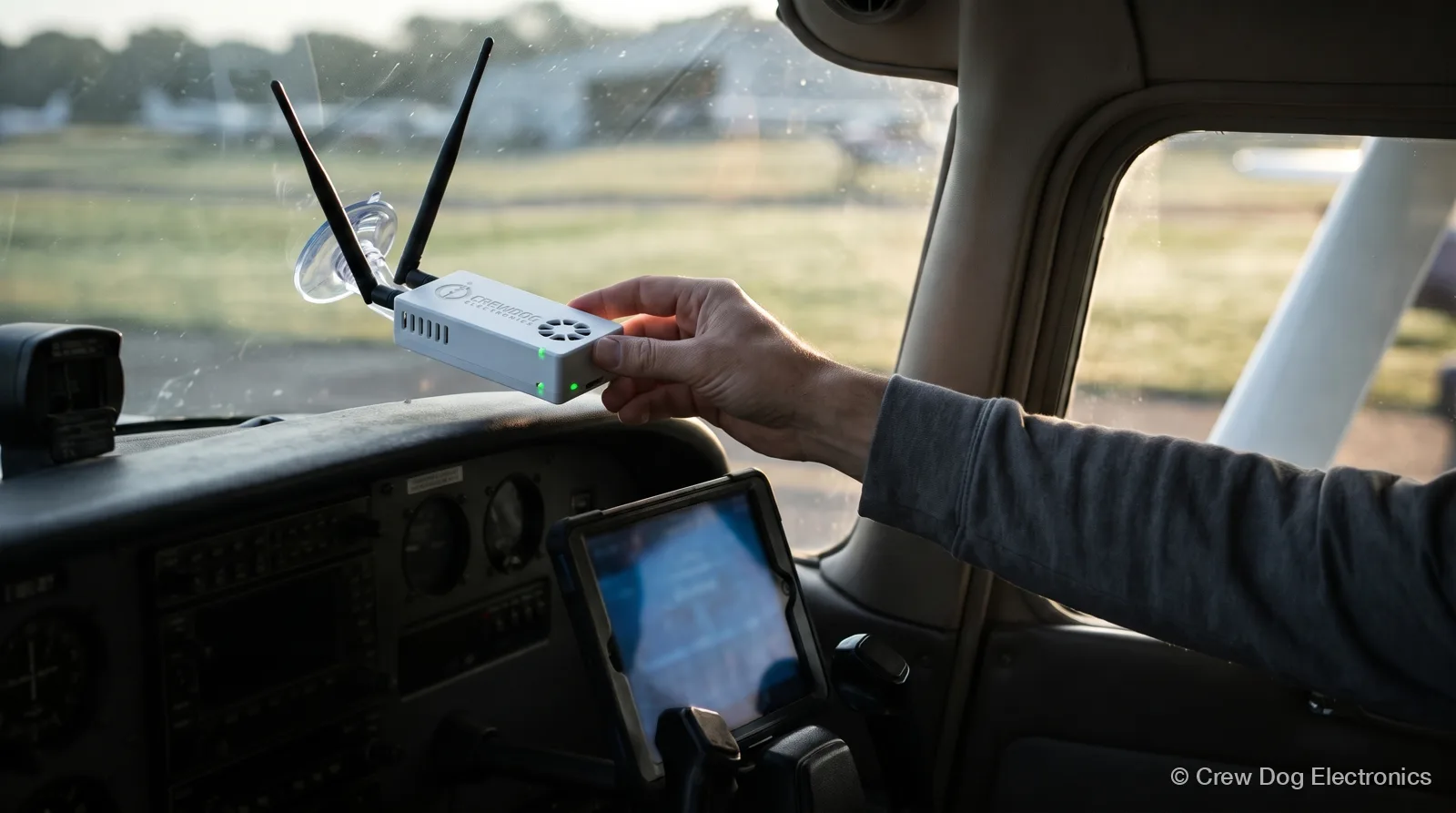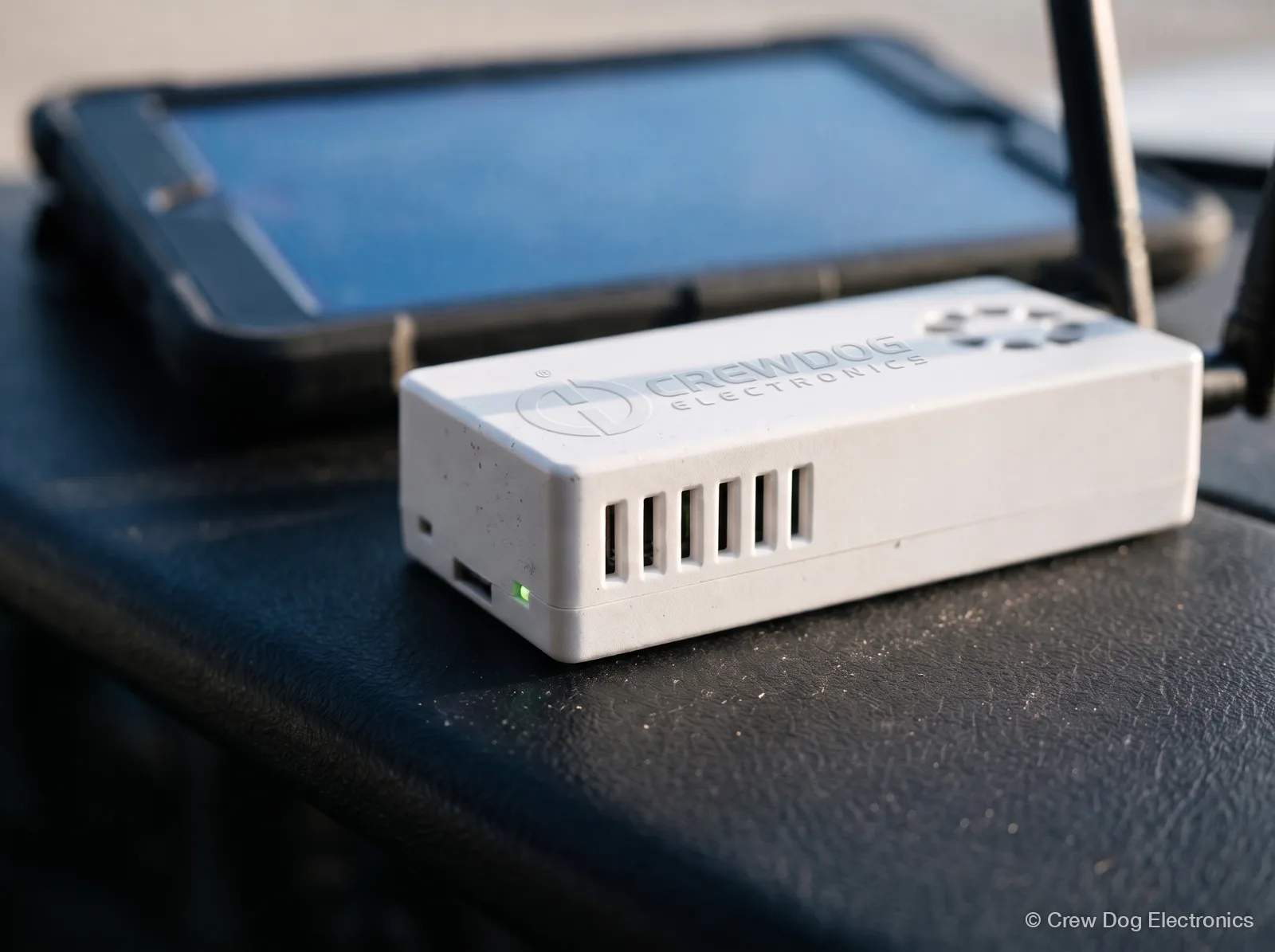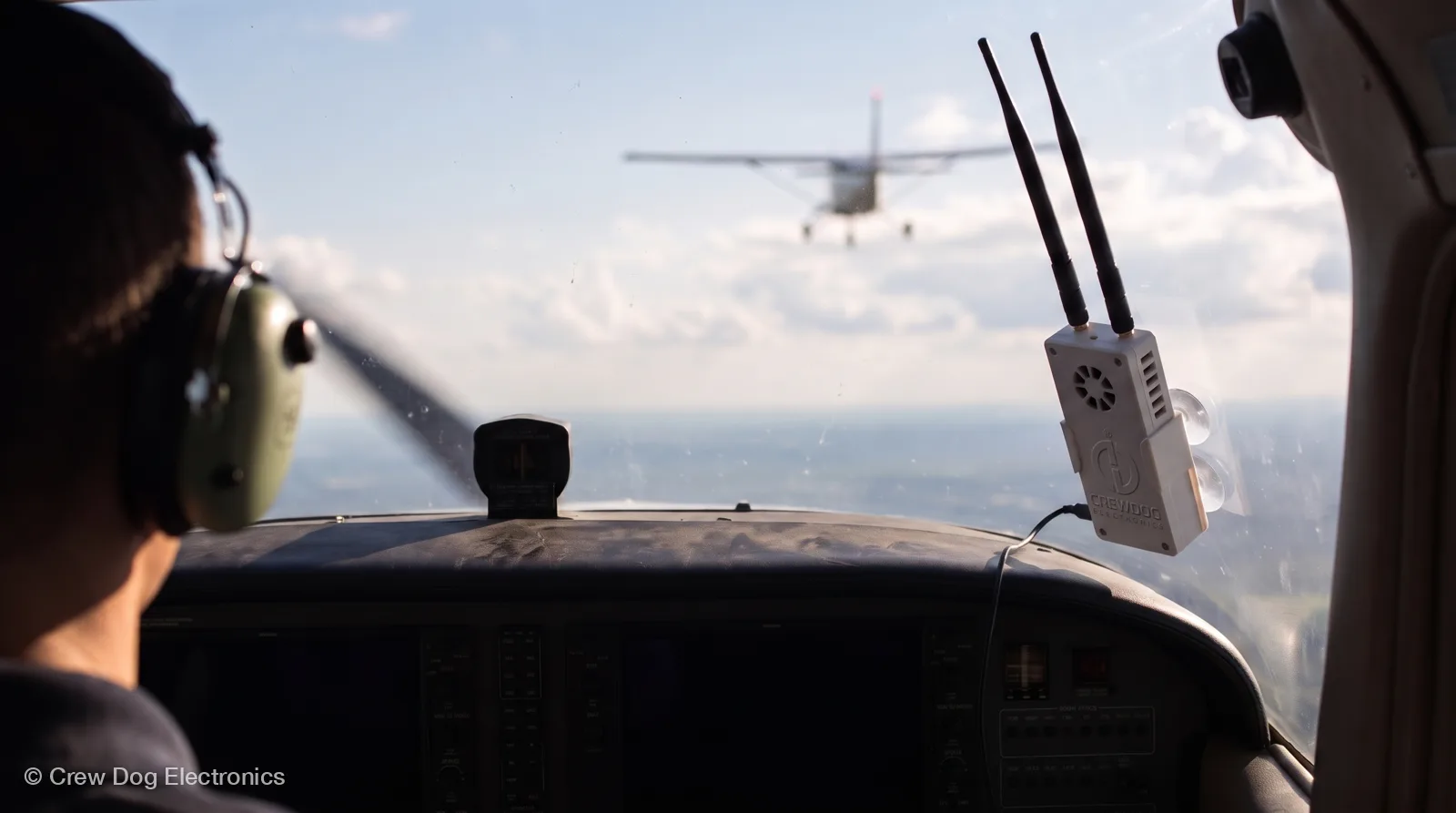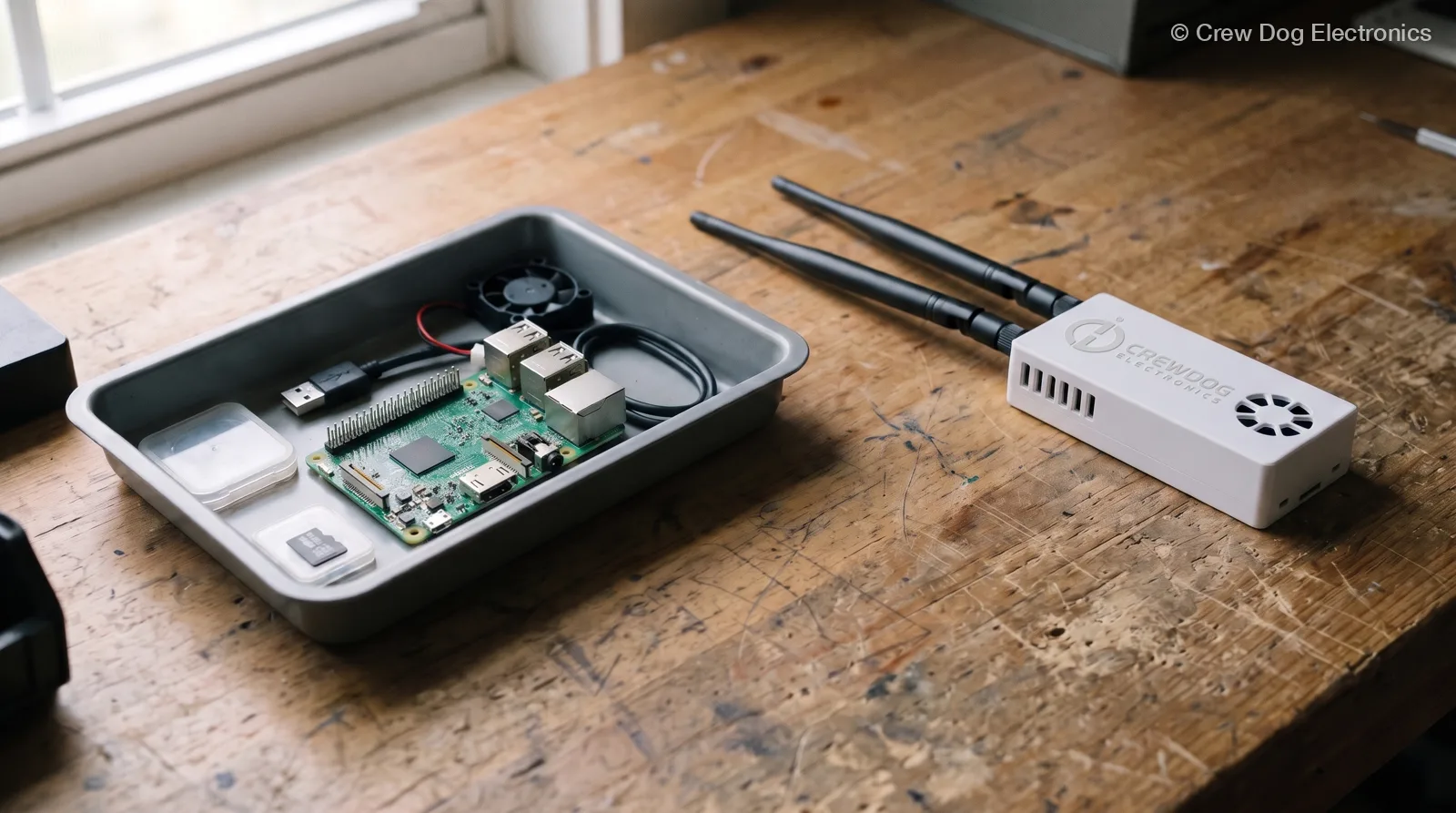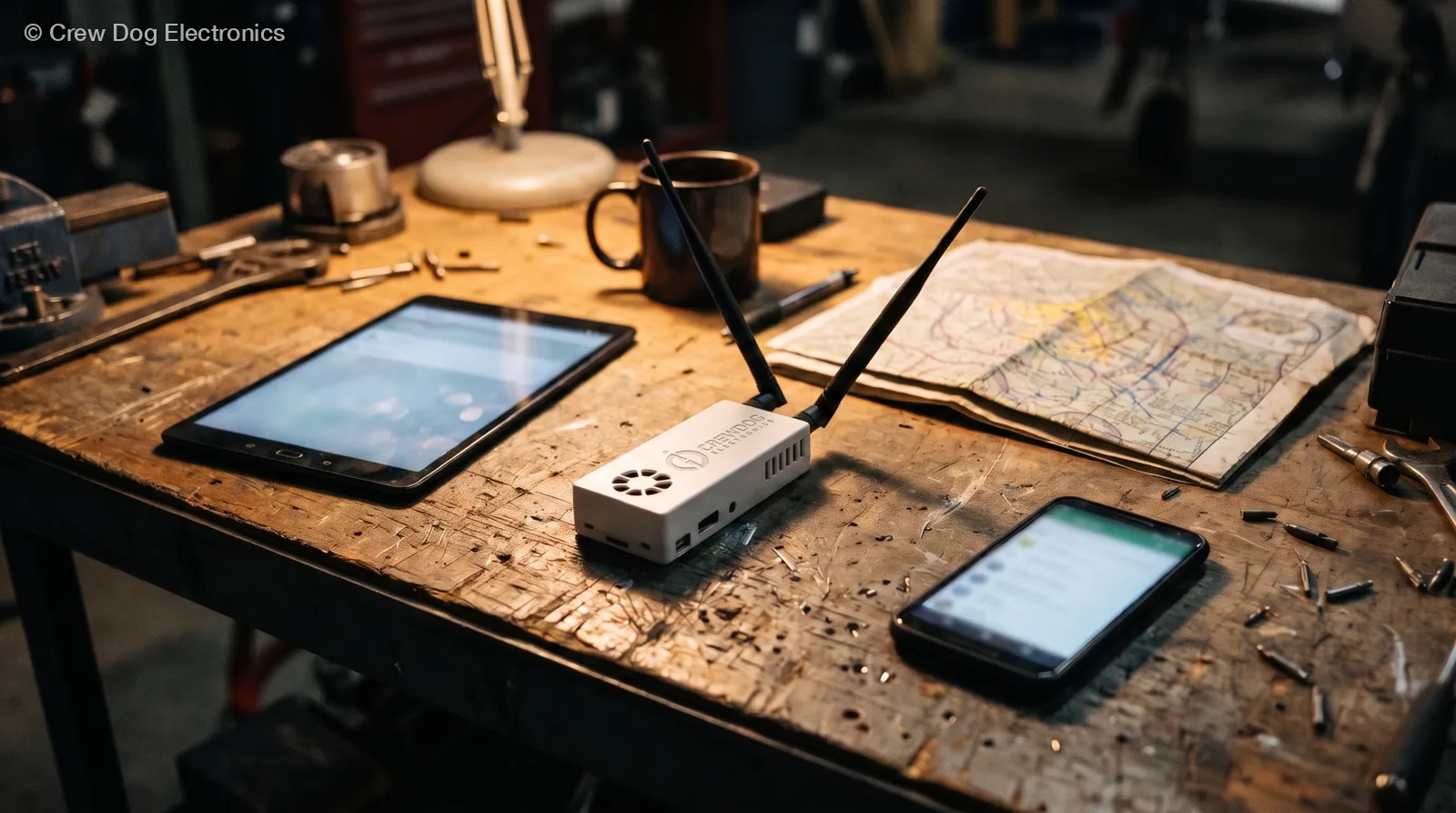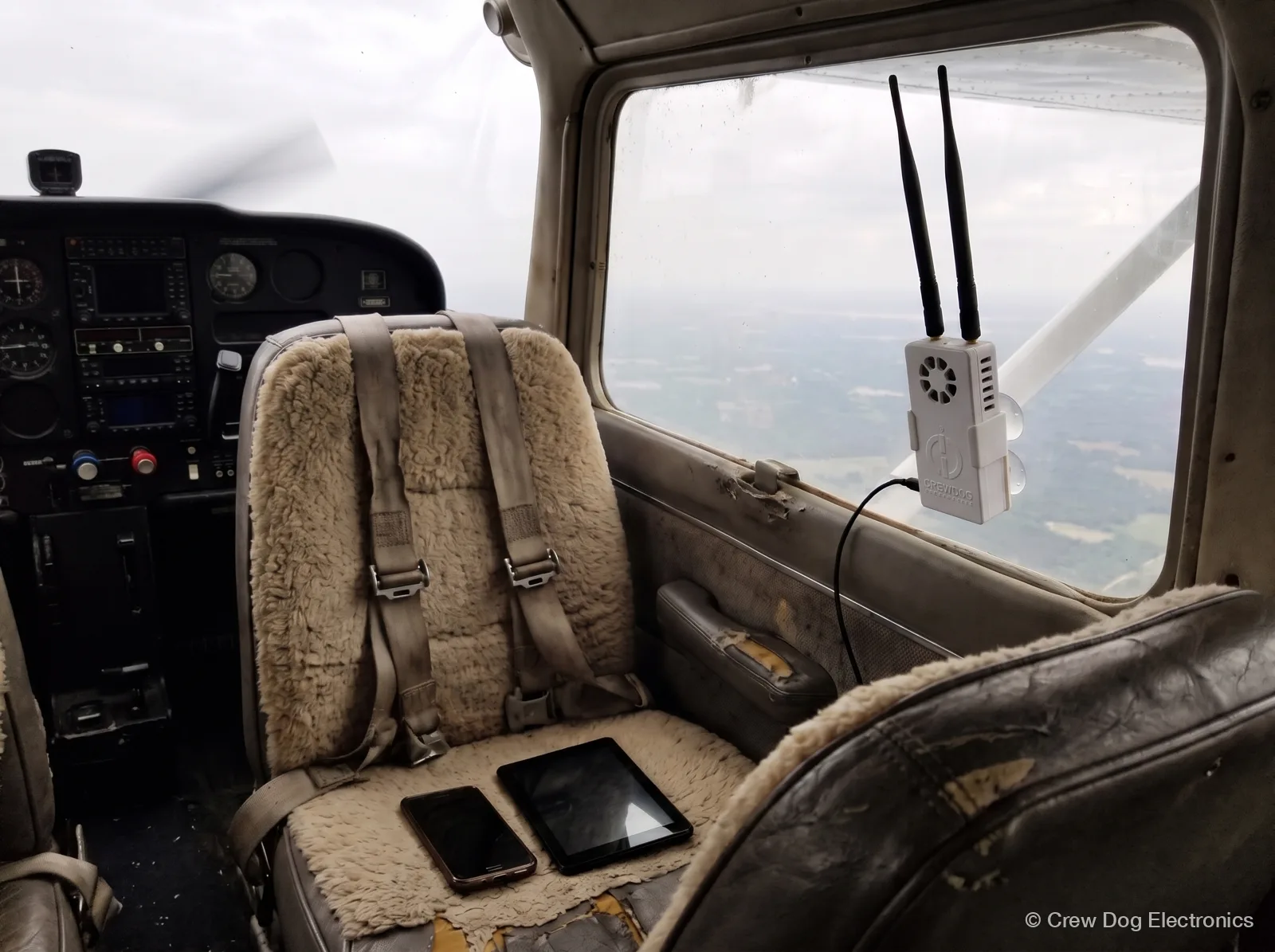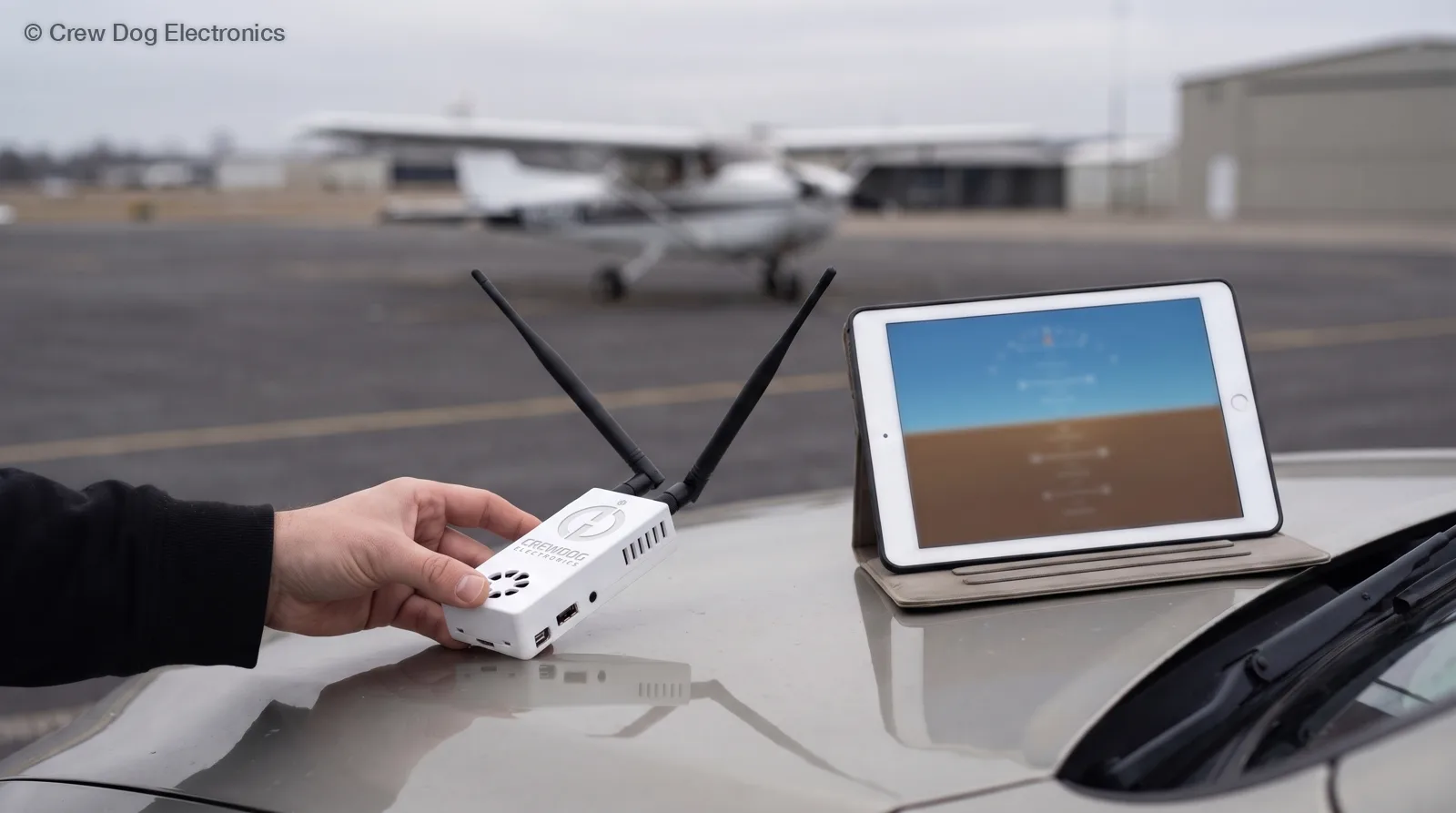
AHRS stands for attitude and heading reference system. It’s the set of solid-state sensors that tells your display which way the airplane is pitched, banked and pointed. Glass panels run on one, and so do some portable ADS-B receivers, including every Stratux we sell. A panel AHRS can be certified as a primary instrument. A portable one, like ours, isn’t. It’s a backup.
What AHRS stands for in aviation
Attitude and heading reference system. Attitude is pitch and bank. Heading is where the nose points. An AHRS does the job the vacuum attitude indicator and the directional gyro used to do, with nothing spinning.
The FAA approves certified AHRS units under TSO-C201. The older attitude and heading TSOs, written for spinning, gimbaled gyros, date back to 1958 (FAA AC 20-181).
How an AHRS works
An AHRS blends a few sensors, because none of them is trustworthy alone.
- Gyros (rate sensors) measure how fast the unit is rotating. They react fast but drift over time.
- Accelerometers feel which way gravity pulls. That gives the software a “down” to pull the gyros back to.
- A magnetometer senses the Earth’s magnetic field for heading, in units that use one.
- Aiding sources like GPS and air data give the software more to check against, especially in turns and speed changes.
Software fuses all of it into one attitude and heading. In small units the sensors are MEMS chips, tiny micro-electromechanical parts. Larger systems can use ring-laser or fiber-optic gyros (FAA AC 20-181). For a sensor-by-sensor walk-through, see what is an AHRS.
How a G1000 AHRS works
A G1000 uses a GRS 77 AHRS with a separate GMU 44 magnetometer for heading. Garmin’s guide for examiners and CFIs says both are solid-state and initialize in under a minute. They can even initialize while taxiing, or in flight at up to 20 degrees of bank (Garmin G1000 guide, via FAA).
The GRS 77 cross-checks itself against GPS, the air data computer and the magnetometer. If they don’t agree, you’ll see a red X over the attitude display and “Attitude Fail.” If only the magnetometer fails, you lose stabilized heading and keep attitude (same source).
What ADAHRS means
ADAHRS is an air data, attitude and heading reference system. It senses both attitude and air data (airspeed, altitude and vertical speed from the pitot-static system), so one unit does the job of an AHRS plus an air data computer. Garmin’s AXIS pilot’s guide for experimental aircraft lists its GSU 25 as one. It also says an ADAHRS needs GPS and airspeed inputs to aid it (Garmin AXIS pilot’s guide).
What the Stratux AHRS does
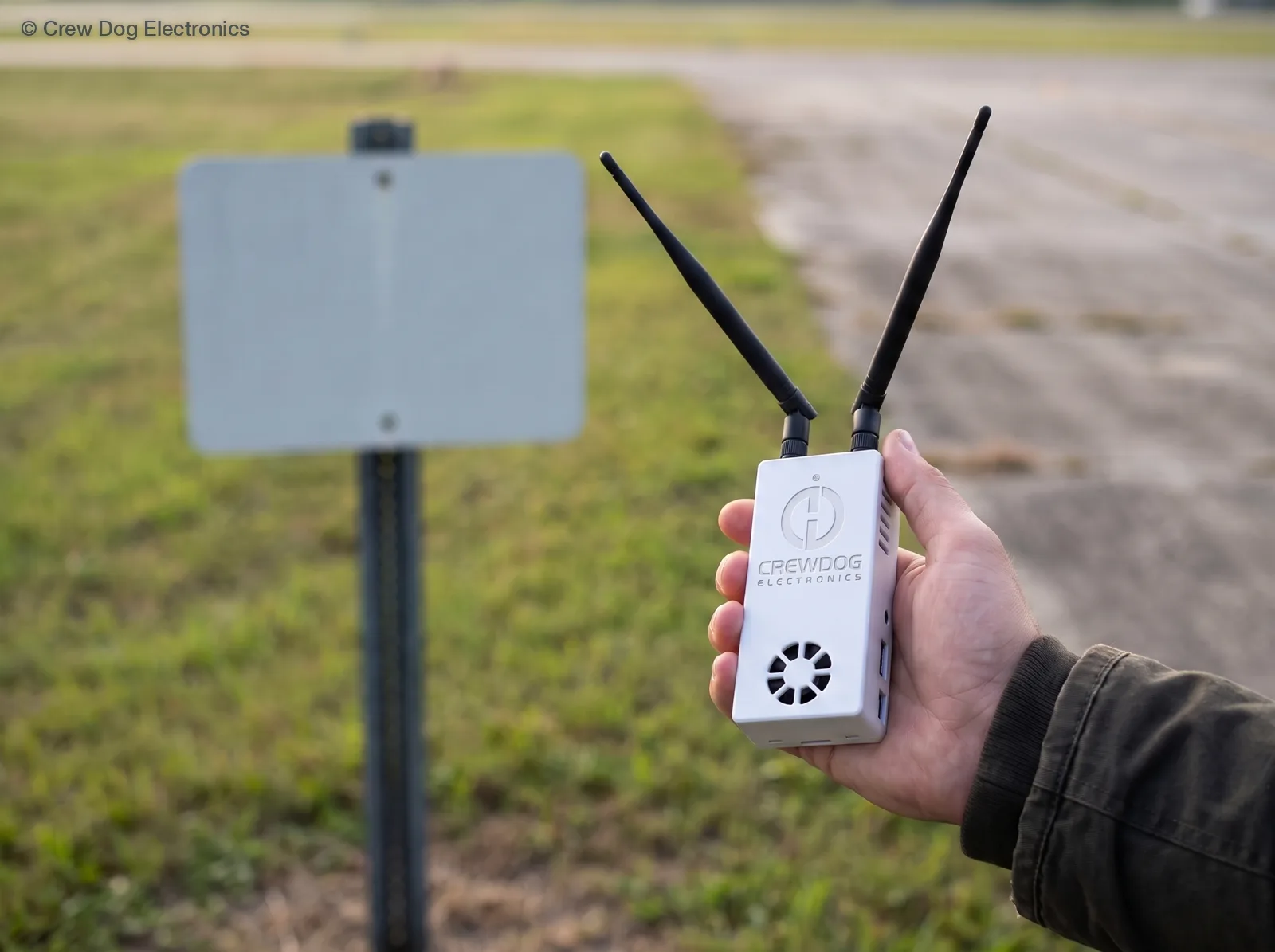
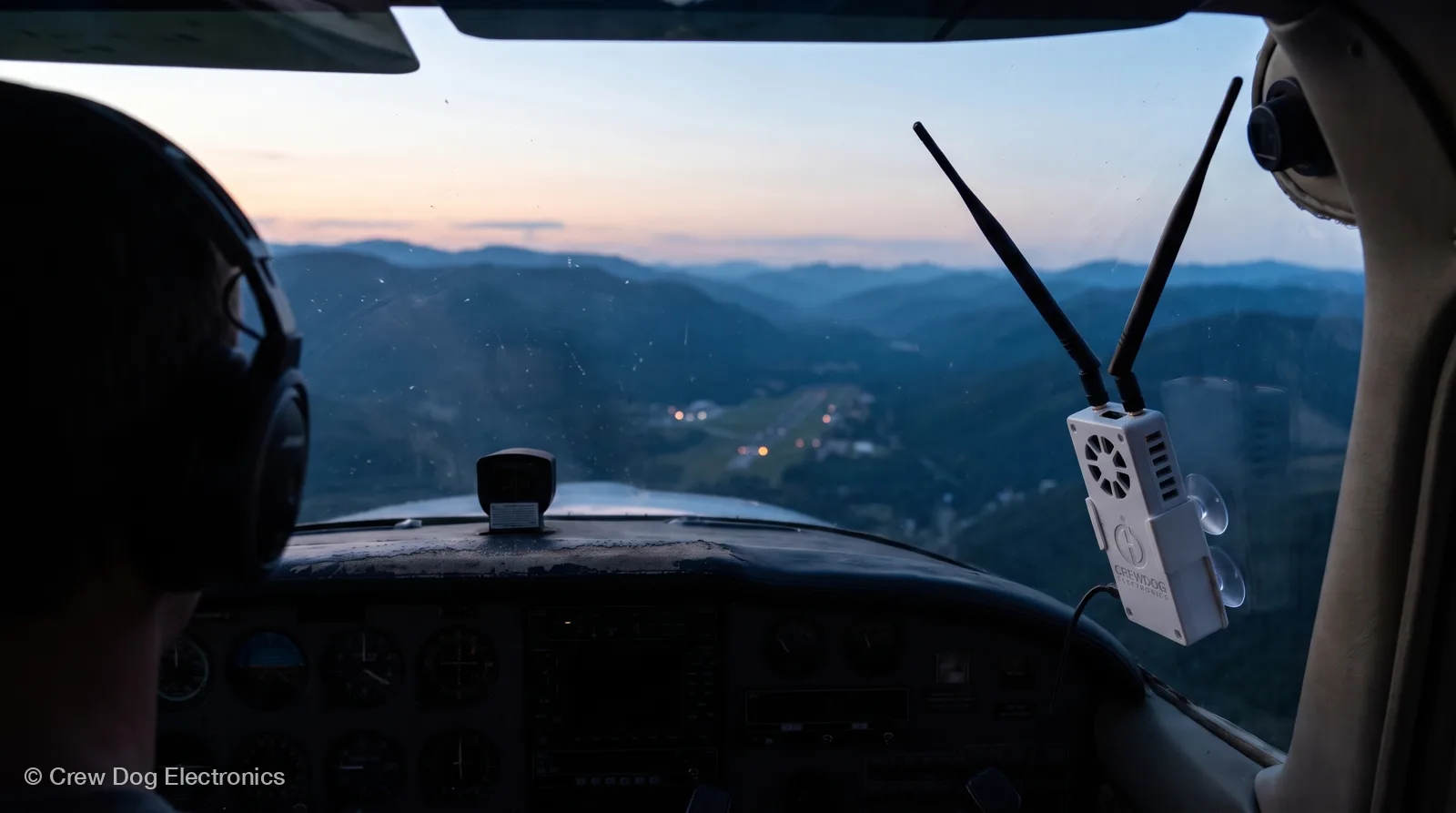
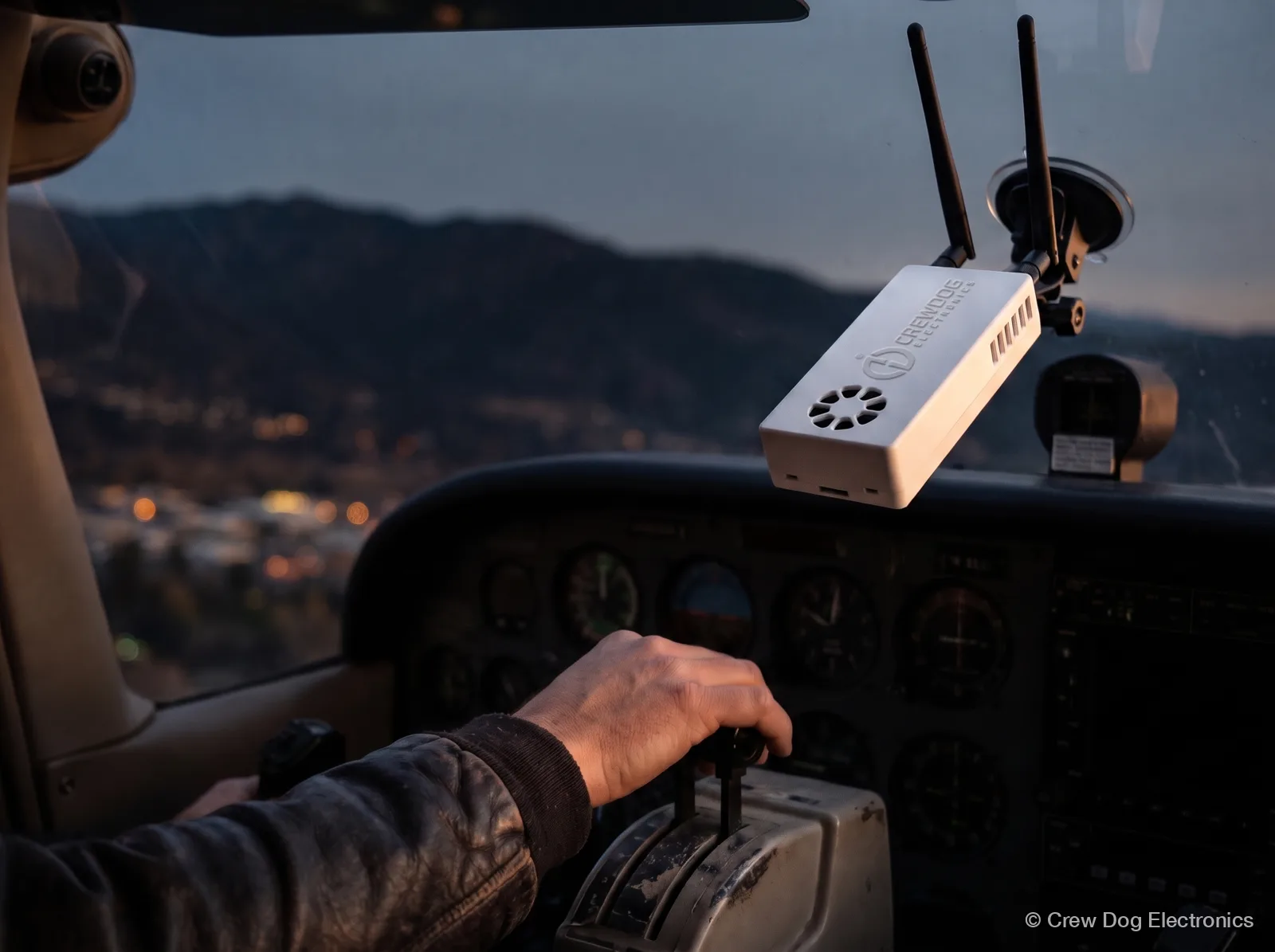
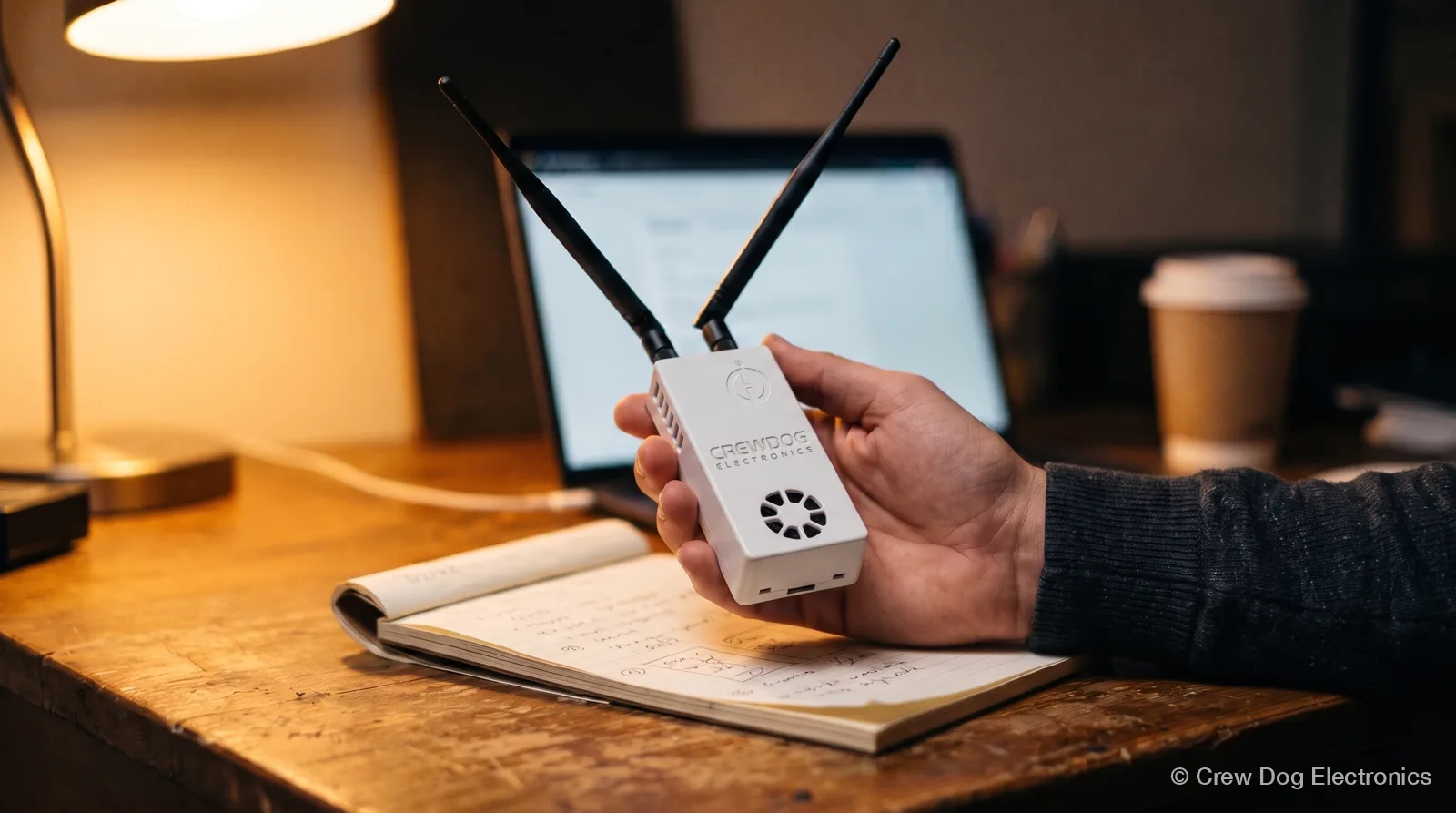
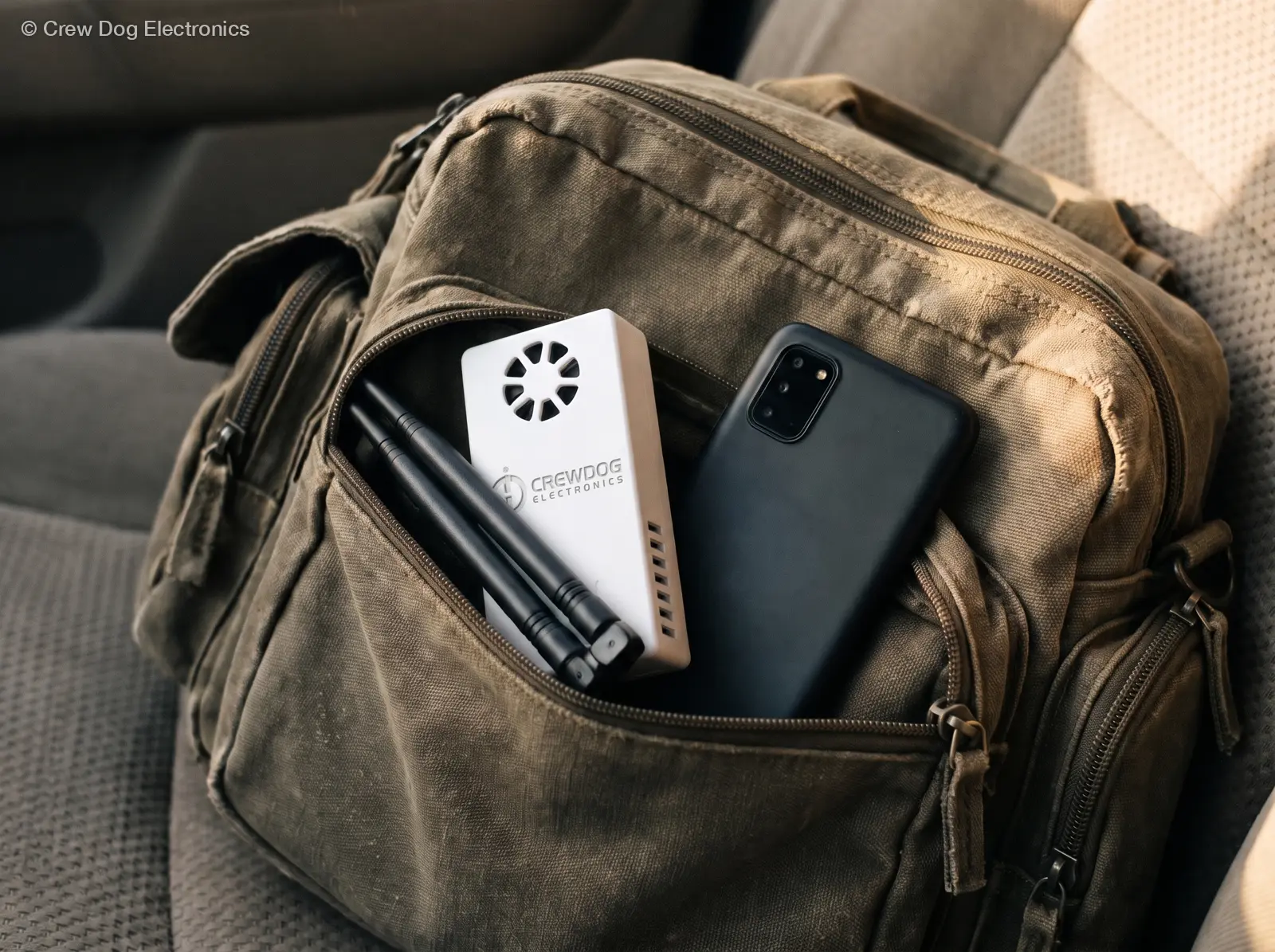
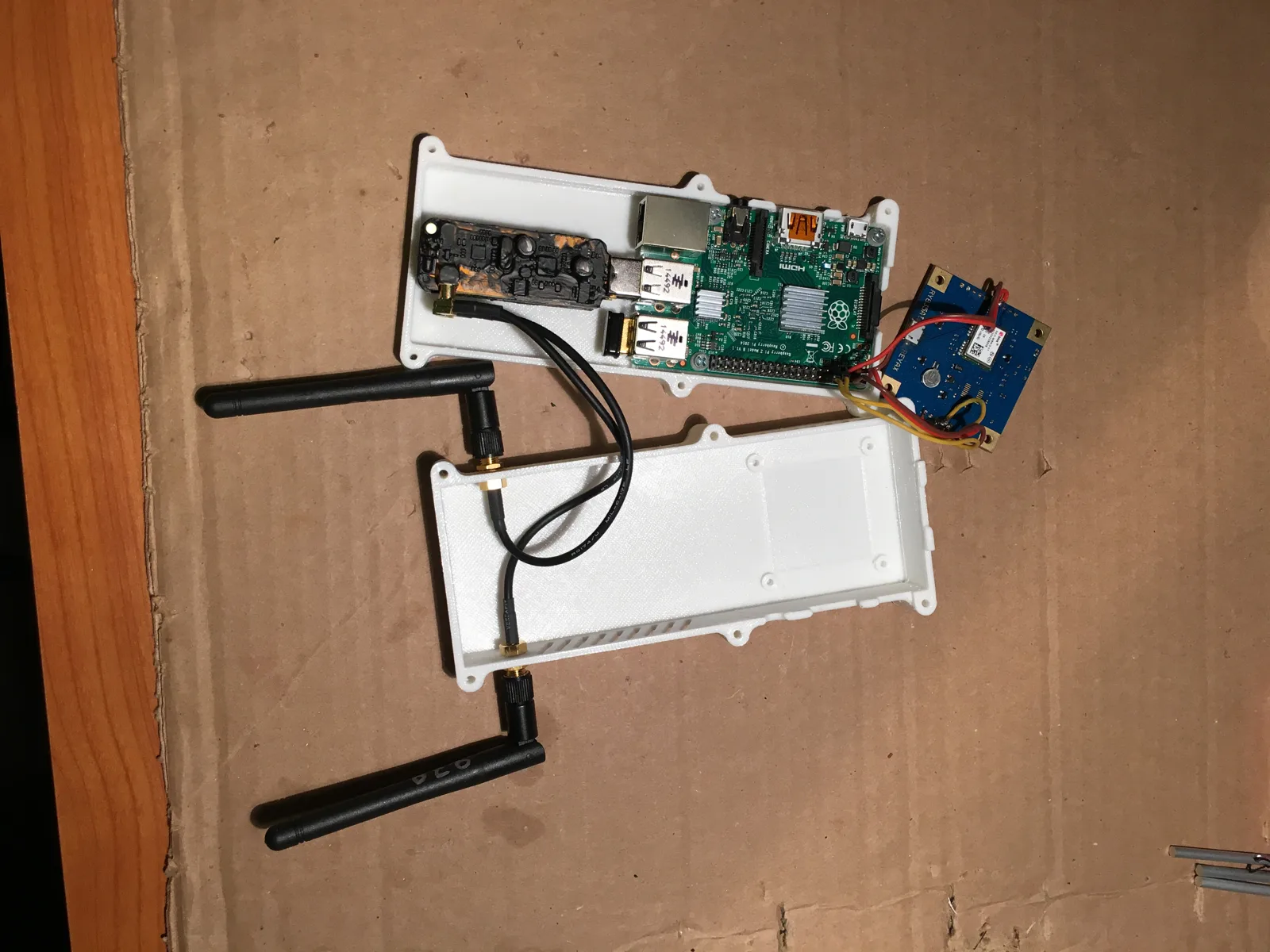
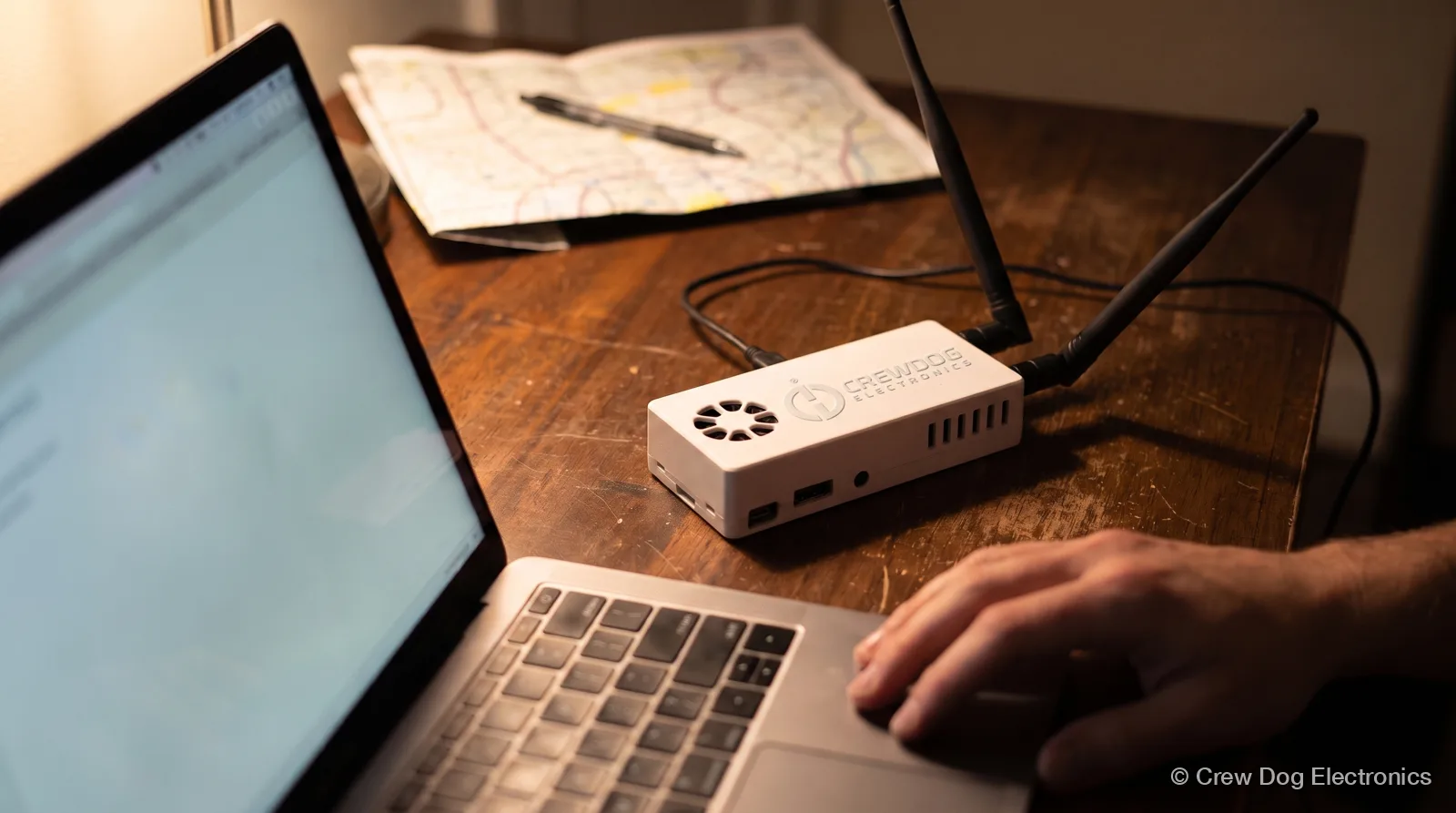
The Stratux AHRS is a small board inside the receiver. It sends pitch and roll to your EFB over the same Wi-Fi link as traffic and weather. Apps that support it show a backup attitude indicator or synthetic vision.
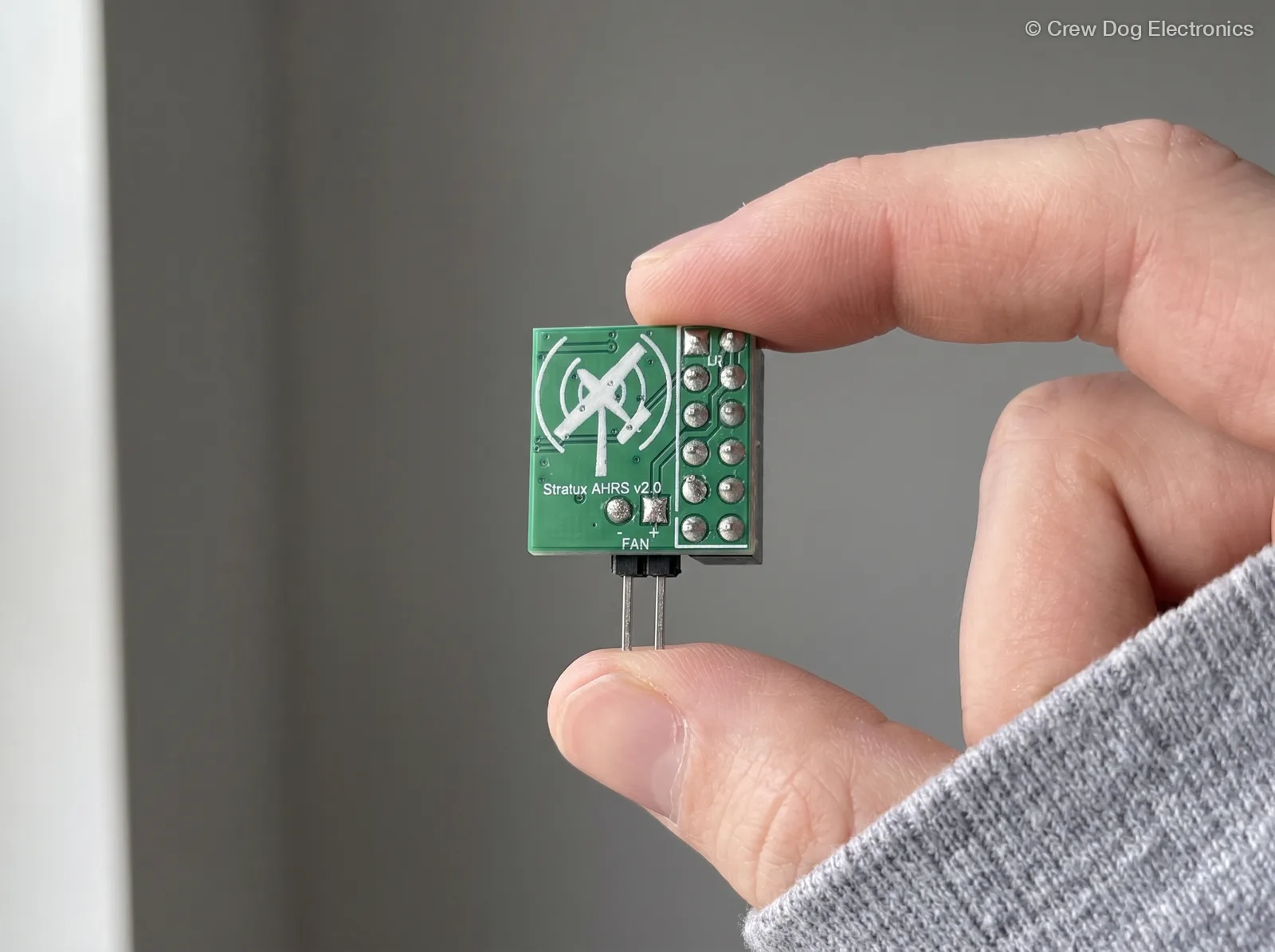
Attitude needs a GPS fix. Stratux only marks it valid when it has one, so give the unit sky view before you trust the display.
What’s on it and how it behaves, straight from the Stratux source code:
- Sensors. A motion chip (BMX160, ICM-20948 or MPU-9250 family) and a pressure sensor (BMP-388, BMP-280 or BMP-58x), depending on the board revision.
- The math. Stratux uses the SimpleAHRS filter from the goflying library. Eric (bonanzaeric) wrote the original Stratux AHRS code.
- Heading. The heading it sends your app comes from GPS track and the gyro. The magnetometer doesn’t feed it.
- GPS matters. Stratux only marks the attitude it sends to your app as valid when it has a GPS fix. On the ground, slower than about 5 knots, it reports no heading.
A common “my AHRS is broken” message we get is someone testing it on the ground with no GPS fix. Pitch and roll work sitting still. What your app’s waiting on is the orientation and a GPS fix. Heading also needs some movement, over about 5 knots. The GROUND TEST MODE banner on the status page is normal. It clears once GPS accuracy is better than 30 meters.
In ForeFlight, synthetic vision terrain and obstacles show without an AHRS. The pitch and roll part needs one (ForeFlight support).
What it doesn’t do
It isn’t certified for IFR or as a primary attitude instrument. Portable AHRS units, ours included, are backups. Keep your panel instruments and your training as the primary reference. The Stratux is a backup device. It’s a good one to have if the vacuum pump quits, but don’t let it talk you into weather you couldn’t handle without it.
Set it up in three steps
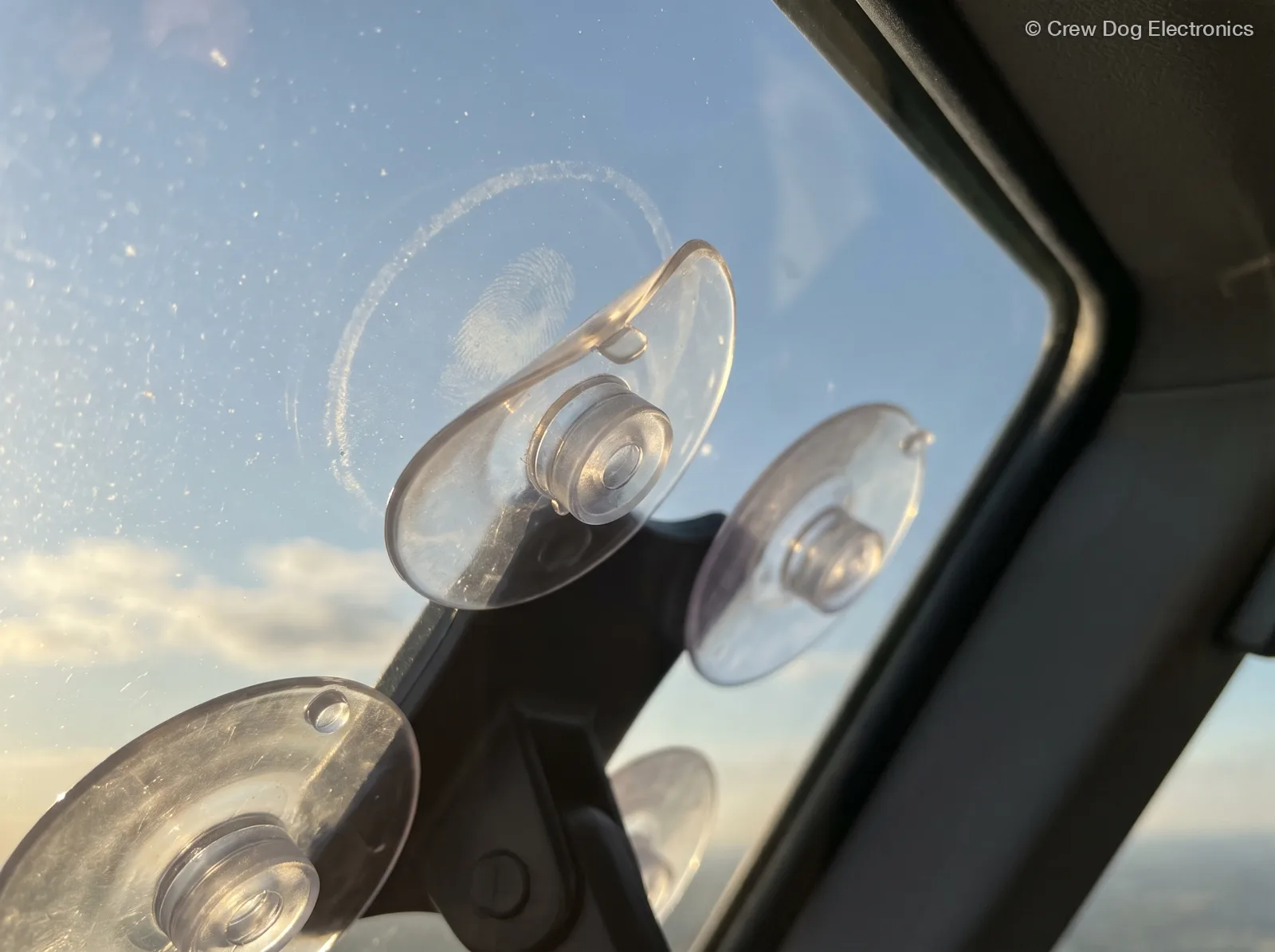
- Mount it where it’ll sit in flight.
- Set the orientation at 192.168.10.1 under Settings, so Stratux knows which way the nose points. Redo it any time the mount changes.
- Calibrate on the ground, level and still. The calibration doesn’t reject movement, so don’t run it while taxiing.
Then tilt the unit and watch the attitude move on the GPS/AHRS page. Our AHRS board guide has the full install and calibration steps. Out of a few thousand chips we’ve seen a few dozen bad ones. If the status page says the sensor wasn’t found, drop us an email. A bad chip can be replaced.
Getting an AHRS
Every Stratux we sell comes with the AHRS board. The Internal GPS model is $439.99 with the battery, mount and strap (price on Nov 10, 2026). Have an older Stratux without one? The AHRS board is $39.99. Email us your model first so we can check the fit. Comparing receivers? Our ADS-B receiver buyer’s guide covers what else to look for.
Compatible with ForeFlight® and most other EFBs via standard GDL90.
FAQ
What does AHRS stand for in aircraft?
Attitude and heading reference system. It gives your display pitch, bank and heading from solid-state sensors.
Is AHRS the same as a gyro?
No. A gyro is one of the sensors inside it. The AHRS blends gyros with accelerometers, and often a magnetometer and GPS.
Can I fly IFR with a portable AHRS?
Not as your primary attitude reference. Portable AHRS units, ours included, aren’t certified as primary attitude instruments. Your required instruments are still the panel ones.
Why does my Stratux AHRS say GROUND TEST MODE?
It’s normal on the ground. The banner shows until GPS accuracy is better than 30 meters, then clears on its own.
Next step
Power your Stratux up outside, wait for a GPS fix, and open 192.168.10.1. Tilt the unit and make sure the horizon follows. Then set the orientation before your next flight.